An analytics setup can begin with one BI tool and later serve an internal dashboard, a customer portal, and a mobile application. If each surface owns its own metric logic and access rules, a data-model change becomes a coordinated migration instead of a single governed change.
Headless BI architecture moves analytics logic behind an interface that multiple presentation layers can use. It can reduce that coupling, but it also introduces an API contract, semantic governance, and operational ownership that must be designed explicitly.
Why Traditional BI Architectures Create Technical Debt
Most traditional BI tools (Looker, Tableau, Power BI) bundle everything together: data modeling, business logic, visualizations, and access control all live in the same monolithic platform.
This works well initially. You connect to your data warehouse, define some metrics, build dashboards, and you're done. The problem emerges when you need to:
- Expose the same metrics across multiple applications (internal tool + customer dashboard + mobile app)
- Give different teams different UIs while maintaining consistent metric definitions
- Switch visualization layers without losing your metric logic
- Support real-time updates across all your data consumers
Three Surfaces Calculating MRR Locally Will Eventually Disagree
Consider a sales dashboard, customer-facing analytics surface, and mobile app that each calculate "Monthly Recurring Revenue" locally. Even small differences in exclusions, currency conversion, or effective dates create three implementations of what users expect to be one metric.
When the numbers diverge, the team must compare code paths before it can compare business results. That is the coupling problem: the definition and its presentation cannot change independently. Our complete embedded analytics guide covers the surrounding delivery choices in detail.
When You Hit the Wall
The architecture deserves review when:
- You need to embed analytics into your product and realize your BI tool wasn't built for that
- Your data model changes and you have to update metric definitions across multiple tools
- Your customers request white-labeled analytics that matches their brand, not your BI tool's interface
- Performance becomes critical and legacy iframe implementations can't keep up
This is when teams start looking at headless architectures.
What Makes an Architecture "Headless"
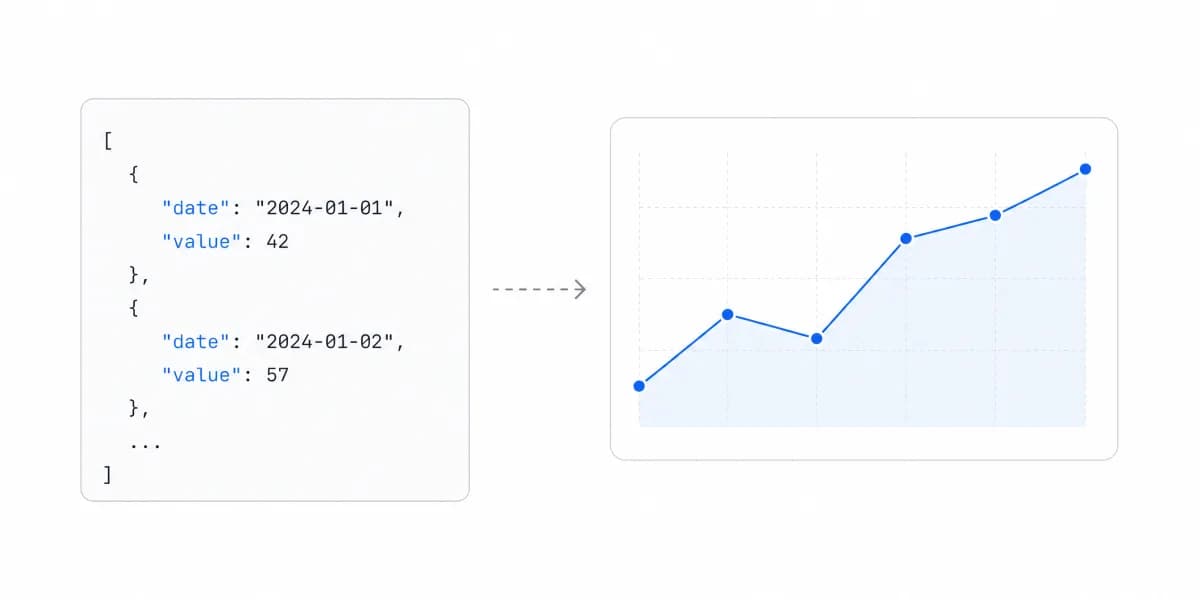
Headless BI decouples your analytics backend (data modeling, business logic, metrics definitions) from your presentation layer (dashboards, visualizations, UIs).
Instead of one tool doing everything, you get:
The backend keeps the modelling, the transformations and the definitions
- Data modeling and transformations
- Business logic and metric definitions
- Access control and security rules
- Query optimization and caching
The API and SDK boundary is where the contract between the halves sits
- RESTful APIs for data access
- SDKs for your frontend framework (React, Vue, Angular)
- Real-time data streaming
- Authentication and authorization
Presentation is the only layer you are meant to swap
- Managed UI components (like Sumboard's approach)
- Or custom dashboards built from scratch
- White-labeled analytics
- Mobile-optimized views
The key difference: the backend provides consistent data through APIs, while the presentation layer can vary based on your needs, from fully managed components to completely custom builds.
A Headless BI Architecture Has Four Components, and They Split Cleanly
A proper headless BI architecture includes:
-
Semantic Layer: Maps raw database tables to business-friendly concepts. "user_subscriptions.amount" becomes "Monthly Recurring Revenue"
-
Metrics Store: Single source of truth for all metric definitions. Define "Active Users" once, use it everywhere
-
Access Control: Row-level security, multi-tenancy, and user permissions built into the data layer, not scattered across visualization tools
-
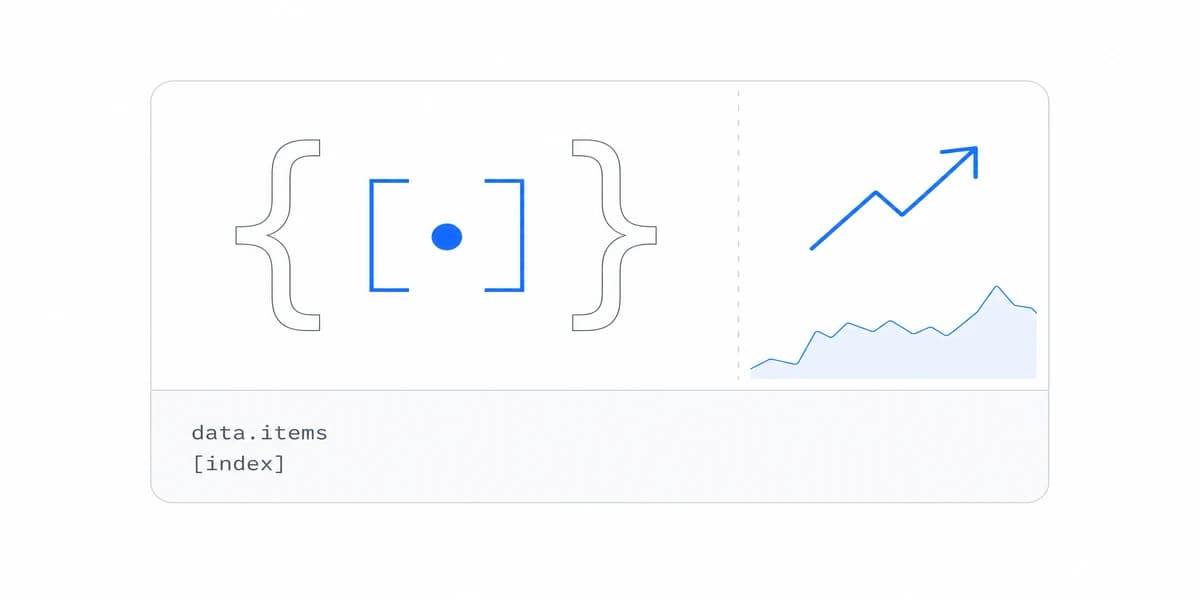
API/SDK Interface: Standard REST APIs, GraphQL endpoints, or framework-specific SDKs (like Sumboard's React, Vue, and Angular support) for accessing data
How It's Different from Traditional BI
Bundled BI path
Data Warehouse → BI Tool (modeling + visualization) → Users
Decoupled path
Data Warehouse → Backend (modeling + metrics) → API/SDK → Presentation → Users
With traditional BI, you're locked into the tool's visualization layer. With headless BI, the backend ensures consistency while the presentation layer provides flexibility. The difference becomes especially clear when comparing iframe integration headaches with modern SDK approaches.
An architectural approach that separates analytics logic (metrics, modeling, access control) from presentation, exposing data through APIs instead of bundling visualization into a single monolithic platform.
Every Vendor Says Flexibility, so Here Is What It Buys in Practice
Every vendor talks about "flexibility" and "customization," but what does that actually mean in practice?
For a Developer, Analytics Becomes a Component in the Existing Framework
Application integration: An SDK can expose analytics as components or configuration inside React, Vue, or Angular. Verify responsive behavior, accessibility, theming coverage, authentication, and failure states in the host application; the presence of an SDK does not guarantee a native experience.
Independent change paths: A compatible metric change can ship without a presentation rewrite, and a UI change can ship without moving metric logic. Breaking API or semantic changes still require versioning and consumer migration.
Measurable performance ownership: A decoupled interface lets the product team choose caching, prefetching, payload shape, and rendering strategy. Whether it outperforms another architecture depends on the query path and implementation, so compare candidates on the same data, cache state, device, and dashboard complexity.
Modern Development Workflow: Metrics definitions can live in version-controlled configuration. Changes go through your standard development process. You can test and deploy analytics updates like any other feature.
Sumboard's embedded analytics platform exposes an SDK-first approach for familiar frontend frameworks. Treat the initial component connection separately from production delivery: data modelling, tenancy, dashboard design, security review, monitoring, and release approval determine the full schedule.
For the Business, One Metric Definition Serves Every Surface
Reusable metric definitions: Internal dashboards, customer-facing analytics, and mobile apps can request the same governed definition of "Revenue." Add semantic tests and ownership rules so consumers cannot silently recreate it elsewhere.
White-label control: A separate presentation layer can use the product's design system rather than a vendor's default interface. Our white-label capabilities guide separates basic branding, theme control, and deeper component-level customization.
Multiple consumers: One backend can serve an internal tool, customer portal, and mobile app through different UIs. Freshness still depends on ingestion, transformation, cache, and query policies; headless delivery does not make source data real-time by itself.
Explicit evolution boundary: Versioned contracts let backend and frontend changes proceed independently when compatibility is preserved. The benefit is controlled change, not immunity from migrations.
Choose one metric currently implemented in two surfaces. Move its definition behind the proposed semantic interface, add expected-result tests, and change the definition once. The proof succeeds only if both consumers receive the intended version without duplicating the calculation or weakening tenant controls.
When Headless BI Makes Sense (And When It Doesn't)
Headless BI isn't always the answer. Like any architectural decision, it comes with trade-offs.
Headless BI Earns Its Extra Architecture Only in Specific Cases
Signals that justify the extra architecture
- You're embedding analytics into your product and need control over branding and UX
- You have multiple applications that need to display the same metrics consistently
- Your development team is comfortable integrating with modern SDKs and APIs
- Performance is critical and you need optimized rendering
- You want API-first architecture for maximum flexibility
Product contexts that commonly need the separation
- B2B SaaS companies offering customer-facing analytics
- Multi-tenant applications requiring row-level security
- Products with mobile and web versions that need consistent data
- Teams already using modern frontend frameworks (React, Vue, Angular)
When Simpler Solutions Work Better
Signals that a managed BI surface may be enough
- You primarily need internal analytics with no embedding requirements
- Your team prefers drag-and-drop builders to SDK integration
- One stable dashboard surface serves the audience and metric logic is not duplicated elsewhere
- Time-to-market is more important than architectural flexibility
- Your team lacks development capacity for integration work
In these cases, a traditional BI tool or a simpler analytics solution with pre-built templates might get you to production faster.
Headless BI trades another contract and governance layer for reusable logic and presentation freedom. Even when the first SDK connection is short, production delivery still needs developers who can own integration, security, testing, and operations.
For teams with several consumers or strict product-surface requirements, the approach can remove duplicated logic and unlock deeper UI control. Validate that value with the proof-of-concept test above before committing to the additional architecture.
Where to go next
- Headless BI guide: the metrics layer underneath all of this, and what each exposure route leaves you owning.
- Live dashboard best practices: choose live-dashboard refresh, caching, alerting.
- Architecture articles: every article in this cluster.
Ready to launch customer-facing analytics?
Stop losing customers to competitors with better analytics. Sumboard's customer-facing analytics platform lets you launch self-service dashboards in days, not months.