We've been talking with a lot of product teams lately who are embedding AI and machine learning into their products. And there's a pattern we keep hearing: the models work great, but users don't trust them.
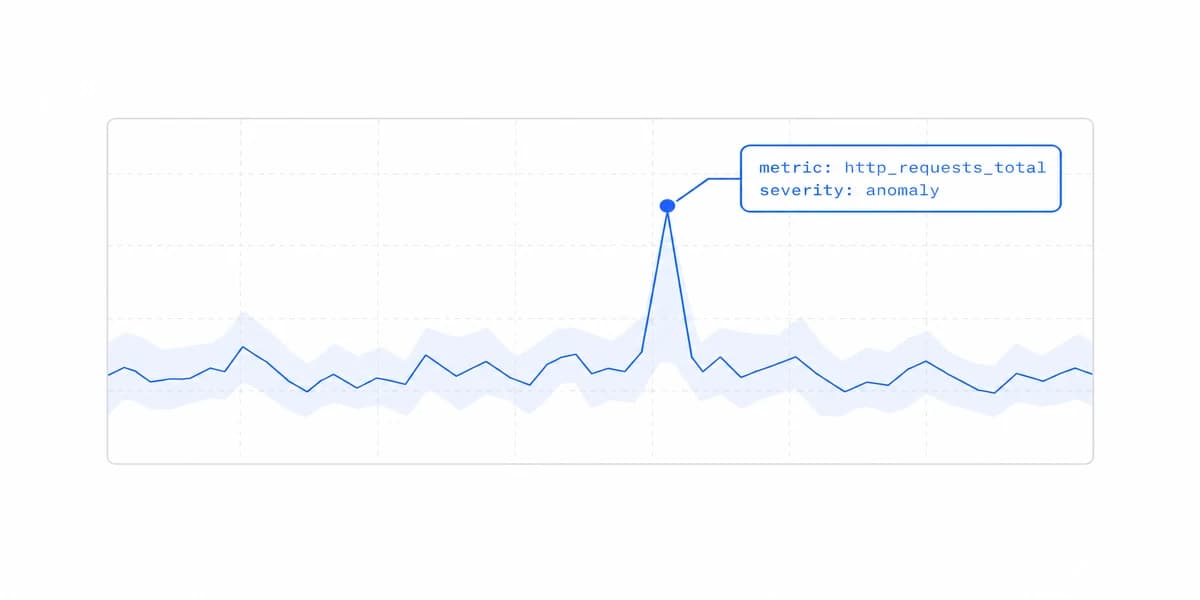
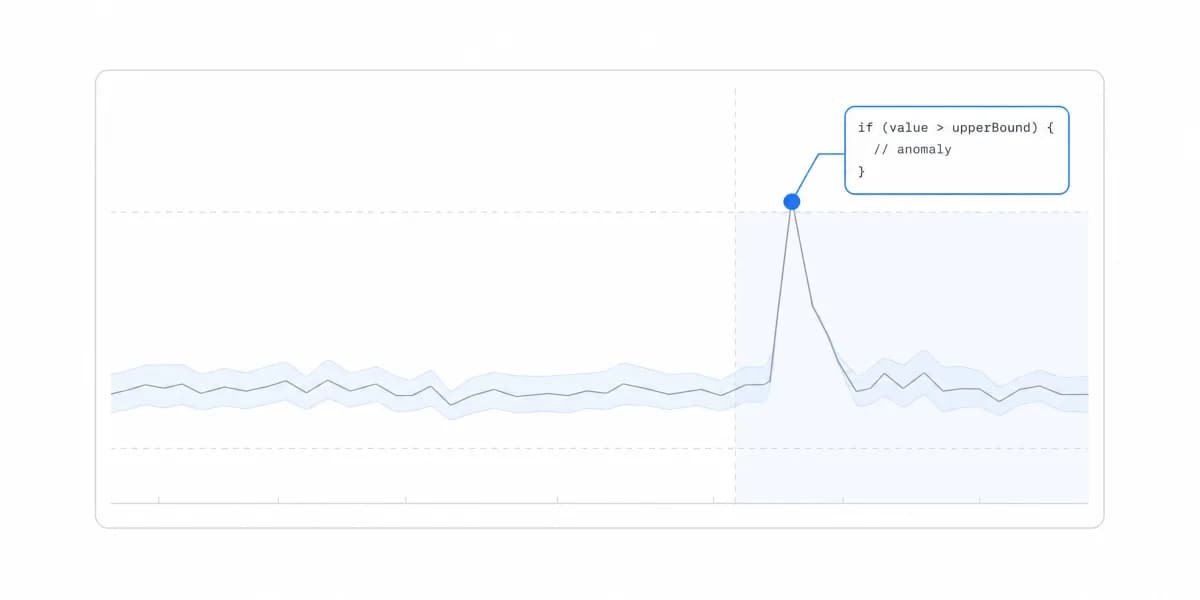
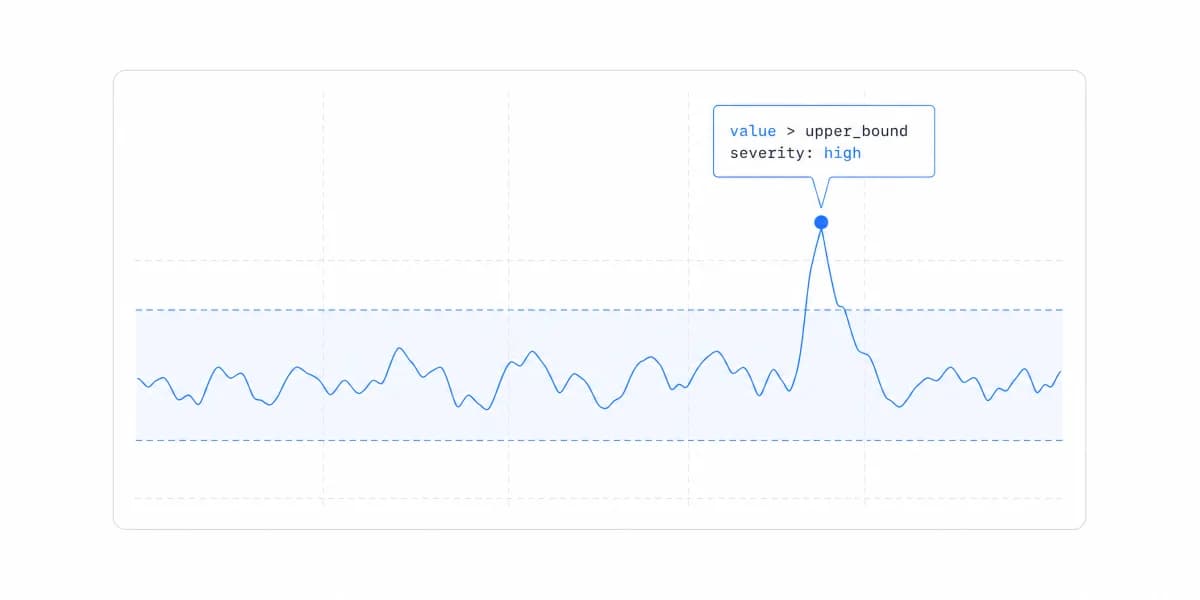
A fraud score can be statistically strong and still fail the person whose transaction it blocks. If the interface shows only the decision, the user and the support team have no way to inspect which factors drove it.
A "show me why" view closes that gap by visualizing the factors behind the specific result. That's the power of machine learning visualization. It's not about making charts for data scientists. It's about making AI decisions understandable for the people using your product.
Why Machine Learning Visualization Matters for Product Teams
Here's what's changed in the last few years: machine learning has moved from research labs into production software. Your SaaS product probably uses ML for recommendations, predictions, or automation.
But unlike traditional software where users can see inputs and outputs, ML models make decisions based on patterns in data that aren't always obvious. Users have a simple question: "Why did the system decide that?"
Without visualization, you can't answer it. You end up with:
- Lower adoption rates (people don't trust what they don't understand)
- More support tickets ("why was this flagged?")
- Compliance headaches (regulations increasingly require ML explainability)
- Harder product iterations (you can't improve what users can't interact with)
The teams that are winning right now aren't just building better models. They're building better ways to explain those models to their users.
Loan Officers and Doctors Replaced Data Scientists as the Audience for ML Visuals
Ten years ago, machine learning visualization meant confusion matrices and ROC curves shown to data scientists. The tools were built for technical experts who understood terms like "precision-recall tradeoff" and "feature importance."
Then something shifted. Companies started embedding ML directly into customer-facing products, credit scoring, content recommendations, medical diagnostics, hiring tools.
Suddenly the people who needed to understand ML decisions weren't data scientists. They were loan officers, content creators, doctors, and HR managers. The visualization had to evolve.
We're seeing three major trends:
Interactive over static. Instead of showing a fixed chart, modern ML visualizations let users explore. "What if I changed this input?" becomes a question users can answer themselves.
Explanatory over technical. Features like SHAP (SHapley Additive exPlanations) translate complex model internals into "this factor increased the score by 15%" insights that non-technical users can grasp.
Embedded over separate. Rather than exporting ML insights to BI tools, teams are embedding visualizations directly into their product workflows, right where decisions are made. This approach aligns with modern chart types and visualization best practices that prioritize user experience.
In regulated industries like finance and healthcare, ML explainability isn't optional anymore. GDPR's "right to explanation" and similar regulations mean your ML visualizations need to clearly show how decisions are made.
What Makes Machine Learning Visualization Effective?
Not all ML visualizations are created equal. After looking at hundreds of implementations, we've noticed the effective ones share specific characteristics.
They answer "why" without requiring a PhD. The best ML visualizations translate model internals into plain language.
Instead of showing raw feature weights, they show "Your credit score increased because you've had on-time payments for 18 months." Same information, completely different cognitive load.
They're contextual. Generic dashboards showing overall model performance are useful for data scientists. But users need to see visualizations in context, right next to the specific prediction or decision they're questioning.
A fraud flag visualization needs to appear with the transaction, not buried in a separate analytics tab.
They enable action. Good ML visualization doesn't just explain what happened, it shows what users can do about it. "If you want to improve your score, here are the top 3 factors you can influence" turns insight into agency.
They scale across expertise levels. Your product might serve both novices and experts. Effective ML visualization uses progressive disclosure: simple explanations by default, with the ability to drill into technical details for those who want them. This follows proven data visualization best practices that prioritize clarity.
A method for explaining individual predictions by computing how much each feature contributes to a model's output. SHAP values show both the direction (positive or negative) and magnitude of each feature's impact, making black-box models interpretable.
The Black Box Problem Is a Visualization Gap, Not an Algorithm Mystery
The "black box" problem in machine learning isn't really about the algorithms being mysterious. It's about visualization failing to bridge the gap between how models work and how humans think.
Consider decision trees. They're one of the easiest ML models to visualize because they mirror how people naturally think: "If this, then that." You can literally draw the decision flow, and users get it immediately.
The challenge is that modern ML (neural networks, ensemble methods, gradient boosting) doesn't work like decision trees. The decision process is distributed across thousands of parameters.
That's where techniques like LIME (Local Interpretable Model-agnostic Explanations) come in. Instead of trying to visualize the entire model, LIME shows how the model behaved for a specific prediction.
For a medical diagnosis, it might highlight which symptoms had the most influence. For a content recommendation, it shows which past behaviors drove the suggestion.
The key insight: users don't need to understand your entire model. They need to understand the specific decision affecting them right now.
Practical visualization approaches we're seeing work:
Feature importance charts showing which inputs mattered most for a given prediction. Usually displayed as horizontal bar charts ranked by impact.
Counterfactual explanations showing "if you changed X, the outcome would be Y." This turns passive observation into actionable insight.
Confidence intervals that acknowledge uncertainty. Instead of "87% likely," show "between 82-92% likely with moderate confidence." Honesty about model limitations builds trust.
Four Obstacles Separate an Internal ML Visualization From a Shipped One
Here's where most teams hit a wall. You've built great ML visualizations for your data science team. Now you need to embed them into your customer-facing product.
And suddenly you're dealing with:
- Different tech stacks (your ML runs in Python, your product is JavaScript)
- Scale challenges (visualizing predictions for thousands of users simultaneously)
- Real-time requirements (users expect instant explanations)
- Design consistency (ML charts need to match your product's look and feel)
The traditional approach is building custom visualization infrastructure from scratch. It works, but it's slow and expensive.
The teams we talk to report development cycles measured in months just to get basic ML visualizations into production. There's a faster path.
Modern AI-powered analytics platforms handle the infrastructure (rendering, caching, permissions, styling) so you can focus on the ML logic itself. Instead of building chart libraries and authentication systems, you define what to visualize and where.
For example, when a fraud detection model flags a transaction, you want to show users why. With an embedded approach:
- Your model runs its prediction
- It generates SHAP values or feature contributions
- The embedded visualization automatically renders those insights
- Users see explanations near-instantly
Same pattern works for recommendation explanations, risk score breakdowns, or any ML output that needs interpretation.
The companies getting this right aren't just adding ML to their products. They're making ML a transparent, trustworthy part of the user experience. And visualization is how they're doing it.
Where to go next
- AI analytics guide: the seven categories of AI analytics and the different question each one answers.
- AI Data Visualization: evaluate AI visualization through interpreted questions, governed semantics, authorization.
- AI Analytics articles: every article in this cluster.
Ready to launch customer-facing analytics?
Stop losing customers to competitors with better analytics. Sumboard's customer-facing analytics platform lets you launch self-service dashboards in days, not months.