Grafana is often introduced as an infrastructure dashboard, but that description is incomplete. It connects to telemetry systems, SQL databases, APIs, and cloud services; users can query, transform, visualize, explore, share, and alert on that data.
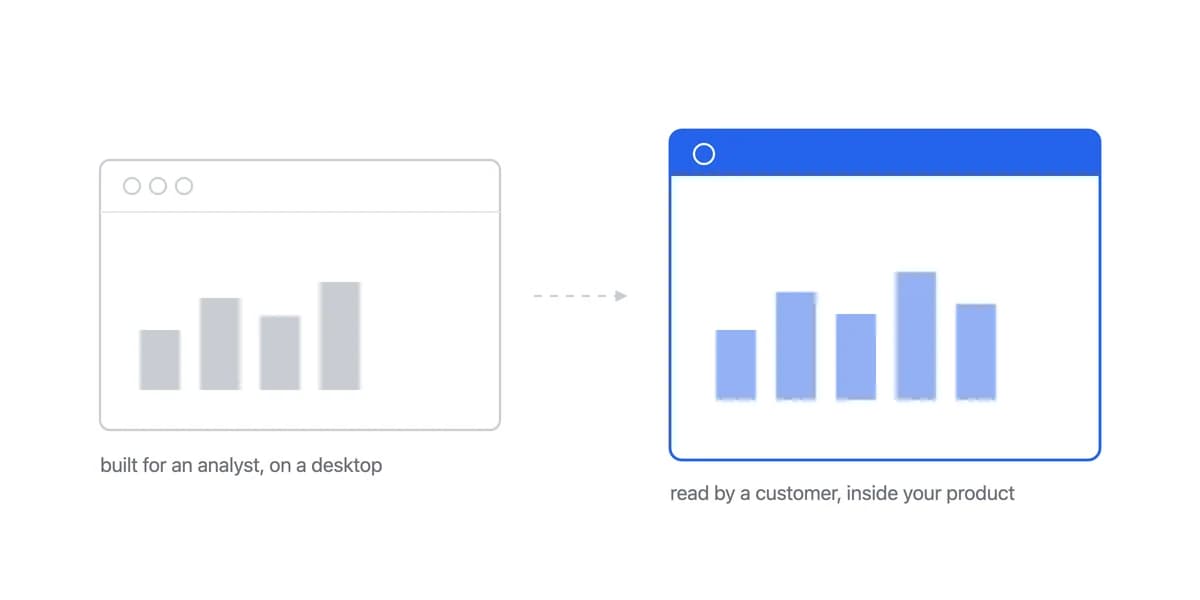
The harder question is whether a particular Grafana edition and delivery path meet a customer-facing analytics contract, the same one a customer-facing analytics product is measured against. That requires evidence about identity, tenancy, workflow, branding, accessibility, operations, and commercial terms.
What Grafana Provides Across Dashboards, Data Sources, and Alerts
Grafana is available as open-source software, Grafana Enterprise, and Grafana Cloud. The official Grafana documentation covers dashboards, Explore, alerting, administration, data sources, plugins, and integrations across these deployment models.
Grafana connects to systems such as Prometheus, Loki, InfluxDB, MySQL, PostgreSQL, Elasticsearch, APIs, and cloud services. Each data-source plugin defines connection, query, and capability behavior.
That plugin architecture creates breadth, but it does not make every source interchangeable. Query languages, credentials, alerting, caching, permissions, freshness, and sharing support still depend on the source, plugin, and edition.
Grafana's Capabilities Are Data Sources, Dashboards, Explore, Alerting, and Sharing
Grafana's data sources span telemetry and databases, through plugins
Grafana's data-source documentation distinguishes a configured data source from the plugin that powers it. Plugins can add data sources, visualization panels, or full applications, while Cloud integrations can package collection guidance, dashboards, alerts, and recording rules.
Variables and transformations let one Grafana dashboard serve many questions
Dashboards arrange panels that query and transform data. Variables can update queries, titles, links, and other elements. Refresh intervals, streaming support, query behavior, and data freshness depend on configuration and the source, so a dashboard should not be called real-time analytics without a measured end-to-end freshness target.
Explore handles the ad-hoc question and alerting handles the recurring one
Explore supports ad-hoc investigation across supported data. Grafana Alerting evaluates queries and expressions under configured conditions and routes alert events through contact points and notification policies. Test evaluation, missing data, recovery, grouping, permissions, and delivery rather than assuming a dashboard threshold is a complete incident workflow.
Grafana shares through links, snapshots, images, JSON, PDFs, and reports
Grafana supports internal links, externally shared dashboards, snapshots, images, JSON, PDFs, reports, and panel embedding in edition-specific combinations. Each route has a different identity, authorization, editability, data-source, and feature boundary.
Grafana Fits Monitoring, Investigation, Alerting, and Business Metrics Alike
Common workflows include monitoring, investigation, alerting, operational reporting, and business metrics.
Infrastructure monitoring is the workload Grafana is most often bought for
Teams can visualize infrastructure and service telemetry, correlate related signals, and link dashboards to investigative workflows.
Incident investigation works when the signals share identifiers
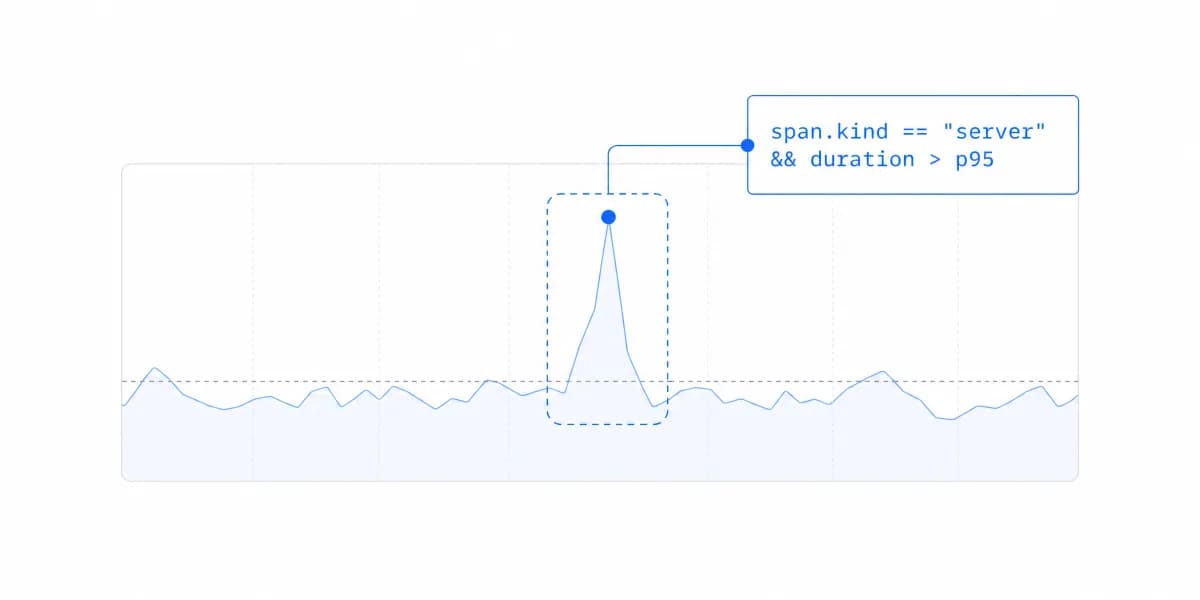
Metrics, logs, traces, profiles, and annotations can support investigation when the corresponding sources and integrations are configured. A chart can reveal a symptom; root-cause claims still require supporting evidence.
SQL and API sources let Grafana carry business metrics too
SQL and API data sources can support sign-ups, revenue, usage, fulfilment, or other domain metrics. Whether the view is internal or customer-facing depends on audience and delivery, not the metric alone.
Loki and Tempo carry logs and traces, and correlation needs shared identifiers
Grafana Loki and Tempo are common sources for logs and traces. Correlation depends on shared identifiers, timestamps, labels, links, and retained context; the interface cannot create that instrumentation after the fact.
“Embed Grafana” Names Several Architectures, and They Are Not Interchangeable
Customer-facing use is possible, but "embed Grafana" can mean several architectures.
Authenticated links and panels still depend on Grafana authorization
Direct links and embedded panels normally depend on Grafana authorization. Prototype host login, Grafana session or SSO, organization and folder permissions, data-source permissions, URL variables, and deep links together. An application tenant ID in a URL is not a security boundary by itself; multi-tenancy and data isolation must be enforced by trusted services and queries.
Externally shared dashboards are read-only and bypass organization access
Grafana Cloud can expose read-only dashboards without ordinary organization access. The official shared-dashboard documentation documents public and email-based paths plus limitations involving variables, annotations, live streams, library panels, reverse-proxy data sources, and plugins. Public sharing and tenant-aware application authorization are different models.
Grafana documents custom branding, and its depth depends on the edition
Grafana documents custom branding for Enterprise and paid Cloud accounts, with narrower free-plan controls. Verify login, navigation, footer, shared-dashboard, loading, error, email, and exported surfaces rather than labelling branding simply limited or complete.
Grafana Cloud and self-managed leave different work with your team
Grafana Cloud and self-managed Grafana leave different responsibilities with the team. A self-managed route includes infrastructure, upgrades, plugins, backups, security response, capacity, query load, and support. Cloud shifts part of that work but still requires data-source, identity, permissions, dashboard, cost, and incident ownership.
Grafana's licensing separates open-source terms from commercial ones, and the open-source one has a network clause
The section heading is easier to write than the licence name, so here is the name. The grafana/grafana repository carries the GNU Affero General Public License, version 3 (LICENSE).
The clause that separates AGPL from the more familiar GPL is Section 13, and it is about serving software rather than shipping it: if you modify the program, your modified version "must prominently offer all users interacting with it remotely through a computer network" an opportunity "to receive the Corresponding Source of your version".
For an internal deployment on an unmodified build that changes nothing. For a product team that patches Grafana and puts it in front of customers over the network, it is a condition to read before you settle the architecture, not after. Grafana's licensing page covers the commercial terms alongside the open-source ones, and Cloud prices on active users, usage, and features.
Identify the exact components, the modifications you intend to make, the distribution model, and the commercial plan; obtain legal guidance when needed, because this paragraph names a clause and is not advice about it.
An embedded analytics product may better match the required contract, but it should be tested against the same data, identity, tenancy, workflow, branding, accessibility, and operating criteria.
Grafana Has Panels and Queries, and No Shared Metric Definition Underneath Them
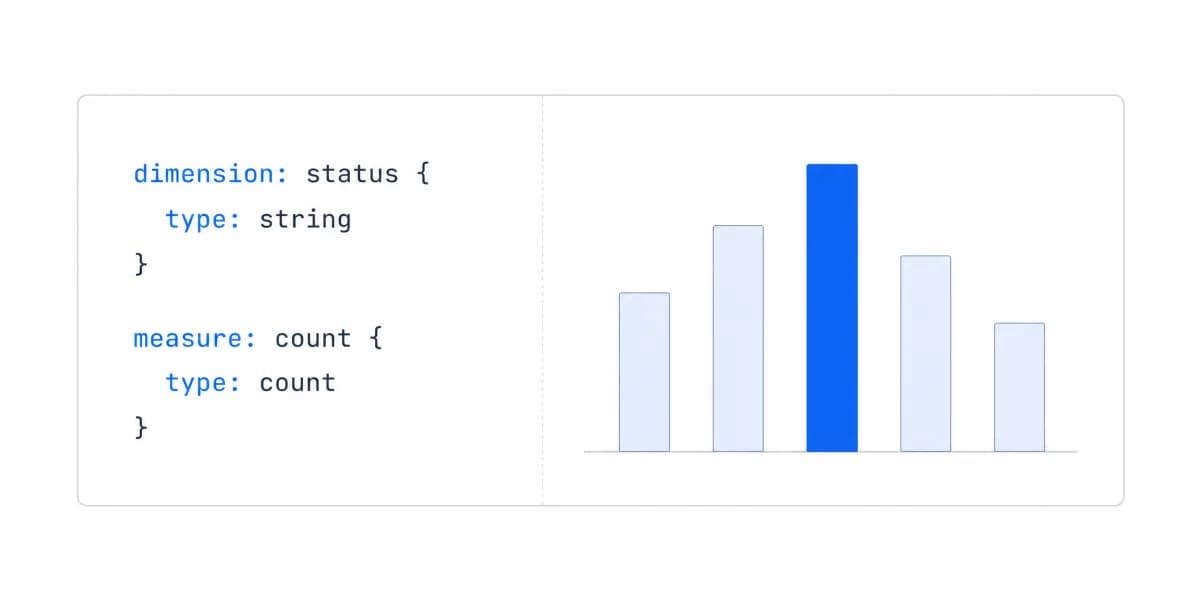
Each panel carries its own query. That means "errors" can be defined one way in one panel and another way in the panel beside it, and nothing in the product prevents it or reports it.
For the workload Grafana is most often bought for this is usually fine, because the person reading the panel is often the person who wrote it and knows what the query says. It stops being fine the moment the reader is someone else, and it stops entirely when the reader is a customer. Teams that need one definition put it below Grafana rather than inside it: a database view, a recording rule, or a semantic layer that several panels read. Choosing the tool without choosing that layer is how an estate ends up with four versions of a number and no way to say which is correct.
A Grafana Dashboard Is a JSON Document, Which Changes How It Should Be Operated
The JSON export is listed above as a sharing route. Treated as an operating practice rather than a backup button, it is the thing that separates a dashboard estate you can reason about from one where nobody knows which of four similar boards is authoritative.
Dashboards kept under version control get reviewed like code, provisioned rather than hand-edited, and diffed when a panel changes. The cost is that ad-hoc editing in the interface now has to be reconciled, which is a real trade-off and worth deciding deliberately rather than discovering after the estate has grown.
Grafana Fits When Its Sources and Workflows Are the Requirement, Not the Workaround
Prefer a Grafana prototype when
- Its data sources, dashboards, Explore workflows, alerting, or plugins are central requirements
- The selected edition supports the required authentication, sharing, branding, reporting, and support
- The team accepts the resulting licence, hosting, query, upgrade, and operating responsibilities
- A representative prototype passes performance, accessibility, and failure-state criteria
Evaluate another route when
- The intended identity or tenant model cannot be enforced safely
- Required interactions, accessibility, responsive states, or branding fail the prototype
- Sharing or embedding constraints remove material workflow capabilities
- Total implementation and operating ownership is worse than a platform, custom build, or hybrid
If you're evaluating alternatives, see Grafana alternative for a breakdown of options better suited to embedded use cases, or Grafana vs Metabase for a direct comparison of both tools.
Where to go next
- BI tools comparison guide: which platforms survive being embedded, judged on the embedding rather than the connector list.
- Looker vs Metabase: looker and Metabase both support embedded analytics.
- BI Tools & Comparisons articles: every article in this cluster.
Ready to launch customer-facing analytics?
Stop losing customers to competitors with better analytics. Sumboard's customer-facing analytics platform lets you launch self-service dashboards in days, not months.