Searching for a "Grafana alternative" does not identify the product requirement. A team might need a different observability workspace, a governed customer-facing analytics experience, or simply a delivery model that fits its identity and tenancy constraints.
The official Grafana documentation covers monitoring, observability, dashboards, alerting, administration, and integrations. Grafana supports dashboards across many data sources, not only infrastructure metrics. Customer-facing analytics still creates a different product contract: the application must decide who the user is, which tenant and records they may access, which actions they can take, and how failures are supported.
The overview of what Grafana is covers its core concepts. This guide focuses on the evidence needed before replacing it or presenting it inside a customer product.
Why SaaS Companies Search for Grafana Alternatives
Start with the audience, task, access boundary, and failure consequence. Those requirements determine which embedded BI tools, monitoring platforms, or custom components deserve a prototype.
When Grafana Is the Right Tool
Grafana is a strong candidate when the workflow needs:
- Exploration across metrics, logs, traces, SQL databases, APIs, or cloud sources
- Dashboard variables, transformations, annotations, links, and reusable panels
- Alert rules and notification workflows for operational signals
- Plugins and data-source-specific query editors for technical users
Grafana's official documentation describes data sources as connections to telemetry stores, SQL databases, APIs, and other systems; each source supplies its own query editor. Its data-source and plugin model is a material advantage when those integrations match the task.
When You Need Something Different
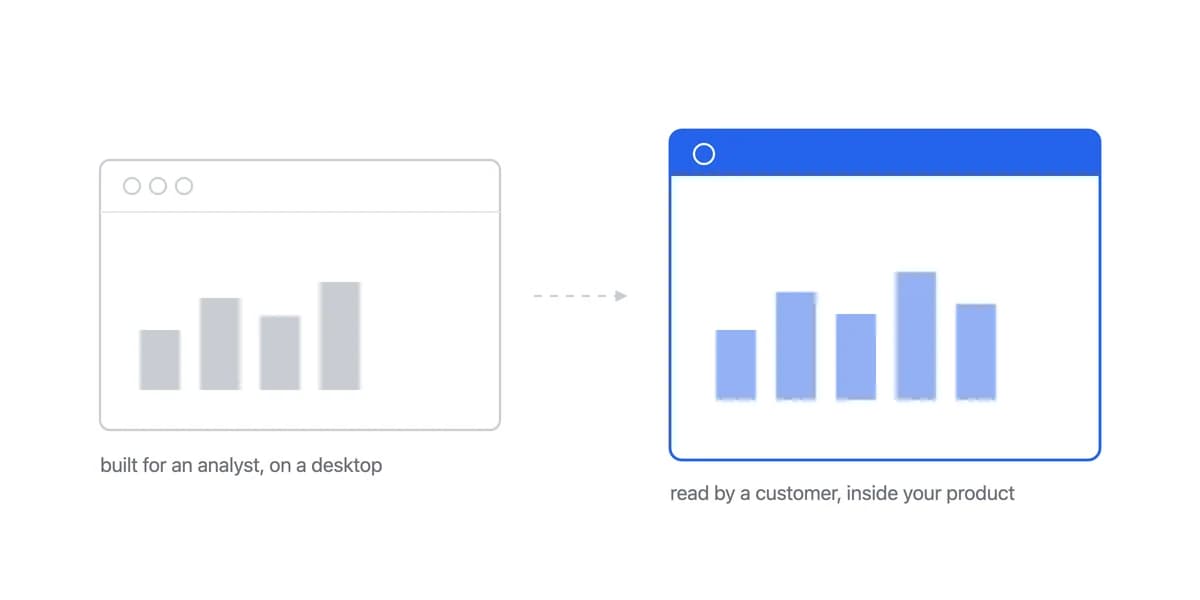
Customer-facing delivery adds requirements that a good internal dashboard does not prove:
- Tenant and user scope must come from trusted identity and authorization services
- The experience must fit the product's navigation, language, accessibility, and responsive states
- Queries, exports, links, and cached results must preserve the same access boundary
- Product teams need release, rollback, telemetry, incident, and support ownership
An embedded analytics platform is one implementation route. A commercial Grafana edition, self-managed Grafana, custom components, or a hybrid may also qualify if the evidence supports the full contract.
Evaluate Grafana's Customer Delivery Paths
Do not evaluate "Grafana" as one fixed deployment. The relevant constraints depend on edition, hosting, authentication, sharing method, and commercial terms.
Authenticated users and embedded panels
Direct links and embedded panels normally preserve Grafana authorization. The official sharing documentation notes edition-specific differences, including that anonymous access is not available in Grafana Cloud. Prototype login, session, tenant mapping, dashboard permissions, data-source permissions, URL variables, and deep links together.
Externally shared dashboards
Grafana Cloud can publish read-only dashboards to external viewers. The externally shared dashboard documentation lists important constraints: link access can be public, only stored queries run, and support varies for variables, annotations, live streams, library panels, reverse-proxy data sources, and plugins. Treat a public or emailed sharing flow as a distinct product model, not a substitute for tenant-aware application authorization.
Branding and commercial features
Grafana documents custom branding for Enterprise and paid Cloud accounts, with narrower customization on the free Cloud plan. Enterprise also adds features such as reporting, PDF export, data-source permissions, caching, and expanded authentication. Verify the exact plan rather than describing Grafana branding or exports as universally absent.
Licensing and operations
Grafana Labs explains its open-source and commercial terms on the licensing page. Identify the components, modifications, hosting model, and distribution path in scope, then obtain legal advice for licence obligations. Separately model infrastructure, upgrades, plugins, backups, security response, query load, and support for a self-managed deployment.
Pricing model
Grafana Cloud's current pricing combines plan, active-user, usage, and optional feature charges. A self-managed deployment has a different cost model. Calculate the intended number and type of users, telemetry volume, data-source load, support, and infrastructure instead of assuming one model is always cheaper at scale.
Evaluate Sumboard as a Customer-Facing Option
Sumboard is designed for analytics embedded in SaaS products. That focus can reduce the amount of product-specific work, but fit still needs to be proven against the same requirements.
Built for Customers, Not Engineers
Check the required logo, color, typography, navigation, domain, PDF, localization, and error-state behavior against the available white-labeling controls.
Validate the chart, filter, comparison, PDF, spreadsheet, and delivery workflows with representative business users and data.
Test the actual embedded container at supported breakpoints, input methods, zoom levels, and content densities. Responsive claims should be verified on the product layout that will ship.
Integration and ownership
Prototype the SDK in the target framework, then test authentication, tenant context, data connections, themes, events, loading and failure states, and lifecycle cleanup. The visible component is only one part of the integration.
Confirm which services Sumboard operates and which responsibilities remain with your team, including source-data quality, query design, authorization inputs, incident coordination, and embedded analytics security.
Pricing assumptions
Sumboard's current pricing page lists Growth and Business plans with unlimited viewers. Use the published plan limits and required add-ons in a workload model; include data, email, support, implementation, and internal operating costs. Recheck both vendors' current terms before a purchasing decision.
When to Choose Grafana vs. Sumboard
Use a requirement matrix rather than a universal winner:
| Requirement | Grafana evaluation | Sumboard evaluation |
|---|---|---|
| Primary workflow | Strong evidence for monitoring, exploration, and alerting; test the intended business workflow | Designed for embedded customer analytics; test the exact user task |
| Data | Broad plugin ecosystem across telemetry, SQL, APIs, and cloud services | Validate supported connection, query, freshness, and transformation path |
| Identity and tenancy | Depends on edition, auth, permissions, sharing, and embedding architecture | Validate signed embed flow, tenant scope, and downstream enforcement |
| Interaction | Test panels, variables, links, actions, exports, and shared-dashboard constraints | Test required filters, drill-downs, comparisons, exports, and events |
| Branding | Plan-specific custom branding; verify every required surface | Verify dashboard, container, domain, and exported artifacts |
| Hosting and operations | Cloud or self-managed, with different ownership | Managed service; document retained customer responsibilities |
| Commercial model | Active users, usage, features, or self-managed costs depending on route | Plan and workload limits; current plans list unlimited viewers |
Prefer a Grafana prototype when
- Internal infrastructure monitoring and observability
- Its data sources, Explore workflow, dashboards, alerting, or plugins are central requirements
- The selected edition and delivery path meet identity, branding, sharing, and support needs
- The team accepts the resulting licence, infrastructure, and operating responsibilities
Prefer a Sumboard prototype when
- Customer-facing analytics embedded in your SaaS product
- The required business workflows match its dashboard, filter, export, and delivery capabilities
- Its tenancy, SDK, branding, managed-service, and pricing model fit the product contract
For more context, the Grafana versus Metabase comparison examines another monitoring-to-analytics boundary. Audience is important, but delivery model and verified requirements decide fit.
If neither prototype meets the contract, evaluate other embedded analytics platforms or a hybrid architecture. Record pass, fail, workaround, and ownership evidence for each high-risk requirement before comparing cost.
Where to go next
- BI tools comparison guide: which platforms survive being embedded, judged on the embedding rather than the connector list.
- BI Tools Comparison: most BI tool comparisons focus on features.
- BI Tools & Comparisons articles: every article in this cluster.
Ready to launch customer-facing analytics?
Stop losing customers to competitors with better analytics. Sumboard's customer-facing analytics platform lets you launch self-service dashboards in days, not months.