D3 is a collection of modules for bespoke data visualization. It can transform data, calculate scales and shapes, bind data to DOM elements, handle input, and animate transitions. It does not provide a complete customer-facing analytics product of the kind we ship.
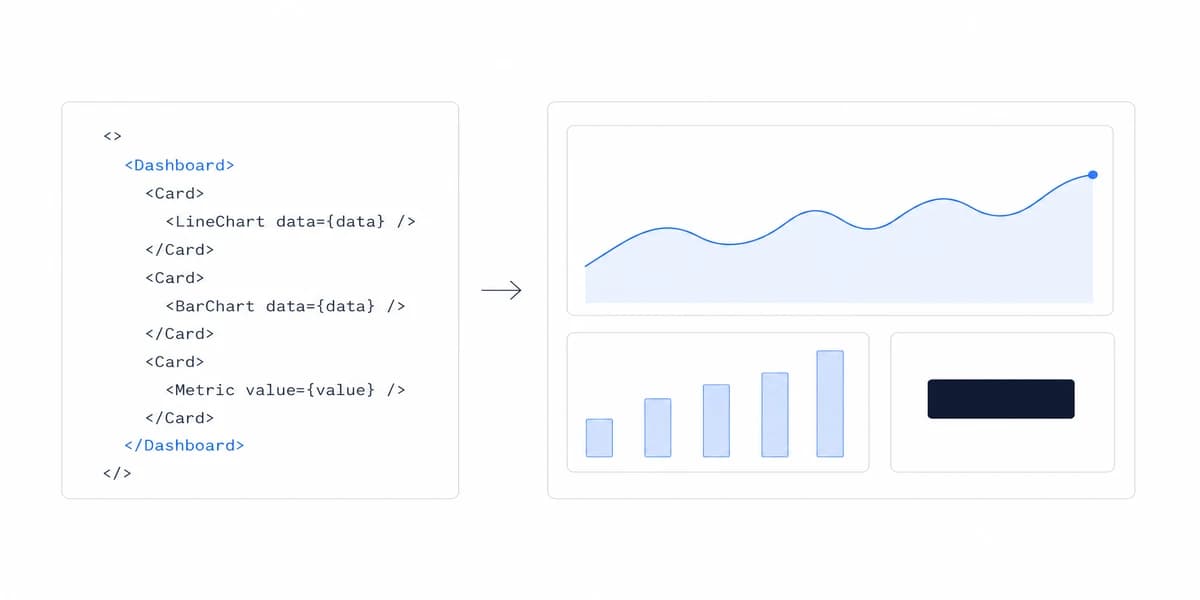
That boundary matters. A custom chart may be the right investment while the surrounding dashboard still needs queries, authorization, state, responsive layout, accessibility, exports, observability, and release operations.
D3.js Ships Visualization Primitives, Not Finished Charts, and That Is the Whole Decision
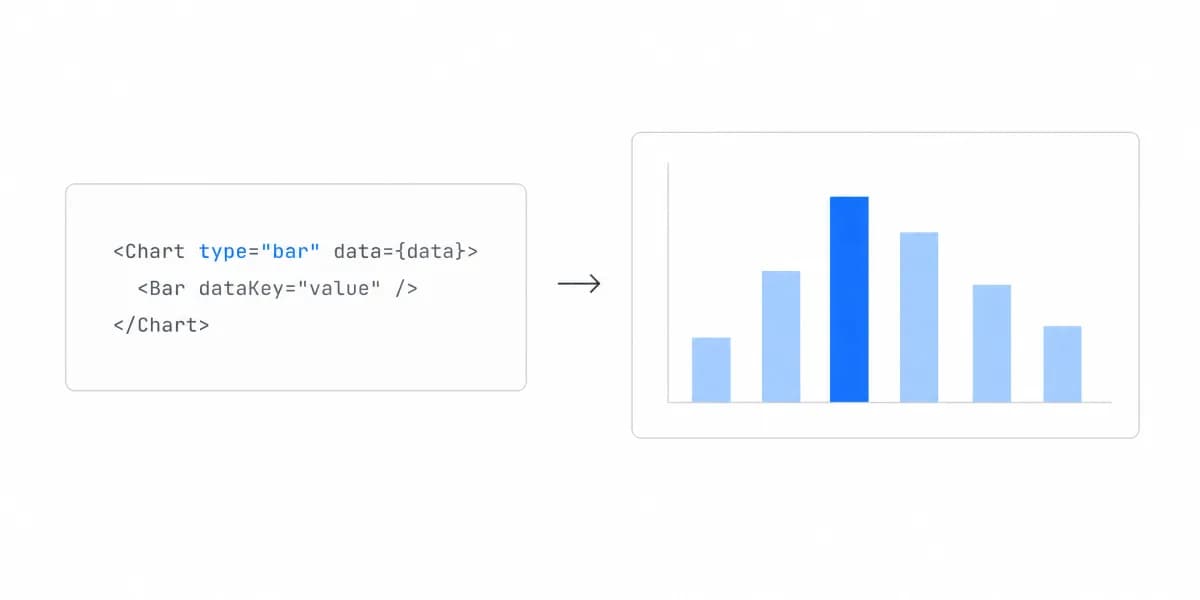
D3 is not a catalogue of finished chart components. Its modules provide composable visualization primitives, and teams decide how those primitives render and behave. The official description emphasizes that D3 works directly with web standards such as SVG and Canvas.
Think of it as the difference between buying a pre-built dashboard and machining every component yourself.
D3.js Buys Rendering Control by Handing You the Rendering Work
D3 is useful when the visual encoding or interaction is specific enough that a configured component from another JavaScript charting library cannot express it cleanly. Examples can include a domain-specific network, hierarchy, flow, map, or direct-manipulation interface.
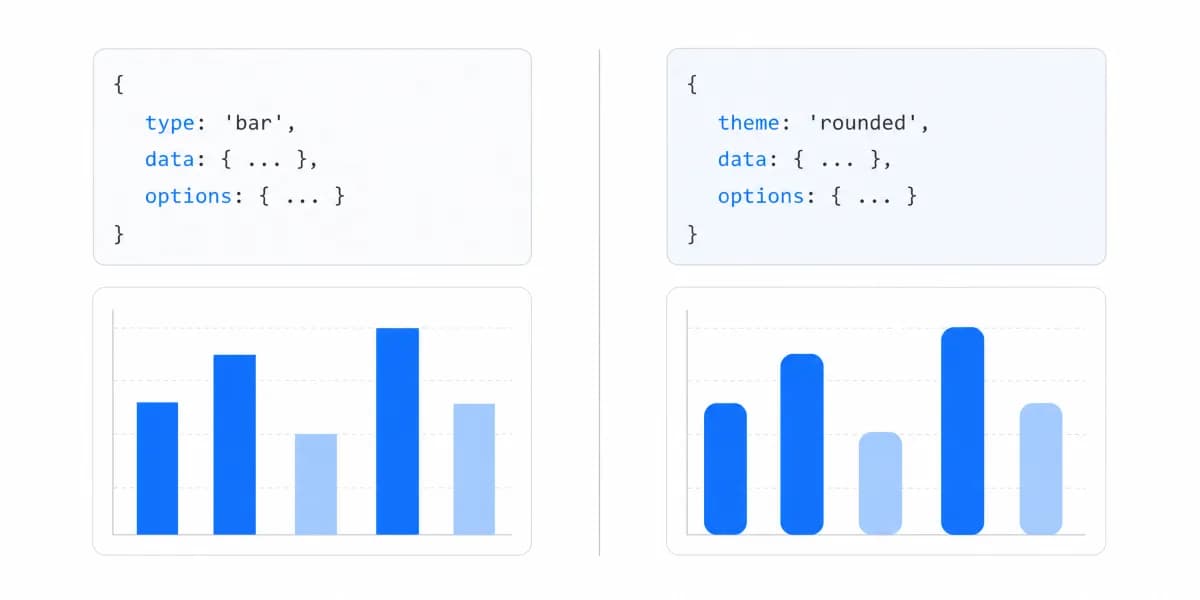
For a standard bar, line, or doughnut chart, a configured component such as Chart.js may satisfy the task with less rendering code. Compare both approaches against the real interaction, accessibility, performance, and maintenance requirements rather than treating custom code as inherently better or worse.
D3.js Wins When the Encoding Is Product-Specific and the Team Can Own the Renderer
D3 becomes a strong candidate when:
The visual encoding is product-specific. The chart expresses a domain model or workflow that a generic component would distort.
Interaction behavior needs granular control. Selections, events, shapes, scales, and transitions can be composed around a specific interaction model.
The team can own the rendering system. It has an explicit plan for keyboard operation, screen-reader semantics, responsive states, performance budgets, automated tests, and long-term maintenance.
D3's Own Documentation Rules Out the Private Dashboard
This page argues that D3 hands you primitives rather than charts. That is not our reading of it, it is the library's position, and its "What is D3?" page states the consequence more bluntly than a vendor comparison usually would.
"D3 is not a charting library in the traditional sense. It has no concept of 'charts'." Because of that, "even a basic chart may require a few dozen lines of code", and "D3 has no default presentation of your data, there's just the code you write yourself". The page quotes Amanda Cox for the threshold: "Use D3 if you think it's perfectly normal to write a hundred lines of code for a bar chart."
Then it names the case it does not want: "D3 is overkill for throwing together a private dashboard or a one-off analysis" (What is D3?).
That sentence is the library drawing its own boundary. If the dashboard is internal and the analysis is one-off, D3’s maintainers are saying their tool is the wrong size for the job.
D3's own recommendation for that reader is not a BI platform either. The same page points to Observable Plot, its higher-level sister library: "Unless you need D3's low-level control, we recommend our high-level sister library: Observable Plot. Whereas a histogram in D3 might require 50 lines of code, Plot can do it in one!" It also warns against judging the effort from the gallery: "Don't get seduced by whizbang examples: many of them took an immense effort to implement!"
So the decision has three doors, not two. Plot or a similar high-level library for charts that are conventional, D3 for the encoding that is product-specific, and an embedded platform when the work is delivering dashboards to customers rather than drawing one chart.
Nothing below contradicts that. The rest of this page is about the third door, and about what the first D3 chart does not tell you when you are estimating the second.
Estimate the Whole Dashboard, Not the First Chart
A tutorial usually demonstrates one visual encoding with fixed data. A production estimate should also cover the data contract, loading and empty states, errors, resize behavior, input methods, accessibility, localization, theming, exports, telemetry, tests, and upgrades.
Estimate representative vertical slices instead of assigning a universal number of weeks. Build the riskiest chart with realistic data and the intended framework, then measure implementation effort, bundle impact, interaction latency, test complexity, and unresolved product requirements.
D3.js Asks a Team to Learn Data Joins and to Choose Its Own Rendering Target
D3 introduces concepts that may be unfamiliar to a team used to configured chart components.
Data joins associate data with elements and represent enter, update, and exit selections. The modern selection.join API appends, removes, and reorders elements as needed; a key function controls identity. See the official joining data reference.
Rendering decisions remain yours. SVG provides inspectable elements and browser semantics, while Canvas can reduce DOM element count for some workloads. Neither choice automatically supplies accessible names, keyboard interaction, responsive layout, or acceptable performance.
Two D3.js Concepts Decide Whether the Dashboard Stays Correct as Data Changes
Several concepts determine whether an implementation remains correct as data changes.
A D3.js Data Join Decides Enter, Update, and Exit, and Nothing About Performance
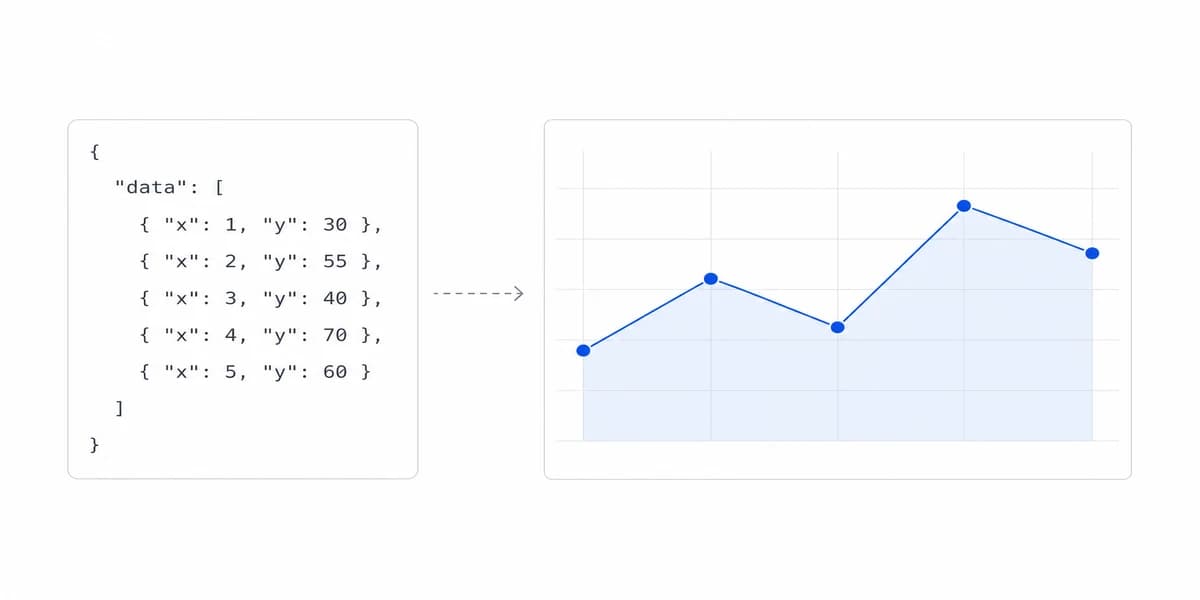
D3's data join binds data arrays to DOM elements. When data changes, D3 identifies which elements to add (enter), update, or remove (exit).
// Simplified data join example
const circles = svg.selectAll("circle")
  .data(dataArray)
  .join("circle")
    .attr("cx", d => xScale(d.value))
    .attr("cy", d => yScale(d.category))
    .attr("r", 5);
Use a stable key when identity matters. A join determines which elements enter, update, or exit; it does not by itself guarantee that only changed attributes are recalculated or that rendering will meet a performance target.
D3.js Can Render to SVG, Canvas, or HTML, So Pick the Target From Measurements
D3 does not require every visualization type to render as SVG. Many modules calculate values without touching the DOM, and the output can drive SVG, Canvas, HTML, or another rendering layer.
Select a target from measured evidence. Test representative data density, interaction, zoom, resize, animation, device constraints, and accessibility behavior. Avoid a universal point-count threshold because mark complexity and update frequency can matter as much as row count.
Integrating D3.js With React, Vue, or Angular Is a Question of Who Owns the DOM
Modern dashboards rarely exist in isolation. You're likely integrating D3 with a frontend framework.
Use D3.js Modules as Calculations and Let the Framework Render the Elements
D3 modules such as scales, arrays, shapes, interpolation, and formatting can be used as calculations while the framework renders the elements declaratively. The official D3 getting-started guide demonstrates this approach in React.
Selection, transition, and axis modules can manipulate the DOM. If they control elements inside a React component, define a clear ownership boundary and synchronize the external behavior through an Effect with cleanup where needed. React documents useEffect as a way to synchronize with an external system, not as a requirement for every D3 module.
The same ownership question applies to Vue, Angular, and other renderers: decide which system creates, updates, and removes each element. Avoid having two systems independently mutate the same subtree.
Keep Filters and Permissions in the Application, Not Inside the D3.js Chart
Keep product state such as filters, date ranges, selection, and permissions in an explicit application model. A chart may emit an intent, while the application validates it, updates state, fetches data, and passes a new view model back to the renderer.
This one-way boundary makes queries and authorization testable without requiring the chart to become the source of truth.
The Real D3.js Cost Lands on the Second Person Who Touches the Chart
The build estimate covers the person writing the visualization. The cost that outlasts the project belongs to whoever inherits it.
A bespoke encoding is documented only by its own source, so a change eighteen months later means reading someone else's scales, joins and layout maths before a single pixel moves. That is manageable when the chart is genuinely central to the product and the team expects to own it. It is a poor trade for a chart that could have been a standard one, because the maintenance does not scale down with how ordinary the result looks.
Two things make the difference concrete: write down why the encoding is custom, so the next person can tell whether the reason still holds, and keep the data-shaping separate from the rendering so a data change does not require rereading the drawing code.
Compare Custom and Pre-Built with Evidence
The build-versus-platform decision depends on the required experience and the work each option leaves with your team.
Prototype the Slice That Differentiates, Because the First D3.js Chart Proves Nothing
For custom D3, prototype the most unusual encoding, the largest representative dataset, keyboard navigation, responsive behavior, and the framework integration boundary. Record the work still needed for data access, exports, observability, and operations.
For a platform, prototype identity, tenant isolation, data integration, required charts, theming, accessibility, exports, and failure states. Record any extension code, vendor constraints, and responsibilities that remain internal.
Compare both on verified task coverage, implementation and operating effort, security, performance, accessibility, change frequency, reversibility, and total cost under explicit assumptions. Do not reuse generic delivery times or salary estimates as if they described your system.
A Hybrid Is Valid: a Platform for Standard Dashboards and D3.js for the One That Differentiates
If the primary need is a governed set of standard dashboards, evaluate a pre-built embedded analytics platform. Verify the exact charts, filters, exports, scheduling, branding, access controls, and integration behavior you require; capabilities and ownership differ by platform and plan.
A hybrid architecture is also valid: use a platform for common analytical workflows and maintain a focused D3 component for the visualization that differentiates the product.
D3 is a strong foundation for bespoke visualization, but it is only one layer of a production dashboard. Choose it when control over the encoding or interaction creates measurable product value and the team can own the surrounding system.
Choose a pre-built platform when its verified capabilities cover the required workflows and reduce enough implementation and operating work. Choose a hybrid when a small custom surface can coexist cleanly with governed standard analytics.
Where to go next
- JavaScript charting libraries guide: where each library stops, and what that costs you at the boundary.
- Building Dashboards with ECharts: ECharts handles complex visualizations well.
- Charting Libraries articles: every article in this cluster.
Compare your dashboard implementation paths
Evaluate Sumboard against your required data integration, tenant security, charts, filters, exports, branding, accessibility, and operating model.