We've been watching product teams evaluate Power BI and Looker for a while now. The conversation usually starts the same way, someone on the team suggests one tool, another person advocates for the other, and then everyone realizes they're talking about completely different approaches to business intelligence.
That's because Power BI and Looker represent two distinct philosophies. Power BI brings Microsoft's accessibility-first approach, drag-and-drop interfaces, familiar Excel-like experiences, and deep integration with the Microsoft ecosystem. Looker takes the opposite path, code-first data modeling, semantic layers built with LookML, and cloud-native architecture designed for technical teams.
Neither approach is inherently better. But one will almost certainly fit your team's reality better than the other.
The Learning Curve Steepens at DAX, Not at the First Dashboard
Power BI feels familiar to Microsoft users. If your team knows Excel, they'll recognize Power BI's interface immediately. Drag-and-drop chart building, ribbon-based navigation, and formula syntax that echoes Excel's approach. For business analysts without deep technical backgrounds, this familiarity removes friction. You can have someone building basic dashboards within days, not months.
The learning curve steepens when you need advanced features. DAX (Data Analysis Expressions) becomes essential for complex calculations and time intelligence. While DAX syntax resembles Excel formulas, the semantic model underneath requires conceptual shifts. You're not just calculating values. You're defining relationships, managing context, and thinking about measure evaluation.
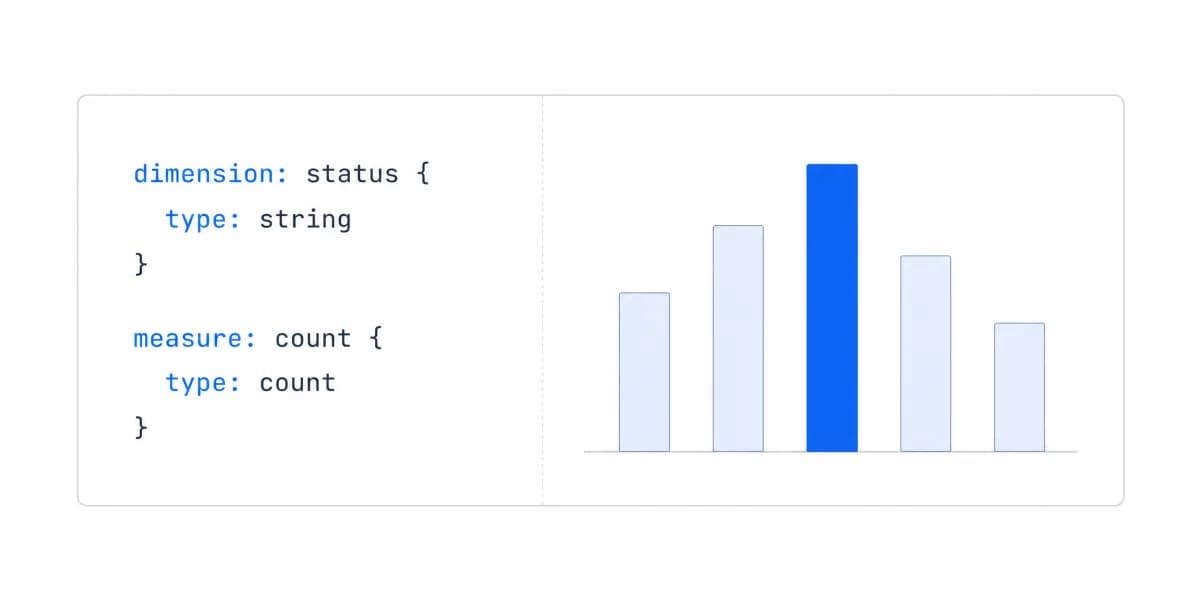
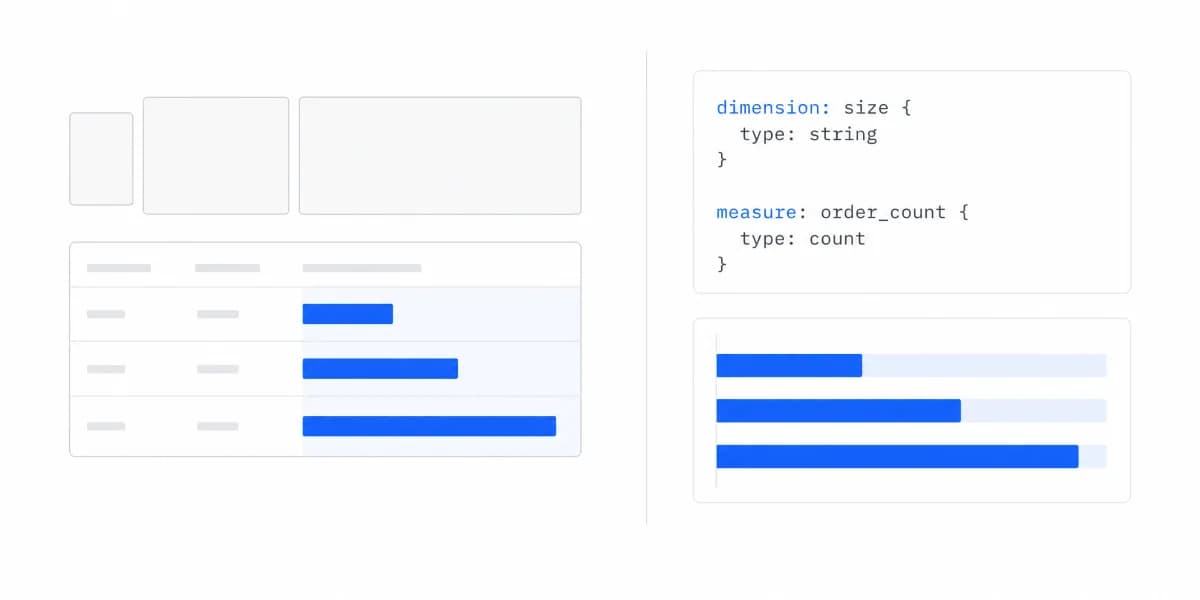
Looker assumes technical capability from day one. The platform centers on LookML, a proprietary modeling language for defining metrics, dimensions, and data relationships. If you're not comfortable writing code, editing YAML files, and thinking about semantic layers, Looker will feel overwhelming.
From our conversations with analysts who've made this transition:
LookML takes weeks to grasp conceptually even coming from SQL. The mental model of dimensions, measures and explores reads as foreign at first, and becomes powerful once it clicks.
The steeper learning curve pays dividends for technical teams. LookML enables version control through Git, treats data models as software artifacts, and enforces consistent metric definitions across the organization. For data engineering teams, this feels natural. For business users expecting drag-and-drop simplicity, it feels like a barrier.
Ecosystem Focus Becomes a Limitation Outside Microsoft's Boundaries
Power BI lives inside the Microsoft universe. If your organization runs on Microsoft 365, Azure, Dynamics 365, or SQL Server, Power BI integrates without friction. Native connectors, single sign-on, embedding in Teams, and publishing to SharePoint all work smoothly. The tight ecosystem integration explains much of Power BI's market share. It's the path of least resistance for Microsoft-centric organizations.
That ecosystem focus becomes a limitation when you're working outside Microsoft's boundaries. While Power BI supports hundreds of connectors, the experience quality varies. First-party Microsoft connectors get priority development and optimization. Third-party connectors often lag in features and performance.
Looker optimizes for Google Cloud but works broadly. As a Google Cloud product, Looker pairs naturally with BigQuery, Google Analytics, and Google Ads. The platform was cloud-native from inception, which gives it architectural advantages for scalability and multi-tenant deployments.
But Looker isn't locked to Google's ecosystem the way Power BI favors Microsoft's. You can connect Looker to any SQL database (PostgreSQL, MySQL, Snowflake, Redshift, and others) with equal capability. The platform treats all SQL databases as first-class data sources rather than creating tiers of integration quality.
For teams building on modern data stacks with cloud data warehouses, this approach often fits better. You're not fighting ecosystem lock-in. You're connecting to your data wherever it lives.
Customisation Depth Arrives With Complexity Attached
Power BI excels at visual polish and variety. Microsoft invested heavily in visualization capabilities through AppSource, their marketplace for custom visuals. You get extensive chart libraries, map visualizations, and sophisticated formatting options out of the box. For teams that need to create executive-ready dashboards quickly, this depth accelerates delivery.
The customization depth comes with complexity. Power BI offers dozens of formatting options for every visual, colors, fonts, labels, tooltips, drill-through actions, and more. This granularity enables precise control but creates overwhelming choices for users who just need clean dashboards without design expertise.
Looker takes a minimalist approach to visualizations. The out-of-box chart library covers basics (bar charts, line graphs, scatter plots, tables) without extensive polish or variety. For advanced visualizations, you're writing JavaScript extensions or connecting to specialized visualization libraries.
This minimalism reflects Looker's philosophy. The platform prioritizes data modeling and metric consistency over visual design. Teams that choose Looker typically care more about governance and reliable metrics than flashy charts. When you need advanced visuals, you're expected to build them or integrate with other tools.
Costs Scale With Usage in Ways That Are Not Always Predictable
Power BI's pricing feels accessible initially. The free tier lets individuals start using Power BI Desktop without cost. Pro licences run $14.00 per user per month and Premium Per User $24.00, both paid yearly (Power BI pricing, checked 7 August 2026). Dedicated capacity is listed as variable and routed to sales, so it cannot be sized from the page. For small teams getting started, the entry point feels manageable.
Costs scale with usage in ways that aren't always predictable. Premium capacity pricing depends on dataset size, refresh frequency, and concurrent users. Many teams start with Pro licenses and hit limitations (1GB dataset size limits, 8 daily refreshes) that force upgrades to Premium tiers. The total cost becomes clear only after you understand your actual usage patterns.
Looker's enterprise pricing lacks transparency. You won't find public pricing on Looker's website: Standard, Enterprise and Embed all read "Call sales" (Looker pricing, checked 7 August 2026). We are not going to fill that gap with a number, because any figure we quoted would be someone else's negotiated contract rather than a published price. The practical consequence for a smaller company is the process itself, since you cannot size the cost before booking a call.
The high cost reflects Looker's target market. The platform was built for large enterprises with complex data needs, dedicated analytics teams, and budgets that can absorb a price they will not see until the sales conversation. If you're a Series A startup with 20 employees, Looker's pricing model doesn't make sense regardless of technical fit.
When Neither Power BI nor Looker Fits
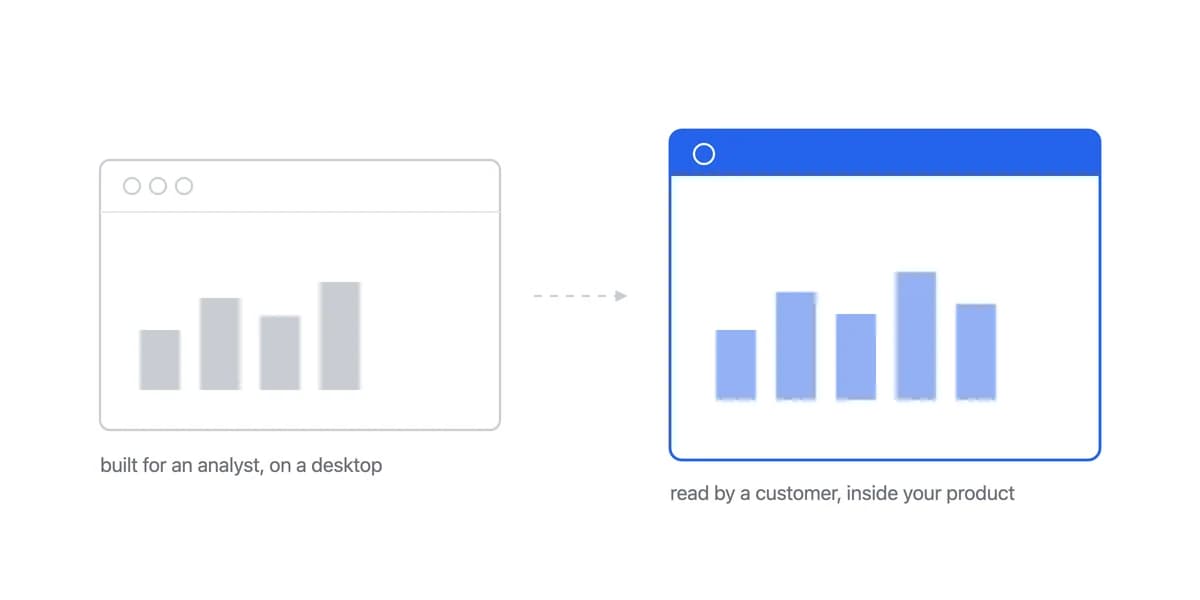
Here's what we've noticed from talking to SaaS product teams. Most Power BI vs Looker comparisons assume you're building internal business intelligence for your own team. But many product teams are evaluating these tools for a completely different use case, embedding analytics into their customer-facing product, which is what embedded analytics products like ours are for.
That's where the conversation gets interesting, because neither Power BI nor Looker was designed for external-facing analytics.
Power BI is Microsoft's internal BI tool, retrofitted with embedding capabilities through Power BI Embedded. You can make it work for customer-facing use cases, but you're adapting enterprise BI for a purpose it wasn't built to serve. The result shows up in integration complexity, iframe limitations, and authentication flows that feel clunky compared to native application features.
Looker faces similar limitations. The platform excels at internal analytics where you control users, permissions, and use cases. When you're embedding analytics for external customers, LookML's complexity becomes overhead rather than value. Your customers don't care about your semantic layer, they just want clean dashboards that match your product's look and feel.
For teams building on a customer-facing analytics product, purpose-built embedded analytics platforms often fit better than adapting internal BI tools. Platforms like Sumboard were designed specifically for embedding, SDK-first architecture, white-label customization, multi-tenant security, and predictable per-month pricing rather than per-user costs that scale unpredictably with customer growth.
The technical difference matters. Where Power BI and Looker require complex integration projects measured in months, embedded-first platforms integrate in hours. Where enterprise BI tools charge based on user counts (which explodes when you're serving end customers), embedded platforms charge predictable monthly subscriptions regardless of how many of your customers use the dashboards.
The Decision Comes Down to Capability, Ecosystem and Budget
The Power BI vs Looker decision ultimately comes down to three factors: technical capability, ecosystem alignment, and budget reality.
Choose Power BI when your team lives in the Microsoft ecosystem, you need business users to build dashboards without coding, visualization quality matters more than governance rigor, and your budget fits per-user pricing up to mid-market scale.
Choose Looker when you have technical analytics teams comfortable with code, semantic modeling and metric consistency are critical, you're building on cloud data warehouses (especially BigQuery), and your organization's budget accommodates enterprise software pricing.
Consider embedded analytics platforms when you're building customer-facing analytics rather than internal BI, you need SDK-first architecture that integrates quickly, white-label customization is essential, and you want predictable pricing that doesn't scale with end-user counts.
Neither Power BI nor Looker is universally better. But understanding where each excels (and where both fall short) helps you make the right choice for your specific situation.
Want to explore how embedded analytics platforms compare to traditional BI tools? Our BI tools comparison guide breaks down the key differences across platforms, or see how Looker compares to other alternatives.
Where to go next
- BI tools comparison guide: which platforms survive being embedded, judged on the embedding rather than the connector list.
- Grafana vs Metabase: grafana and Metabase overlap at dashboards but differ in workload, access, delivery.
- BI Tools & Comparisons articles: every article in this cluster.
Ready to launch customer-facing analytics?
Stop losing customers to competitors with better analytics. Sumboard's customer-facing analytics platform lets you launch self-service dashboards in days, not months.