Self-service analytics is not unrestricted access to a query engine. It is a product contract that lets an authorized customer answer an allowed class of questions without waiting for a one-off report.
The interface matters, but it is only one part of the contract. The result must retain metric meaning, customer scope, time and freshness, workload limits, accessible interaction, publication authority, and an owner after it is saved or shared.
Start With the Question Boundary
Customer-facing self-service differs from internal analysis because the product serves many customers, roles, entitlements, and workloads through one controlled surface. A useful first slice names:
- the user and customer context;
- the decision they can still change;
- the measures, dimensions, time ranges, and detail levels they may use;
- the metric and data versions behind the answer;
- the permitted filter, comparison, drill-through, save, share, and export actions;
- the refusal or escalation route for questions outside the boundary.
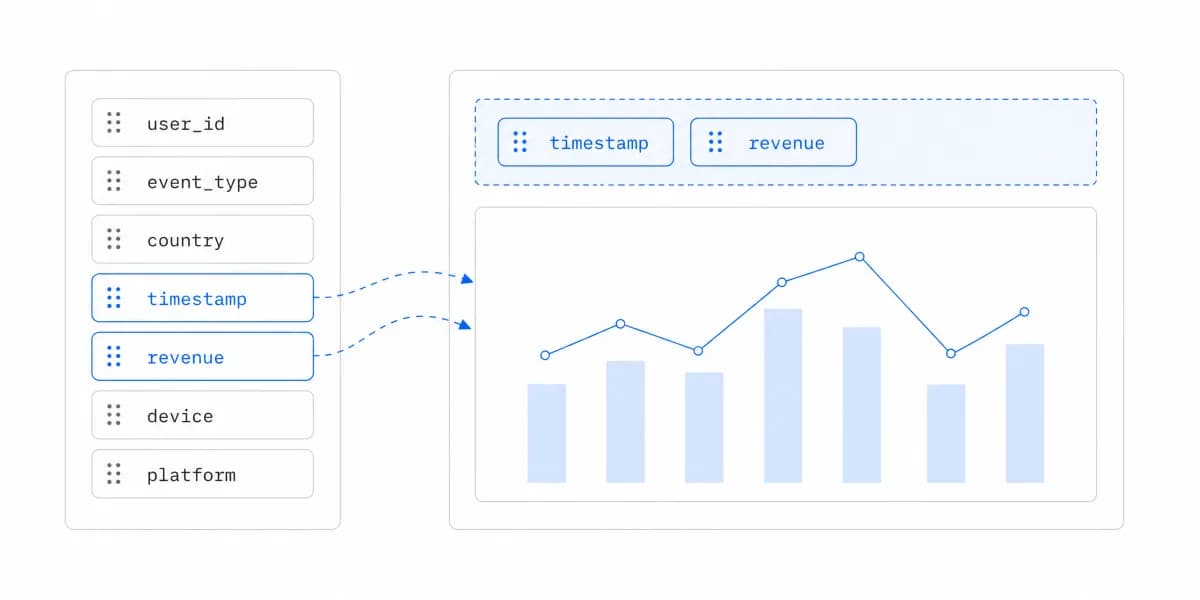
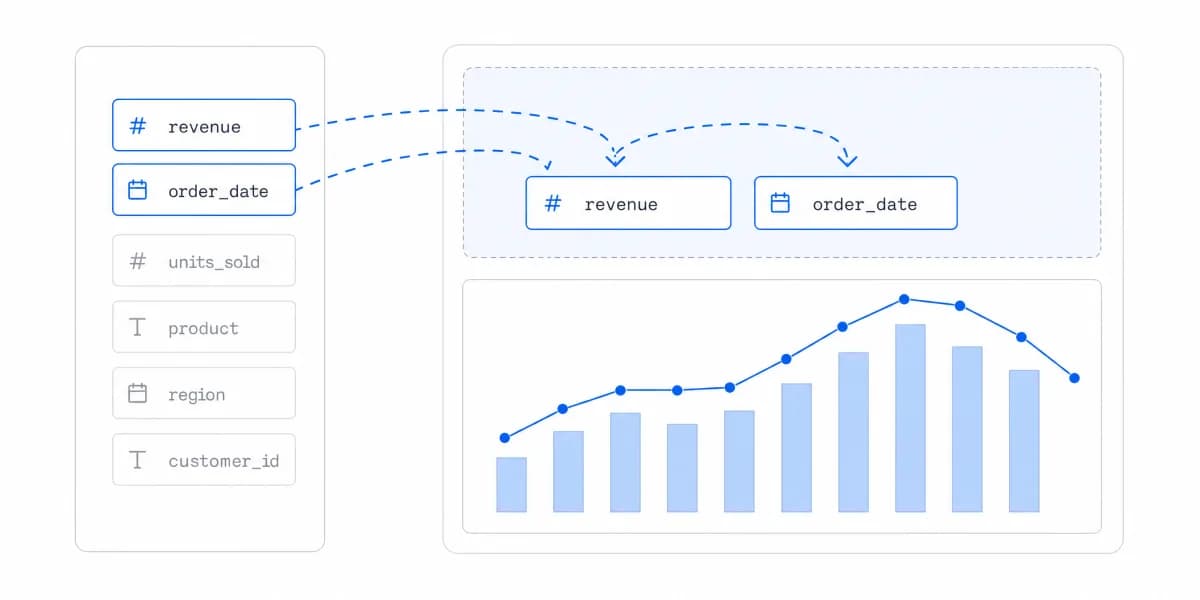
This is more precise than promising that customers can “explore their data.” Exploration may mean selecting a date range in a governed dashboard, changing a permitted breakdown, creating a private draft, or publishing a shared artifact. Those actions have different authorization and support consequences.
The broader embedded analytics capabilities should be selected from this task rather than treated as a checklist.
Self-Service Is a Publication Lifecycle
Treat saved analytics as content with a lifecycle:
- Explore: keep the question, draft, and permitted data private while the user tests an idea.
- Review: check metric version, data quality, denied-access cases, accessibility, and peer evidence appropriate to the audience.
- Publish: name the audience, owner, support route, freshness, change policy, and allowed distribution surfaces.
- Operate: observe task completion, interpretation errors, incidents, stale use, and ownership transfer; revise or retire the artifact when its evidence changes.
Private exploration does not automatically grant authority to publish. Publication does not grant permission to export raw records, schedule attachments to new recipients, or expose a saved view through a direct link. Each surface must preserve the same tenant, field, metric, and entitlement rules.
This lifecycle expands the definition in self-service BI from interface independence to accountable use.
Define Meaning Before Adding Freedom
A filterable chart can still be wrong. Every selectable measure needs a definition, grain, aggregation rule, unit, currency where relevant, timezone, freshness state, and owner. Every dimension needs stable identifiers and rules for unknown, deleted, duplicated, or late-arriving values.
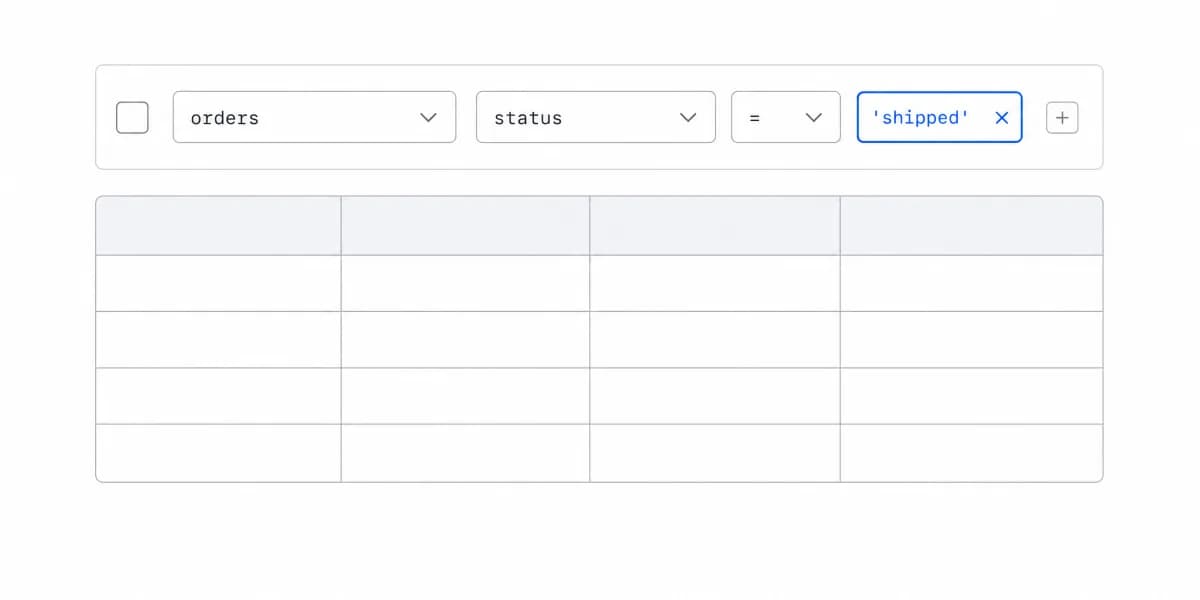
Test combinations, not only individual controls. Revenue by month may be valid while average of customer-level averages is not. A conversion measure may require an attribution model and window. A region filter may change whether currency normalization or privacy suppression applies.
Use the dashboard types guide to choose a visual structure only after the question and metric contract are clear. The self-service analytics guide covers the broader implementation surface.
Bound Queries and Shared Workloads
Self-service creates variable workloads, not an obligation to accept arbitrary ones. Define permitted joins, dimensions, date ranges, row counts, concurrency, refresh frequency, export size, and query duration. Provide clear empty, partial, stale, cancelled, rate-limited, and failed states.
Use production-shaped data to test:
- common questions and the most expensive allowed combinations;
- concurrent customers and noisy-neighbor conditions;
- cache keys that include tenant, permissions, metric version, filters, and freshness;
- cancellation, retry, timeout, and recovery;
- exports and scheduled artifacts under the same scope;
- extreme labels, mobile layout, keyboard operation, focus order, and non-visual equivalents.
An embedded analytics platform may provide useful primitives, but the product team still owns its identity mapping, semantic rules, workload policy, failure states, and operating evidence.
Make Permission Denial Part of the Product
Row-level security is not a complete customer boundary. Map host identity to the permitted customer, account, role, fields, metrics, objects, product actions, and artifact recipients in trusted services.
Test denial across altered filters, direct URLs, saved-view identifiers, drill-through, cached results, APIs, CSV and PDF exports, scheduled emails, shared links, errors, logs, and support tooling. Verify both another customer's data and fields forbidden within the same customer.
A refusal should explain what cannot be done without exposing sensitive metadata. When a legitimate question falls outside the current boundary, route it to a named product, data, or support owner. That route is part of self-service; a dead end is not.
For architectural details, see self-service BI implementation.
Design for Different Levels of Guidance
Not every customer needs a blank canvas. A new or infrequent user may succeed with recommended questions and constrained paths. An analyst may need more flexible composition within permissions. An operational user may need an answer embedded beside the action rather than a separate analysis workspace.
Progressive disclosure can expose advanced controls only when the task requires them. Labels, defaults, examples, undo, reset, and an explanation of metric and filter effects reduce interpretation risk. Training can still be appropriate for consequential or specialized analysis; its presence does not prove the product has failed.
The relevant test is whether a representative authorized user can reach and correctly interpret an accepted answer, recover from mistakes, and understand the next step. The self-service analytics best practices should be evaluated against that task rather than against feature count.
Measure Outcomes Without Inventing ROI
Do not assume that saved dashboards reduce churn, eliminate report requests, or create switching costs. Establish a baseline and measure the intended change.
Useful evidence includes:
- completion and correct interpretation of representative tasks;
- time to an accepted answer and time to the resulting action;
- unresolved questions and support handoffs by cause;
- denied-access and cross-tenant tests;
- query failure, cancellation, latency, and recovery;
- publication-review failures and stale-content use;
- artifacts revised, transferred, or retired by their owners.
Segment results by customer, role, task, data volume, and product version. A rise in filter clicks can accompany confusion; fewer support tickets can reflect abandonment. Pair behavioral measures with task evidence and sampled customer feedback.
Self-Service Analytics Is Governed Independence Within a Bounded Question
Customer-facing self-service analytics is governed independence: a user can answer a bounded question while the product preserves meaning, authorization, workload safety, accessibility, publication quality, and operating ownership.
Start with one customer role and one decision. Validate the full path from private exploration through denial, publication, support, revision, and retirement before expanding the question boundary.
Where to go next
- Self-service analytics guide: the two jobs hiding behind one name, and where self-service stops paying for itself.
- Self-Service Analytics Tools: most self-service analytics tools are built for internal BI teams.
- Self-Service Analytics articles: every article in this cluster.
Design a governed self-service experience
Explore how Sumboard supports customer-facing analytics with filtering, customization, embedding, and white-label controls.