Self-service analytics is not unrestricted access to a warehouse or a promise that every user can become an analyst. It is a governed way for people to answer defined questions with permitted data and, where appropriate, create content that others can trust. The same boundary applies when teams use the label self-service BI.
The distinction matters. Exploration can be private and reversible; publishing a metric or dashboard changes other people's decisions. A reliable self-service analytics program therefore gives each activity an explicit audience, authority, evidence bar, and owner.
Define the Question and Audience First
Do not design from fixed personas such as “novice,” “power user,” and “analyst” without research. Job title and technical confidence do not reveal the task, decision risk, data sensitivity, or required interaction.
For each representative workflow, record:
- the question and decision it supports;
- the audience and trusted identity source;
- the permitted data, detail, and onward-sharing paths;
- the metric definitions, period, freshness, and known limitations;
- the actions users may take: filter, drill, save, export, schedule, or publish;
- the owner who answers questions and changes or retires the content.
Use observations from representative users to decide whether the right surface is a fixed answer, a filterable dashboard, governed exploration, SQL access, or another route. Our explanation of what self-service analytics means covers the different internal and customer-facing contexts.
Separate Exploration From Publication
Self-service fails when “can create” silently becomes “can publish to everyone.” Give private exploration, team sharing, promoted content, and certified content distinct permissions and release evidence.
Microsoft's current content ownership guidance distinguishes business-led, managed self-service, and enterprise strategies. It also assigns different responsibility to subject-matter experts, data stewards, technical owners, and domain owners. The exact roles will vary, but the transferable practice is to name who owns the data, meaning, technical item, publication, support, and eventual transfer.
The release gate should grow with audience and consequence. A private draft may need only access controls and a clear warning. A team report may need peer review, metric reuse, and an owner. A company-wide or customer-facing dashboard may also require negative authorization tests, accessibility, performance, support, audit evidence, change communication, and rollback.
This is governance without blanket gatekeeping: controls attach to the risk and publication scope, not to the idea that one class of user is always safe or unsafe.
Make Metric Meaning Reusable
Two dashboards can disagree because of different filters, time zones, populations, late data, joins, or calculation versions. Calling one dataset “golden” does not explain or prevent those differences.
Create a metric contract that names the formula, grain, eligible population, exclusions, time basis, source, owner, version, validation, and permitted dimensions. Put the definition near the result and preserve it in exports and scheduled delivery. A semantic layer can centralize definitions: dbt, for example, documents centrally defined metrics, but a tool does not choose the correct business meaning or release policy for you.
When a definition changes, identify dependent content, review the impact, communicate the effective date, and keep enough history to reconcile prior decisions. “Single source of truth” is an operating responsibility, not a label.
Treat Data Quality as Fitness for Purpose
The UK Government's Data Quality Framework defines quality in relation to intended purpose and recommends assessment throughout the lifecycle. It describes completeness, uniqueness, consistency, timeliness, validity, and accuracy as dimensions whose relevance and trade-offs depend on user needs.
For each self-service task, select the dimensions that matter and define observable rules. Examples include an approved maximum freshness lag for an operational decision, a required eligible-population reconciliation for a KPI, or a documented completeness threshold for an export. Show current freshness and known limitations where users make the decision.
Monitor source, transformation, semantic, and delivery stages. A schema test can pass while the metric population is wrong; a correct query can still be too stale for the task. Route failures to a named owner and define whether the safe behavior is a warning, degraded result, last-known value, or blocked publication.
Choose Tools From the Complete Contract
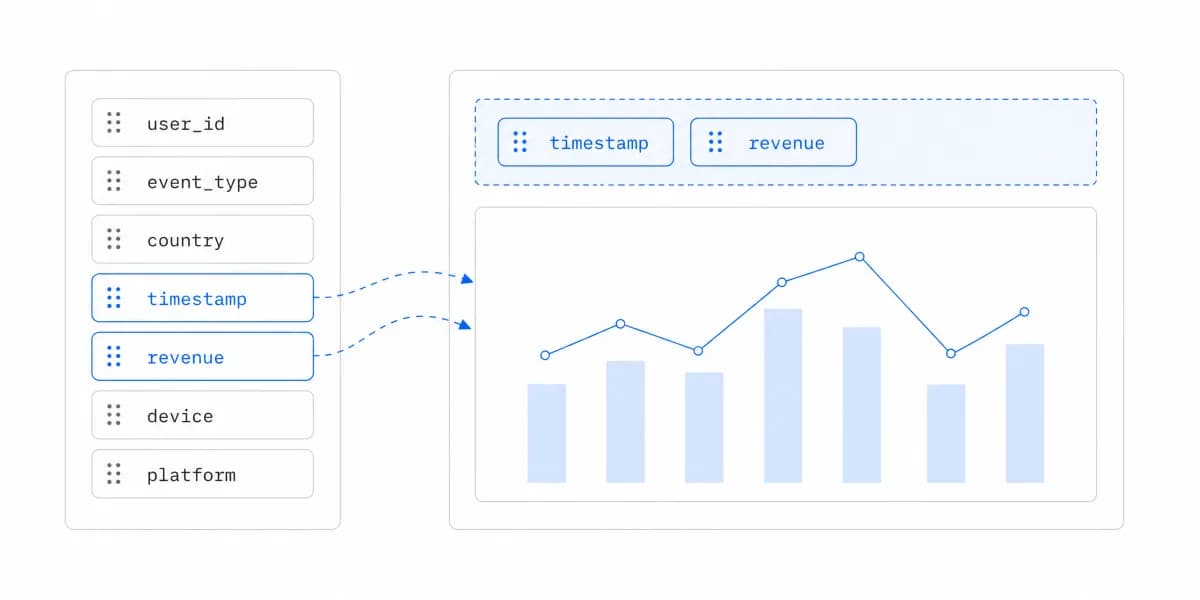
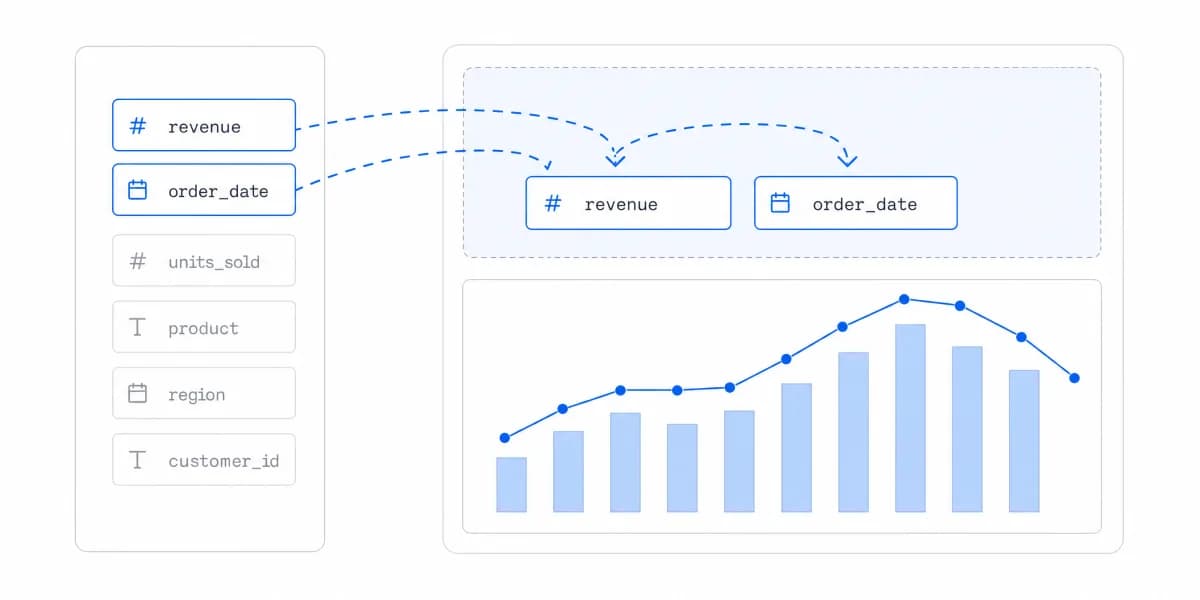
Choosing self-service analytics tools is not a contest for the largest chart catalog or the shortest demo. A drag-and-drop editor can speed some authoring tasks while still leaving metric governance, authorization, accessibility, operations, and content lifecycle to your team.
Prototype the hardest representative path. Verify:
- identity, permissions, tenant or workspace boundaries, and denied requests;
- reusable metrics, lineage or dependency visibility, and change behavior;
- draft, review, publish, endorse, transfer, and retirement workflows;
- realistic data volume, concurrency, freshness, and failure states;
- keyboard, screen-reader, responsive, export, and scheduled-delivery behavior;
- audit, observability, support, backup, migration, and commercial ownership.
An embedded analytics platform may be a candidate when analytics must live inside a product, but it should pass the same evidence-based evaluation. Product claims do not replace testing your identity, data, workload, accessibility, and support boundary.
Train for the Task and Consequence
Do not minimize training by default or require a complete feature tour. Observe the task and train the gaps that matter.
A consumer may need to understand metric definitions, freshness, filters, and when not to act. A creator may also need data modelling, permission, performance, accessibility, publication, and support practices. A publisher or owner needs the release, incident, change, transfer, and retirement process.
Use short, task-specific guidance, worked examples, searchable definitions, office hours, peer review, or mentoring as appropriate. Measure whether users complete the task correctly, detect limitations, recover from errors, and know where to get help. Time-to-first-chart alone can reward a fast wrong answer.
Operate the Content Portfolio
Usage counts do not explain value. High usage can mean a report is useful, mandatory, confusing, or repeatedly reopened because the answer is hard to find. Low usage can mean irrelevance, poor discovery, seasonal demand, or a small but critical audience.
Review a balanced evidence set:
- task completion and interpretation errors;
- repeat use by eligible audience and relevant period;
- failed queries, authorization denials, latency, freshness, and incidents;
- support requests, workarounds, exports, and abandoned paths;
- duplicated metrics, stale content, missing owners, and upcoming changes;
- qualitative research with consumers, creators, publishers, and support teams.
Then decide whether to improve, consolidate, transfer, restrict, or retire the item. The related self-service BI implementation guide describes phase exits for discovery, pilot, scale, and operation.
The durable practice is simple: let people explore inside a safe boundary, require evidence before wider publication, and keep ownership attached for the full life of the content. That is how self-service increases access without making trust somebody else's problem.
Where to go next
- Self-service analytics guide: the two jobs hiding behind one name, and where self-service stops paying for itself.
- Report builder: how to plan, build, test and maintain reports people actually use.
- Self-Service Analytics articles: every article in this cluster.
Ready to launch customer-facing analytics?
Stop losing customers to competitors with better analytics. Sumboard's customer-facing analytics platform lets you launch self-service dashboards in days, not months.