A search for self-service analytics tools often mixes employee-facing BI, embedded dashboards, headless analytics, and open-source software. Those categories overlap, but they do not share one acceptance checklist.
Self-service analytics should be evaluated from the user's task and the operating boundary. An internal analyst exploring company data and a customer exploring tenant-scoped data inside a SaaS product may use similar charts while requiring different identity, governance, product integration, support, and commercial controls.
What Are Self-Service Analytics Tools?
Self-service analytics lets an authorized user answer defined questions without a specialist completing every step. It does not remove the need for governed definitions, data quality, permissions, documentation, and accountable support.
Two common delivery contexts for self-service BI are:
Internal BI: Tools like Tableau and Power BI help your team analyze your company's data. Think sales dashboards, marketing reports, operational metrics.
Embedded analytics: Platforms like Sumboard help you offer analytics to your customers as part of your product. Your customers use these dashboards to explore their own data within your application.
Some vendors support both contexts through different products or editions. Determine the required context before comparing feature lists.
Features Matter Only When They Support the Workflow and the Governance Model
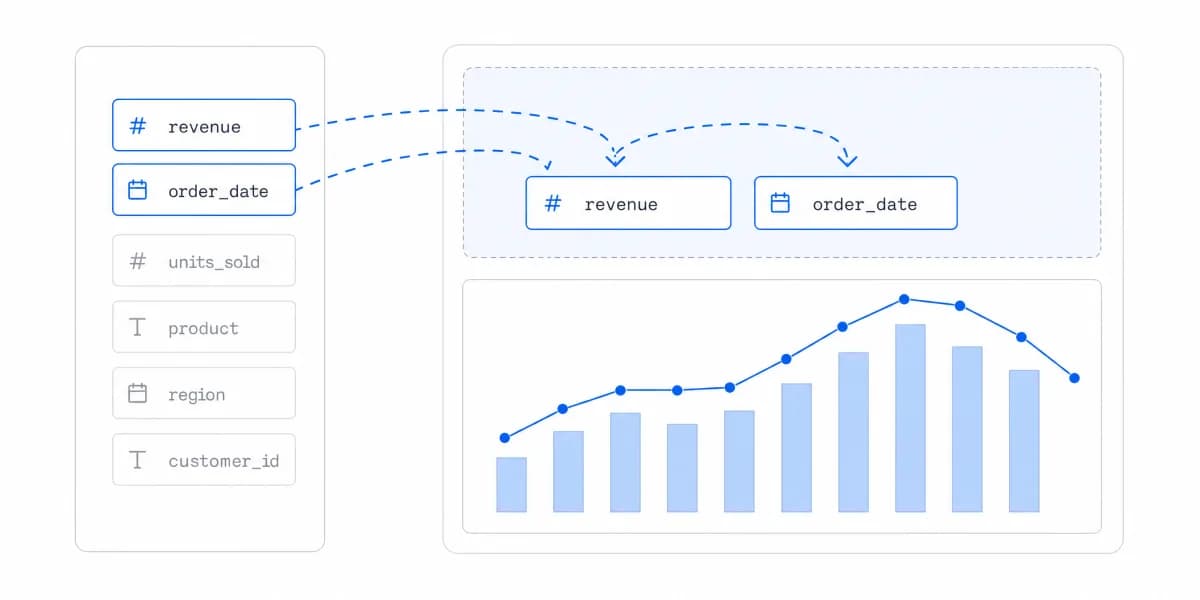
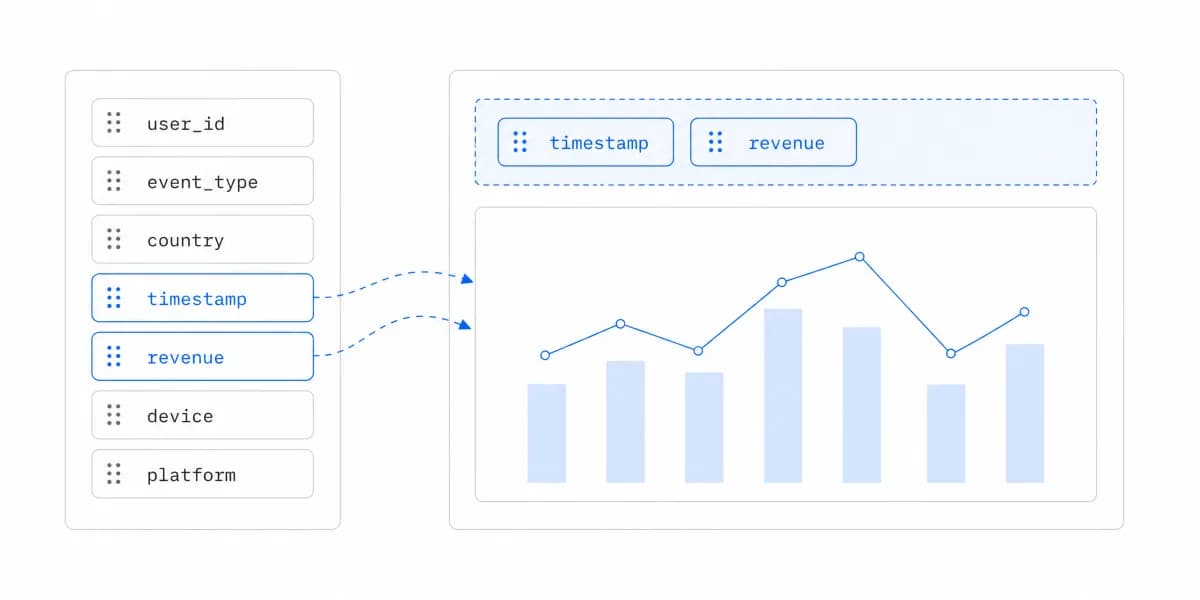
Drag-and-drop interfaces, data connectivity, and refresh options matter only when they support the target workflow and governance model.
For Internal BI, the Data Team Is the User and the Tool Follows Them
Your data team needs tools with:
- Advanced statistical analysis and data transformation
- Integration with your data warehouse (Snowflake, BigQuery, Redshift)
- Collaboration features for internal teams
- Governance controls for sensitive company data
- AI-powered insights and natural language queries
Examples to evaluate include Tableau, Power BI, Looker, ThoughtSpot, and Qlik Sense. Capabilities and editions change, so confirm them in current vendor documentation and a prototype.
Customer-Facing Analytics Changes Which Evidence Matters
- Tenant authorization: Server-side controls enforce which data and actions each account may access
- Product integration: Branding, accessibility, navigation, filters, errors, and responsive behavior fit the host workflow
- Developer contract: The iframe, SDK, components, or API expose the controls the roadmap actually needs
- Commercial model: The meter remains acceptable across low, expected, and peak scenarios
- Performance evidence: Representative dashboards meet agreed latency, stability, freshness, and concurrency budgets
These requirements are not guaranteed by an "embedded" label and are not automatically absent from an established BI platform. Verify the target product and edition.
The Right Tool Falls Out of What You Are Building, Not a Ranking
Let's break down the actual options based on what you're trying to build. Following proven self-service analytics best practices starts with choosing the right tool for your specific use case.
For SaaS Products, Evaluate Against Your Own Tenant, Theme and SDK Workflow
Evaluate Sumboard against the product's representative tenant, theme, dashboard, SDK-managed iframe workflow, accessibility requirements, performance budget, and current commercial quote. The installed @sumboard/sdk package manages a framed dashboard; do not describe it as a React component SDK unless the product contract changes.
Qrvey is another vendor to include when its architecture and deployment model fit the shortlist. Verify current storage, transformation, visualization, tenancy, hosting, support, and pricing capabilities directly rather than relying on a static roundup.
Internal BI Tools Can Embed, but the Edition Decides Whether They Do
Tableau, Power BI, Looker, and ThoughtSpot all have product and edition choices that may support embedding. For each one, test the same tenant-scoped workflow and record the actual identity model, authorization enforcement, semantic layer, theming, SDK or API surface, accessibility, performance, administration, support, and commercial meter. Do not transfer a capability or limitation from one vendor to another: for example, LookML belongs to Looker, not Tableau.
Open Source Is a Route, and the Licence Decides Whether Embedding Is Included
Metabase and Apache Superset can be evaluated as open-source or self-hosted routes. Check the current license and edition for embedding, branding, authentication, and redistribution rights. Price infrastructure, upgrades, backups, monitoring, security response, accessibility remediation, and engineering ownership alongside any software fee.
How to Choose the Right Self-Service Analytics Tool
Start by defining the user, decision, data boundary, and acceptance criteria before shortlisting products.
Step 1: The Use Case Is Really the Question of Who Uses It
Ask yourself: Who needs to use these analytics?
- Internal teams: Employees exploring governed company data need an internal analytics workflow
- Your customers: External users exploring tenant-scoped data need a customer-facing product workflow
One organization may need both contexts. They can share a platform only if its identity, authorization, semantic, product-integration, and commercial behavior satisfy both sets of requirements.
Step 2: For Embedded Analytics, a Short List of Questions Decides the Fit
For embedded analytics specifically, these questions matter most:
Integration scope: What must be complete for production beyond mounting a demo: token issuance, tenancy, loading and failure states, responsive behavior, accessibility, consent, observability, and release tests?
Multi-tenancy: Does the platform handle row-level security and data isolation natively, or will you build this yourself?
White-label capability: Which exact surfaces can be themed, removed, hosted on a custom domain, exported, or emailed, and in which edition?
The Developer Contract Is Set by What the Vendor Hands Your Code
Does the vendor provide a managed iframe, an SDK wrapper, host-rendered components, or headless query APIs? Which filters, events, lifecycle methods, and accessibility responsibilities are documented?
Performance: Do representative dashboards meet the agreed cold/warm load, interaction, freshness, error, and concurrency budgets? Test the dashboard types your customers will actually open, not the lightest one.
Step 3: The Meter Varies More Than the Price Does
Analytics products may charge by named or active user, capacity, compute, queries, data volume, environment, feature tier, support level, or a negotiated platform fee.
Price a Low, Expected and Peak Case, Not One Number
For each candidate, price a low, expected, and peak case using current quotes. Record included limits, overages, minimum commitments, non-production environments, support, implementation services, hosting, and exit costs. A flat fee is only flat within its contract; a usage meter is only unpredictable when the workload and limits are not modelled.
Step 4: Build, Buy and Hybrid Only Compare at the Same Scope
For a build estimate, include semantic definitions, query and cache behavior, visualization, exports, tenancy, permissions, accessibility, performance, observability, administration, documentation, support, upgrades, and migration. Use the team's delivery history and fully loaded cost rather than a generic engineer count or timeline.
For a buy estimate, validate the hardest workflow and include vendor dependency, implementation work, limits, support, commercial escalation, and exit options. A hybrid can isolate the differentiating experience while buying commodity infrastructure, but it adds a seam that needs stable identity, data, and observability contracts. The build versus buy decision framework works the same comparison through acceptance criteria, lifecycle cost, and exit terms.
Choosing the Tool Is the Smaller Half of the Work
Once you've chosen the right tool, self-service BI implementation requires careful planning around data governance, user training, and security protocols.
The technical architecture matters as much as the tool selection. Multi-tenant SaaS platforms need row-level security, API-based data access, and proper user authentication flows.
For AI-enhanced capabilities, evaluate how AI-powered analytics handles semantic grounding, authorization, citations, uncertainty, monitoring, and human review before adding natural-language or automated insight features.
Choosing the Right Tool Comes Down to Use Case
The selection becomes clearer when every candidate is tested against the same user task and operating boundary:
For internal BI: Evaluate employee identity, semantic governance, exploration, collaboration, administration, and fit with the existing data stack.
For customer-facing analytics: Evaluate server-enforced tenant scope, product integration, accessibility, representative performance, support ownership, and commercial behavior at the expected scale.
Do not select or reject a tool from its category label or a generic roundup. A platform is suitable only when the target product and edition pass the acceptance criteria with evidence.
Start with the user, decision, data boundary, and owner. Then compare the tools.
Where to go next
- Self-service analytics guide: the two jobs hiding behind one name, and where self-service stops paying for itself.
- Report builder: how to plan, build, test and maintain reports people actually use.
- Self-Service Analytics articles: every article in this cluster.
Ready to launch customer-facing analytics?
Stop losing customers to competitors with better analytics. Sumboard's customer-facing analytics platform lets you launch self-service dashboards in days, not months.