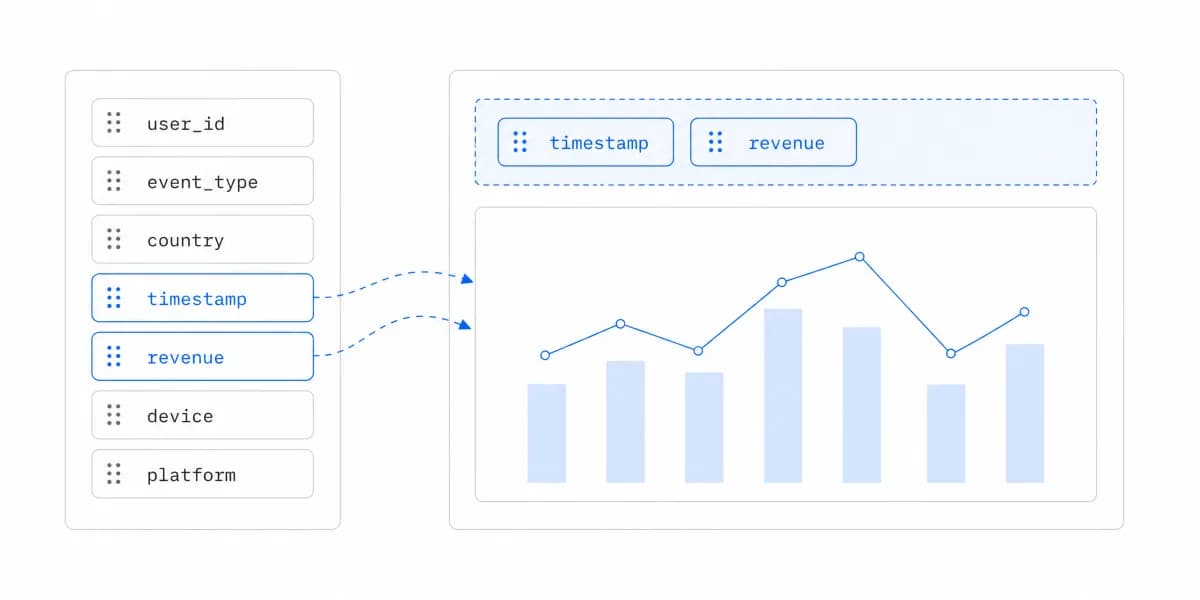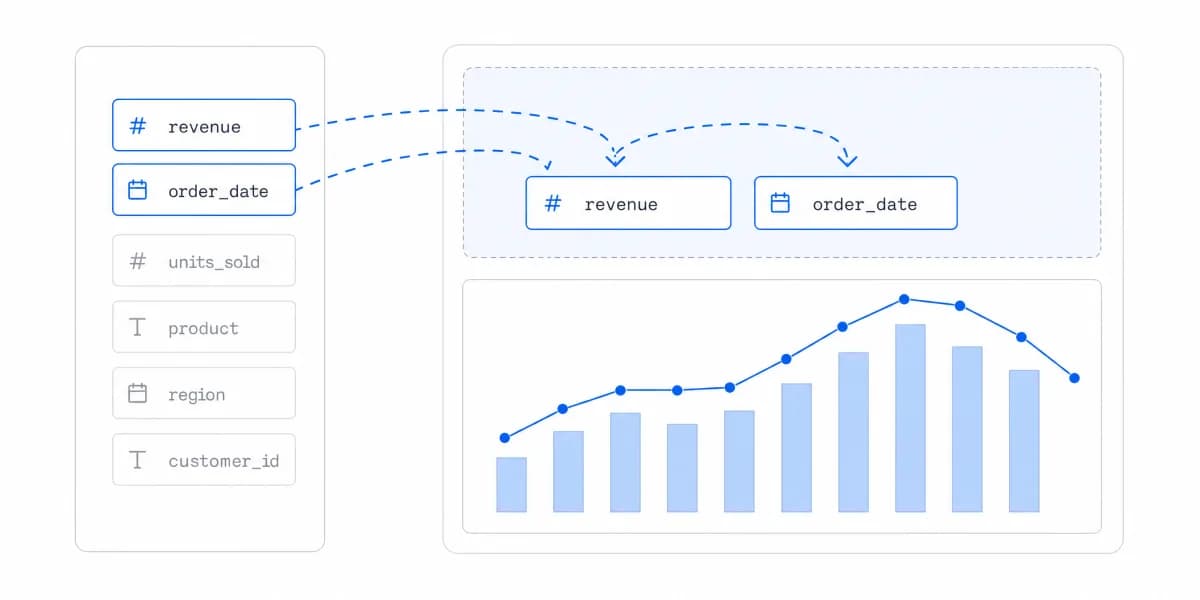
Self-service BI can mean an internal exploration tool or customer-facing analytics embedded in a SaaS product, which is the customer-facing analytics product we build. Those contexts differ in audience, authentication, tenancy, product design, support, and release ownership, so their implementation plans should not be copied from one another.
Why Self-Service BI Plans Expand
The plan expands when governance, modelling, security, product integration, and user enablement are treated as a generic checklist rather than scoped to the actual decision and risk.
What SaaS companies actually need is different. You're not deploying BI tools to internal analysts. You're embedding analytics into your product for customers to use. The requirements are completely different:
- Customers may need in-product guidance rather than an internal training program
- You need white-labeled dashboards, not internal reports
- Multi-tenancy and row-level security must be enforced and tested on the first production path
- Integration timing must include data, identity, review, and release dependencies
Understanding what self-service BI really means for customer-facing use cases is the first step toward successful implementation.
A Platform Reduces the Infrastructure You Own, It Does Not Remove the Work
An embedded analytics platform can reduce the amount of analytics infrastructure a SaaS team owns, but it does not remove discovery, data, security, design, or operating work.
This isn't about buying vs. building BI tools. It's about recognizing that embedded analytics is a product feature, not an IT initiative.
Each Phase Needs an Explicit Exit Before the Next One Starts
- Discovery: approve the user task, metrics, source data, tenant model, roles, and acceptance measures.
- Secure pilot: connect one representative data path and validate one high-value dashboard against access, data-quality, performance, accessibility, and user-task tests.
- Scale: create governed templates, permissions, observability, and support processes only after the pilot evidence is acceptable.
- Operate: review usage, incidents, support load, metric changes, and template variants on a defined cadence.
The wider self-service analytics guide covers internal and customer-facing patterns. In both cases, minimum governance for trustworthy metrics and access control belongs before release; bureaucracy unrelated to the risk does not.
Speed matters only alongside correctness and safety. Track analytics requirements in CRM notes and product research, then estimate delay cost from that evidence rather than assuming every month causes a lost deal or churn.
The Pilot Has to Produce a Working Dashboard on a Real Identity Path
The pilot should produce a working dashboard on a representative data and identity path. Its duration follows the dependencies below.
Connect the Production Database With Read-Only Access
Connect your production database with read-only access. If you're using standard SQL databases (like PostgreSQL or MySQL), this should be straightforward. Configure row-level security filters from day one, retrofitting security later creates technical debt.
For multi-tenant SaaS apps, your security model typically looks like:
- Customer ID filtering built into every query
- Token-based authentication for dashboard access
- Isolated data views per customer
Build One High-Value Dashboard, Not Everything
Build one high-value dashboard. Don't try to build everything. Pick the metric customers ask about most, usually revenue, usage, or performance data.
Choosing the right tools matters here. Compare platforms on the complete pilot acceptance criteria, not a setup-time claim.
Validation Needs Enough Users to Cover the Roles, Not Just One
Recruit enough representative users to cover the roles and important workflow differences. Observe:
- What questions they still have
- What filters they need
- Whether the data updates fast enough
This validation step prevents building the wrong thing at scale.
Scale Only After the Pilot Passes
Once the pilot meets its acceptance criteria, scale the proven data, security, and interaction patterns deliberately.
Create Dashboard Templates
The next stage is where reusability starts to pay. Take that first dashboard and turn it into a template that works for all customers. This means:
- Parameterized queries that filter by customer ID
- Reusable chart components
- Consistent styling and branding
Templates are how you scale self-service. Each new dashboard type should be built once and deployed to all customers simultaneously.
Configure Access Controls
Self-service doesn't mean unrestricted access. Set up role-based permissions that match how your product works:
- Admin users see all data
- Standard users see filtered views
- Report-only access for viewing without exploration
For embedded analytics, this needs to work through your existing authentication system. Customers shouldn't need separate logins for analytics.
Enable Customer Customization
Self-service scope can range from filters to saved views or complete dashboards. Define which actions customers may perform and how they are governed before enabling them.
The right approach: Build filtering and drill-down capabilities into your templates. Customers can then slice data their way without you building custom views.
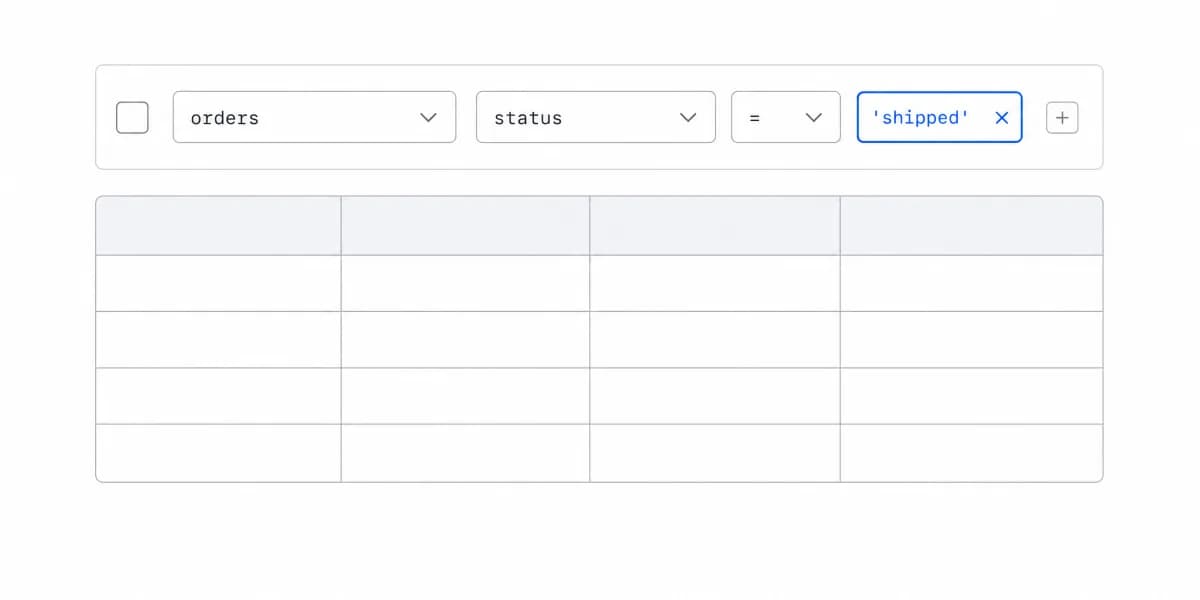
A data access pattern that automatically filters database queries based on the authenticated user's permissions, ensuring customers only see their own data in multi-tenant applications.
For deeper context on how self-service BI differs from traditional business intelligence approaches, understanding the architectural patterns is essential.
Teams Slow Down by Over-Complicating What Should Be Simple
We've seen teams slow down or fail by over-complicating things that should be simple.
Mistake 1: Building Governance Before Usage
Start with the governance required for metric correctness, ownership, tenant isolation, auditability, and change control. Expand it from observed usage and risk rather than creating unrelated bureaucracy or omitting controls until after release.
Mistake 2: Custom Dashboards for Every Request
One-off requests can accumulate into variants whose data definitions, permissions, and regressions must all be maintained.
The fix: Build configurable templates instead of custom implementations. Customers get "custom" analytics through filtering and drill-downs, not through unique dashboard builds.
Mistake 3: Ignoring Mobile Experience
Support the devices required by the researched user tasks. If mobile is in scope, include its breakpoints, touch interaction, accessibility, and performance in the pilot.
Make responsive design a requirement, not an afterthought.
Mistake 4: No Performance Testing
Set a performance budget from the user task and test under realistic conditions:
- Multiple simultaneous users
- Large date ranges
- Complex aggregations
Performance issues compound as you scale. Fix them early.
Self-Service Usually Produces One Person Everyone Asks
The predictable outcome of a successful rollout is not that everybody builds their own reports. It is that two or three people become good at it and quietly absorb everyone else's requests, which is the original bottleneck with a friendlier name and no ticket queue attached to it.
That is worth noticing early, because it is measurable and it is fixable. Look at who authors the content that gets viewed, not at how many accounts exist. If a small number of names appear on most of the used dashboards, the platform has redistributed the work rather than removed it.
The fix is usually not more training. It is fewer things to build: certified starting points that cover the common questions, so the request arriving at that person is a variation rather than a new build. And it is worth making the role explicit if it exists anyway, since an unnamed obligation absorbed on top of someone's actual job is how a rollout loses the person holding it up.
Long-Term Operation Needs Evidence Beyond the Launch
Long-term operation requires evidence beyond the initial launch.
Regular Usage Reviews
Review activation, repeat use, task completion, query failures, support requests, and low-use dashboards. High usage may indicate value or confusion, while low usage may indicate poor discoverability or irrelevance; investigate before prioritizing.
Customer-Driven Roadmap
Combine usage data, task research, support evidence, strategic fit, and implementation cost when choosing the next template. Request volume alone does not establish value or reusability.
Following self-service analytics best practices means continuously refining based on real usage patterns rather than theoretical requirements.
Embedded, Not Separate
Place analytics at the point of decision when the workflow benefits from it, while preserving a discoverable place for broader exploration.
Where to go next
- Self-service analytics guide: the two jobs hiding behind one name, and where self-service stops paying for itself.
- Report builder: how to plan, build, test and maintain reports people actually use.
- Self-Service Analytics articles: every article in this cluster.
Ready to launch customer-facing analytics?
Stop losing customers to competitors with better analytics. Sumboard's customer-facing analytics platform lets you launch self-service dashboards in days, not months.