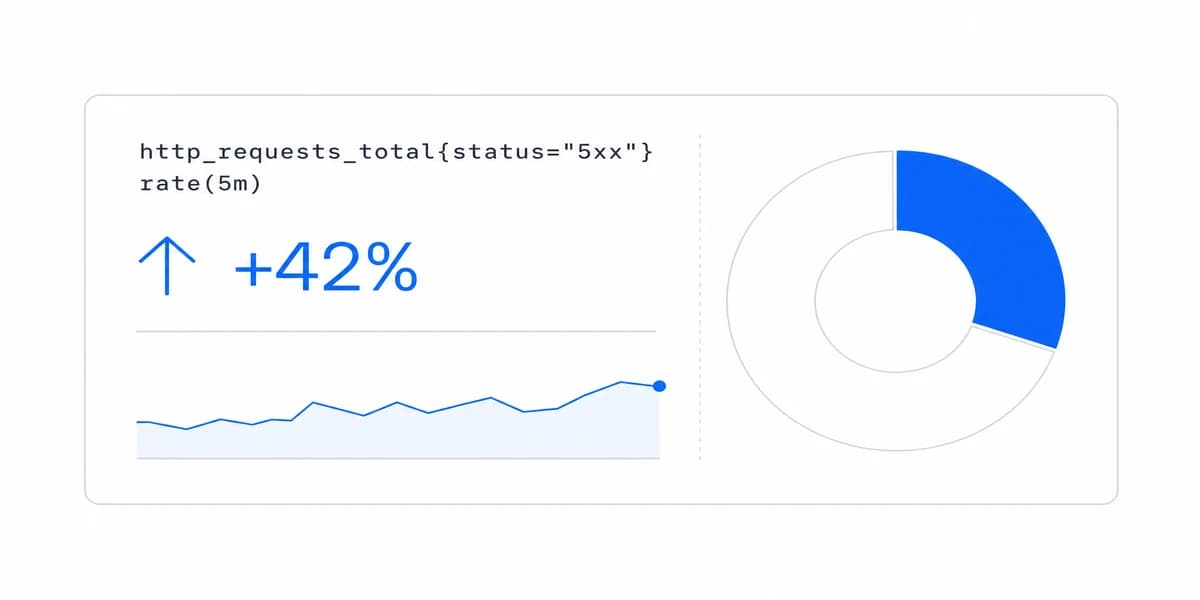
An operational dashboard is a response surface. Design it around a bounded process: detect a condition, assign ownership, expose the evidence needed for triage, offer only permitted actions, confirm the result, and preserve context for handoff. Freshness matters only relative to the decision window, and the dashboard should not pretend to replace the systems of record behind the work.
An operational dashboard is often described as a dashboard that updates quickly. That definition misses the harder requirement: what should a permitted user do when the state changes?
A useful operational view connects a signal to an owner, an evidence path, a safe response, and confirmation. Without that path, a faster dashboard can create more notifications without improving the operation.
Operational dashboards therefore differ from other dashboard types by their decision window and response contract, not merely by refresh frequency.
An Operational Dashboard Is a Response Surface, So Name the Process It Serves First
A response surface for a bounded operational process that helps an authorized user detect a material condition, triage it with current evidence, take a permitted action, confirm the result, and hand off unresolved work without losing context.
Before choosing charts, write the operating contract for one process:
- Decision window: How long can the user wait before the condition can no longer be changed?
- Trigger: Which state or deviation deserves attention, and which conditions should be suppressed or grouped?
- Owner: Who acknowledges, investigates, acts, and receives an escalation?
- Evidence: Which entity, event time, metric version, scope, and source details are needed to judge the signal?
- Allowed response: Which action can the current role take, under which guardrails?
- Confirmation: What observable state change proves that the response worked?
- Handoff: What must persist when the issue moves to another person, shift, or system?
This keeps the dashboard attached to a real workflow instead of becoming a general status page.
Freshness Is a Decision Property
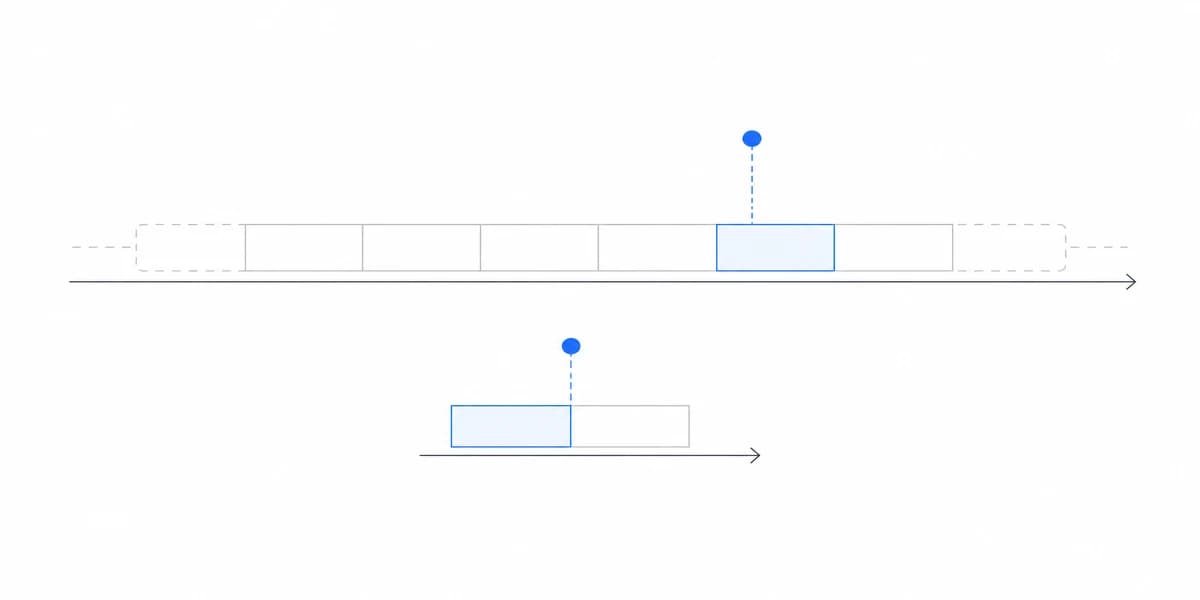
“Real time” is not a single technical setting. An operational state can include at least four different times:
- when the event occurred;
- when the source committed it;
- when the metric or rule processed it;
- when the dashboard last received or rendered it.
Show the time that matters to the user and make delayed, partial, disconnected, or backfilled states visible. A recent browser timestamp does not prove that the underlying event is current.
Set a freshness objective from the decision window. If a warehouse exception remains recoverable for several minutes, sub-second streaming may add cost without changing the outcome. If a safety interlock must act immediately, the dashboard should not be the control mechanism at all; it can observe and support the governed response while the operational system enforces the critical rule.
The Transport Between the Commit and the Screen Has Its Own Guarantees
The four times above describe where delay comes from. The mechanism carrying the change from the source to the dashboard adds a second property, and it is about correctness rather than speed.
PostgreSQL's logical decoding is a good place to read it, because the guarantee is written down. Logical decoding is "the process of extracting all persistent changes to a database's tables into a coherent, easy to understand format", implemented "by decoding the contents of the write-ahead log", and a replication slot "represents a stream of changes that can be replayed to a client in the order they were made on the origin server" (PostgreSQL logical decoding).
Then comes the sentence that matters for an alerting surface. "A logical slot will emit each change just once in normal operation. The current position of each slot is persisted only at checkpoint, so in the case of a crash the slot might return to an earlier LSN, which will then cause recent changes to be sent again when the server restarts."
Why that lands on step one and step four
Once is the normal case, not the guarantee. After a restart the consumer can see changes it has already seen, which is harmless for a chart that recomputes a total and is not harmless for the model in the next section, where a change becomes a detected condition, an assignment, and a confirmed outcome.
So the detection step needs an identity for the condition rather than for the message, and the confirmation step needs to be safe to apply twice. If your rule fires on "row changed" instead of on "this shipment entered exception state, keyed by shipment and state", a restart produces a second alert for work someone already finished.
This is PostgreSQL's wording and other sources word it differently, so read your own. The property to look for is the same everywhere: whether the transport promises at-least-once or exactly-once delivery, and what it does after a crash.
Five Steps Turn an Operational Signal Into Confirmed Work
1. Detect a material condition
Define the eligible population, threshold or rule, event time, and metric version. Include enough identity to locate the affected order, asset, queue, delivery, or service case. Treat missing and delayed data as explicit states rather than silently interpreting them as normal.
2. Triage before escalating
Give the owner enough context to judge scope and urgency: affected entities, duration, related events, confidence, known maintenance, duplicates, and previous acknowledgements. A visual priority indicator should be backed by a documented policy, not only by color.
3. Offer a permitted response
The next step might open the source application, start a runbook, assign a case, pause a workflow, or record an acknowledgement. Scope actions by tenant, role, entity, and current state. Show prerequisites and consequences before execution, and make destructive or irreversible responses require the controls appropriate to their risk.
4. Confirm the outcome
Do not treat a click as resolution. Confirm a state transition from the relevant system, show whether the expected signal changed, and retain failures or timeouts. If the action cannot be confirmed, keep the work open and make retry, rollback, or escalation clear.
5. Preserve a durable handoff
An unresolved issue should carry its evidence, current owner, actions already attempted, timestamps, notes, and escalation target. The dashboard can coordinate the response, but the event log, case system, or source application should remain the durable record and audit trail.
Do Not Point Every Viewer at Production Tables, and Let the Contract Pick the Architecture
Avoid connecting every viewer directly to production transaction tables on an aggressive polling interval. Separate the path into explicit responsibilities:
- Ingest: capture source changes with stable identifiers, event time, and correction behavior.
- Compute: apply versioned metric and exception rules, including suppression and grouping.
- Serve: enforce tenant and role scope, bound queries, and publish freshness metadata.
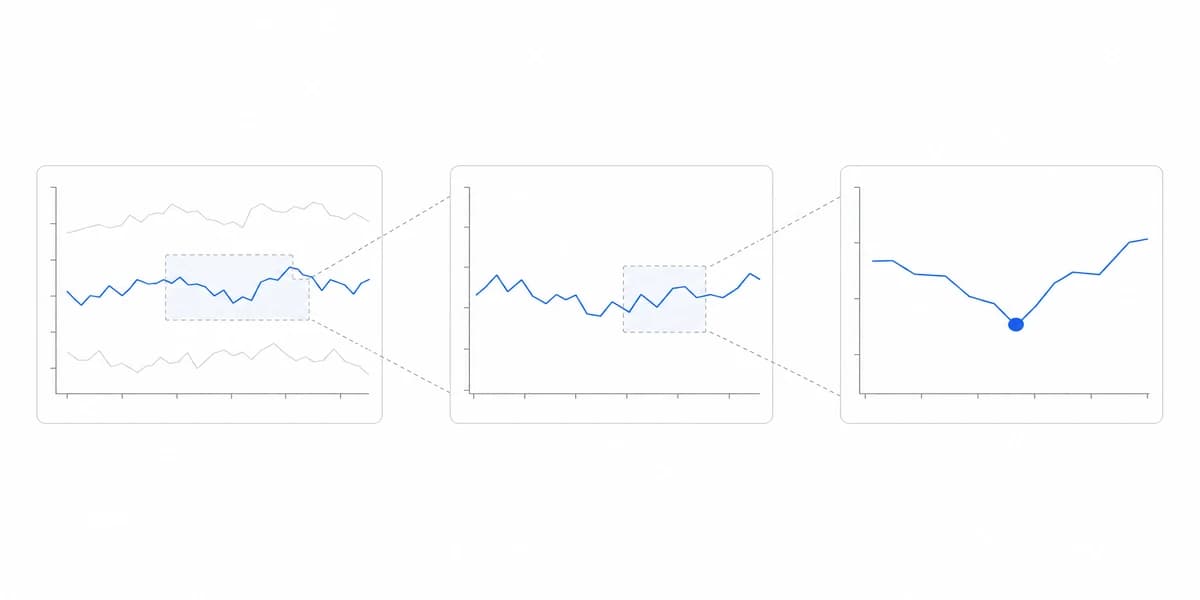
- Inspect: retrieve detailed evidence on demand rather than placing every row in the initial view.
- Act: route authorized responses to the owning system and observe their result.
Pre-aggregation, caching, incremental computation, polling, and streaming are implementation choices. Evaluate them against the same contract: acceptable staleness, concurrency, correction behavior, failure recovery, and cost at realistic load.
A Control Room, a Warehouse Tablet, and an Escalation Phone Are Three Interaction Models
A control-room display, warehouse tablet, and escalation phone do not share the same interaction model.
- Shared displays need readable status at distance, a visible scope, and no assumption that the viewer can take an authenticated action there.
- Touch devices need appropriately sized targets, clear focus and selection states, and workflows that tolerate gloves, movement, and intermittent connectivity when those conditions apply.
- Phones should prioritize acknowledgement, evidence, ownership, and escalation instead of reproducing a dense desktop canvas.
- Assistive technology needs equivalent labels, state announcements, keyboard access, and non-color cues for priority and status.
Use the broader dashboard design principles as a baseline, then test the actual operational task on the intended device and network.
Acceptance Starts at a Known Event and Ends at Evidence the Response Landed
A production acceptance test should begin with a known event and end with evidence that the response reached the owning system.
Cover at least these cases:
- an expected event appears with correct identity, scope, freshness, and severity;
- late, corrected, duplicated, and out-of-order events behave according to policy;
- unauthorized users cannot inspect or act on another tenant or entity;
- acknowledgements and actions survive refresh, navigation, reconnection, and shift handoff;
- failures, timeouts, stale data, partial results, and disconnected states are distinguishable;
- the response is confirmed from the system of record, not inferred from an optimistic UI update;
- false positives, missed events, acknowledgement time, resolution time, and repeated escalations feed a review process.
If the team cannot replay a representative incident and explain each state transition, the dashboard is not ready to coordinate operational work.
A Wall of Current KPIs Describes the Operation Without Identifying Any Work
A wall of current KPIs. Current values can describe the operation without identifying work. Attach exceptions to entities, owners, evidence, and next steps.
Alert without ownership. A prominent warning that no role must acknowledge or resolve becomes notification debt.
Fresh-looking stale data. Display event and processing freshness, plus disconnected and backfill states, instead of relying on the page's refresh time.
Dashboard as system of record. Preserve actions and cases in the owning system so audit, recovery, and cross-shift handoff do not depend on browser state.
One layout for every environment. Validate the response task on the actual device, distance, input mode, network, and permission boundary.
Performance testing without semantics. A fast query can still return incomplete, mis-scoped, or unreconciled evidence. Test latency together with correctness and tenant isolation.
Operational Dashboards Are the Most Demanding Form of Embedded Analytics
Operational dashboards are a demanding form of embedded analytics because they sit inside active work. Their quality is measured by whether the right user can recognize a material condition, understand its evidence, take a safe action, confirm the outcome, and hand off unresolved work.
For a customer-facing analytics product, ours included, make that response contract part of the product boundary. For embedded analytics, whether built or bought as an embedded analytics solution, verify how identity, permissions, freshness, actions, and audit evidence cross the host application boundary.
For an industry-specific example, continue with the manufacturing dashboard guide and map each metric to its source events, operational owner, and response path.
Where to go next
- Dashboard types guide: the four dashboard types sorted by how fast the reader has to act.
- Analytical Dashboard Techniques: design analytical dashboards as a governed loop from a decision question through comparison.
- Dashboard Types articles: every article in this cluster.
Ready to launch customer-facing analytics?
Stop losing customers to competitors with better analytics. Sumboard's customer-facing analytics platform lets you launch self-service dashboards in days, not months.