We've been noticing something in demo calls lately. Product teams show us their analytics features, and almost always, there's this moment where they realize their chart selection feels... arbitrary. A pie chart here because someone requested it. A complex scatter plot there because it looked sophisticated. But nobody stopped to ask: does this actually help our users answer their questions?
The chart types you offer in your customer-facing analytics aren't just visual preferences. They're the interface between your users and their data. Pick the wrong one, and users get frustrated, confused, or worse, they stop using your analytics entirely.
Why Chart Selection Matters for Customer-Facing Analytics
Here's the thing about embedded analytics: you're not building for data analysts. You're building for customers who need quick answers. They're not exploring data for fun. They're trying to understand their performance, identify issues, or make decisions.
That changes everything about chart selection.
Internal BI teams can handle complexity. They'll learn your custom visualization types, they'll interpret dual-axis charts, they'll figure out what that bubble size represents.
Your customers? They need clarity in under 10 seconds, or they'll move on.
The pattern we're seeing: SaaS products that succeed with analytics offer a handful of core chart types that cover the questions customers actually ask. We are not putting a share on it, because we have no study behind one. Products that struggle often have 15+ chart types where users can't figure out which one to use.
From customer feedback, we're learning that the best data visualization practices aren't about showing more data. They're about making the right data immediately obvious.
Essential Chart Types Every Dashboard Should Support
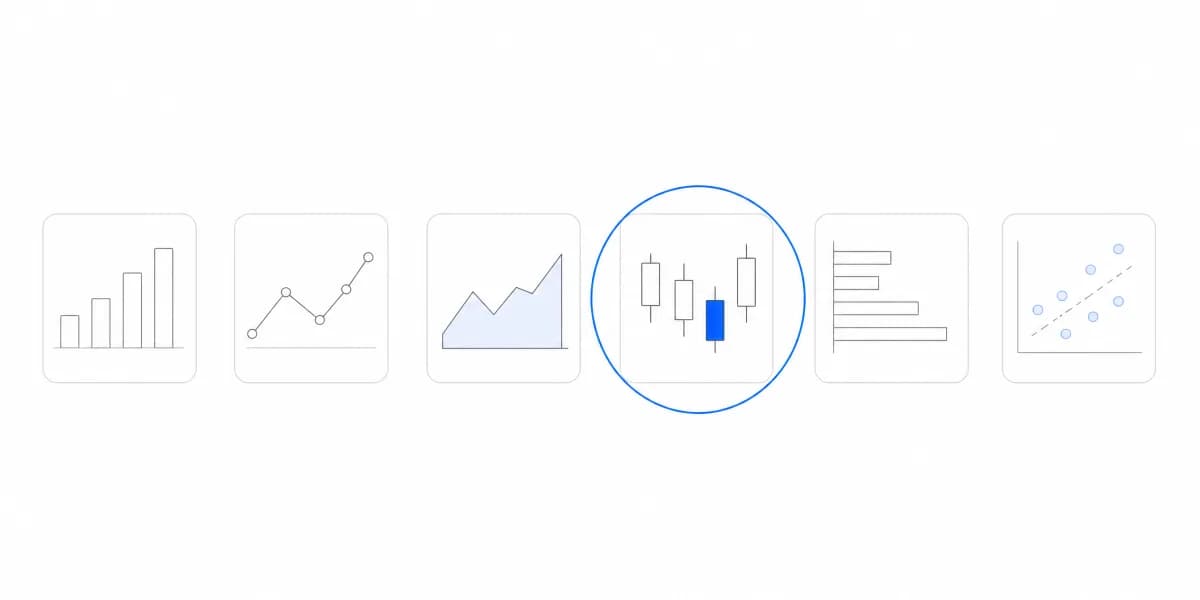
These five chart types handle the majority of analytical questions your customers will ask. Whether you're adding embedded dashboards to your SaaS product or building your first customer-facing dashboard, start with these fundamentals.
Bar Charts: The Universal Comparison Tool
Choose a bar chart to compare values across categories, such as revenue by product, tickets by status, or customers by region.
Bar charts are the workhorse of data visualization. They're instantly recognizable, easy to read, and work for almost any comparison question. Horizontal bars work better when you have long category names or many categories to display.
When customers choose bar charts: "Which product line is performing best?" or "How do our regions compare?"
Line Charts: Tracking Change Over Time
Choose a line chart to show trends, patterns, and changes across time periods.
Line charts answer the question "how is this changing?" Better than any other visualization. They're perfect for metrics like MRR growth, daily active users, or support ticket volume over time.
One line is clear. Multiple lines start getting messy around 3-4 series. That's when you might need filtering options or separate views.
Customers reach for line charts when asking questions such as “Is our churn rate improving?” or “What is our growth trajectory?”
Pie and Donut Charts: Showing Proportions
Choose a pie or donut chart to show a rough part-to-whole relationship across a small number of categories.
Yes, pie charts get criticized in data visualization circles. But here's what matters: your customers understand them immediately. They're terrible for precise comparisons (a 32% slice vs 28% is hard to distinguish), but excellent for showing rough proportions.
Keep it to 5 slices maximum. More than that, and you should use a bar chart instead.
When customers choose pie charts: "What's our revenue breakdown by plan tier?" or "Where is our traffic coming from?"
Scatter Plots: Finding Correlations
Choose a scatter plot to explore whether two variables move together.
Scatter plots shine when customers need to understand if two metrics relate to each other. Customer lifetime value vs acquisition cost. Usage frequency vs retention rate. Product price vs sales volume.
The challenge with scatter plots: they require more cognitive effort to interpret. Make sure you include clear axis labels and consider adding trend lines or clustering to help users spot patterns.
When customers choose scatter plots: "Do customers who use feature X have higher retention?" or "Is there a relationship between contract size and churn risk?"
Tables: When Precision Matters
Choose a table when exact values, multiple metrics, or detailed records matter more than a visual pattern.
Sometimes your customers don't want a chart, they want the actual numbers. Tables are essential when users need to export data, compare exact values, or drill into specific records.
The key is making tables scannable: sort options, search functionality, and conditional formatting (like highlighting negative values in red) transform a data dump into a useful tool.
Advanced Chart Types That Add Real Value
Once you've covered the basics, these chart types solve specific analytical questions that come up frequently in SaaS products.
Heatmaps: Pattern Detection Across Two Dimensions
Choose a heatmap to show density, frequency, or intensity across two categorical dimensions.
Heatmaps excel at questions like "which features get used most on which days?" or "what times see the highest activity?" Color intensity makes patterns immediately visible, no need to read individual values.
We've seen heatmaps used brilliantly for showing customer engagement patterns, support ticket timing, and feature usage correlation.
Funnel Charts: Conversion Tracking Made Visual
Choose a funnel chart for a multi-step process in which the drop-off between stages is the question.
If your product involves any kind of conversion flow (signup, onboarding, purchase, activation) funnel charts make drop-off points obvious at a glance. The width of each stage proportionally shows the volume, making it easy to spot where users are falling off.
Cohort Charts: Understanding Retention Over Time
Choose a cohort chart to compare how groups of users behave over time.
Cohort analysis is powerful but complex. The difference between a histogram and bar chart matters less than showing retention curves in a way customers can actually interpret.
Color-coded cohort grids show retention patterns across different user groups (by signup month, plan type, or acquisition channel) in a way that's both detailed and scannable.
Geographic Maps: Location-Based Insights
Choose a geographic map only when location is part of the analytical question rather than decoration.
If your data has a location component (sales by region, user distribution, or delivery coverage) maps make geographic patterns immediately obvious. But they only work well when location is actually meaningful to the question being asked.
Interactive Features That Transform Static Charts
Here's where embedded analytics gets interesting. The chart type matters, but interactivity is what makes your analytics genuinely useful.
Static charts answer one question. Interactive charts let customers ask follow-up questions without building new reports.
Three Analytical Questions Answered Without Leaving the View
Your customer sees total revenue in a bar chart. They click their highest-performing region and instantly see product-level breakdown. Then they click a product and see individual customer transactions. That's three analytical questions answered without leaving the view.
Selectors, Filters and Toggles Turn One Chart Into Dozens of Views
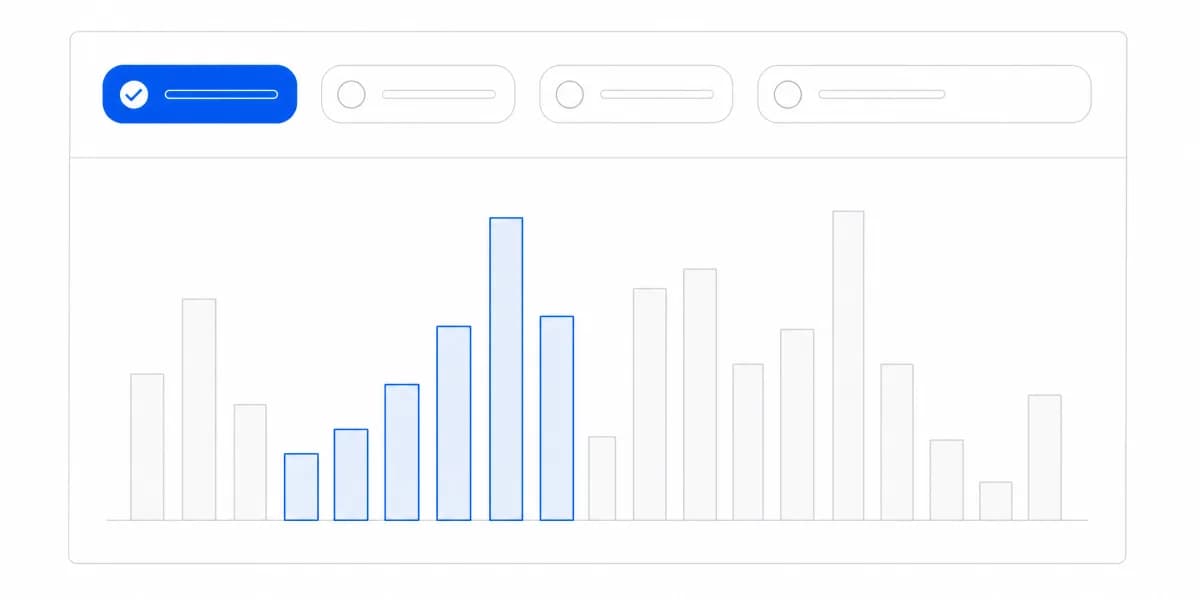
Time range selectors, segment filters, and comparison toggles transform a single chart into dozens of potential views. Your customers can slice the same data by different dimensions to find their specific answer.
Hovering Keeps the Chart Clean and Still Answers the Detail Question
Hovering over a data point should show exact values, percentages, and relevant context. This lets you keep charts visually clean while making detailed information available on demand.
Customers Need to Take the Insight Back to Their Team
Your customers need to take insights back to their teams. Export to CSV, share a filtered view, or embed a live chart in a presentation, these features make analytics useful beyond just looking at dashboards.
The Question Is Not Which Charts to Support but Which Questions Customers Need Answered
The question isn't "what chart types should we support?" It's "what questions do our customers need to answer?"
For comparison questions (Which? What's the largest? How do these rank?):
- Bar charts for category comparison
- Column charts for time-based comparison
- Grouped bars for comparing multiple series
For trend questions (How is this changing? What's the pattern?):
- Line charts for continuous trends
- Area charts for magnitude + trend
- Sparklines for compact trend summaries
For composition questions (What makes up the total? What's the breakdown?):
- Pie/donut charts for simple proportions (3-5 categories)
- Stacked bar charts for composition over time
- Treemaps for hierarchical composition
For distribution questions (What's the spread? Where are the outliers?):
- Histograms for frequency distribution
- Box plots for statistical distribution
- Scatter plots for correlation
For relationship questions (How do these variables relate? What correlates?):
- Scatter plots for two-variable correlation
- Bubble charts for three-variable relationships
- Correlation matrices for multiple relationships
Understanding when to use each visualization type separates good analytics from great analytics. This is why avoiding common data visualization mistakes matters, the wrong chart doesn't just look bad, it actively misleads your users.
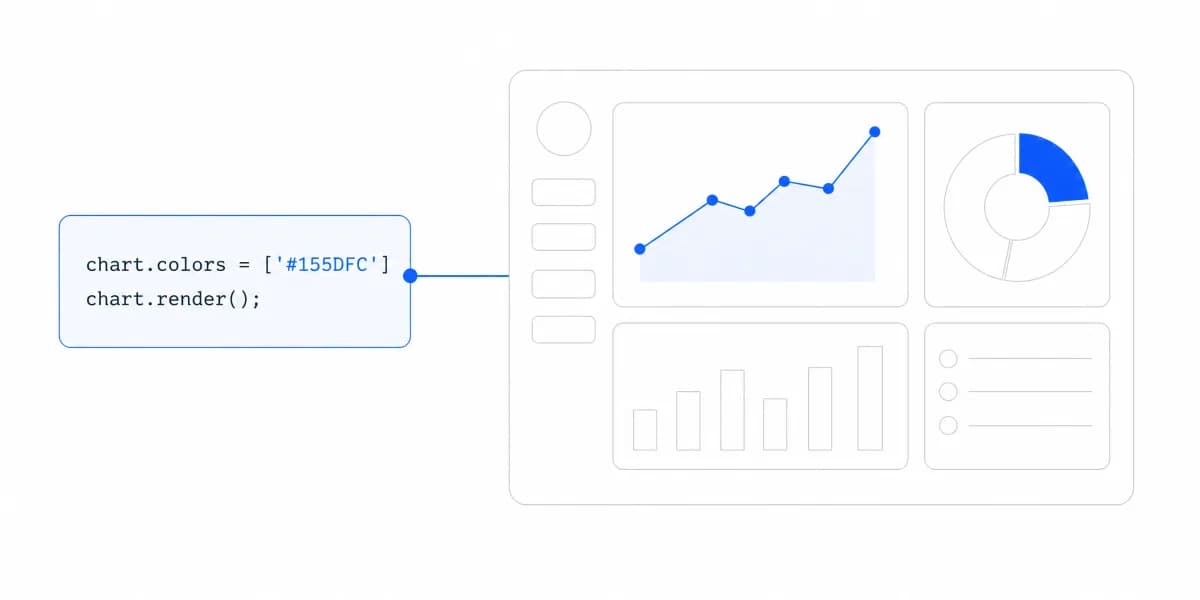
Smart color theory for dashboards can make your charts even more effective. Color isn't decoration. It's data encoding. Use it to highlight important values, show positive vs negative changes, or distinguish between categories.
The best embedded analytics tools make chart selection intuitive, either by limiting options to what actually makes sense for the data, or by making it easy to switch between chart types to see which one tells the story most clearly.
An Operational Dashboard Needs Different Charts Than a Strategic One
Different dashboard types need different visualization approaches. An operational dashboard for daily monitoring needs different charts than a strategic executive dashboard.
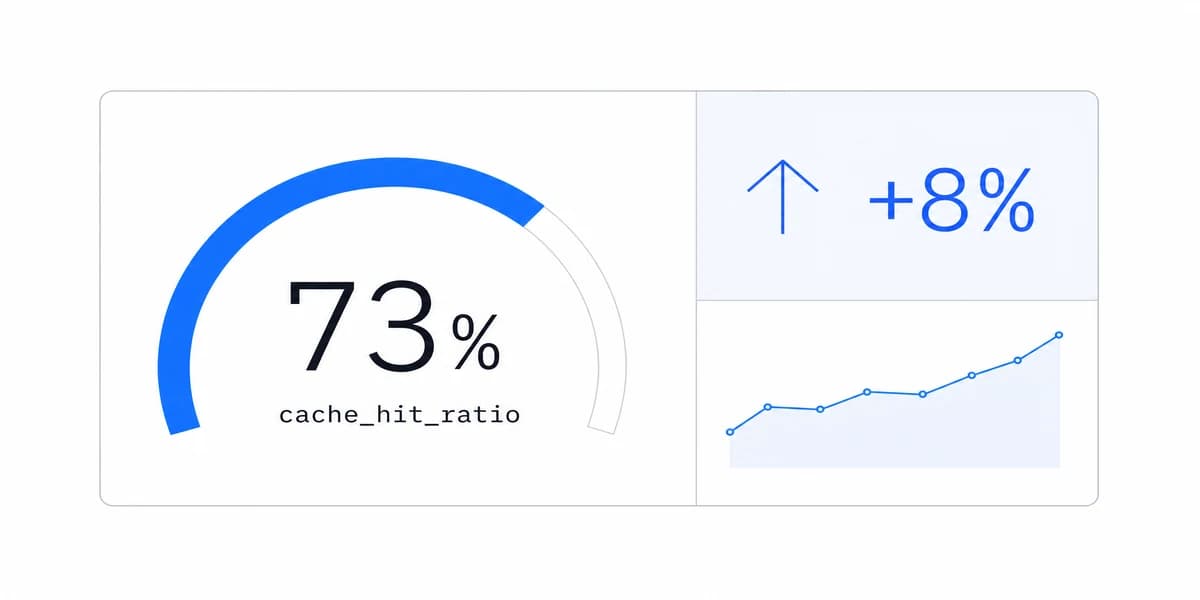
Operational dashboards benefit from simple, scannable visuals: KPIs with sparklines, status indicators, and real-time updates. Think line charts for trends, bar charts for comparisons, and tables for details.
Strategic dashboards can handle more complex visualizations: cohort analysis, multi-dimensional scatter plots, and comparative views. Your executives have time to interpret nuance.
Customer-facing dashboards sit somewhere in between, you need depth without overwhelming casual users. This is where interactive features like drill-downs and dynamic filtering become essential.
If you're building AI-powered analytics, consider how automated insights can guide chart selection. The platform suggests the right visualization based on the question being asked, reducing cognitive load for your users.
If you want to see how different chart types work in practice, our interactive guide lets you explore real datasets with various visualizations to understand what works best for different analytical questions.
Where to go next
- Chart types guide: more than forty charts grouped by the question each one answers.
- Cash flow visualization: most cash flow dashboards show you what happened last month.
- Data Visualization articles: every article in this cluster.
Ready to launch customer-facing analytics?
Stop losing customers to competitors with better analytics. Sumboard's customer-facing analytics platform lets you launch self-service dashboards in days, not months.