We keep seeing the same conversation play out in product team channels. Someone asks whether to use Power BI Embedded or Looker Embedded for customer-facing analytics, when a purpose-built customer-facing analytics product is the third option nobody named. The replies divide into Microsoft camp versus Google camp. Everyone focuses on which enterprise BI platform to embed.
Nobody questions whether embedding an enterprise BI platform makes sense in the first place.
Power BI Embedded and Looker Embedded Were Both Designed for Internal BI First
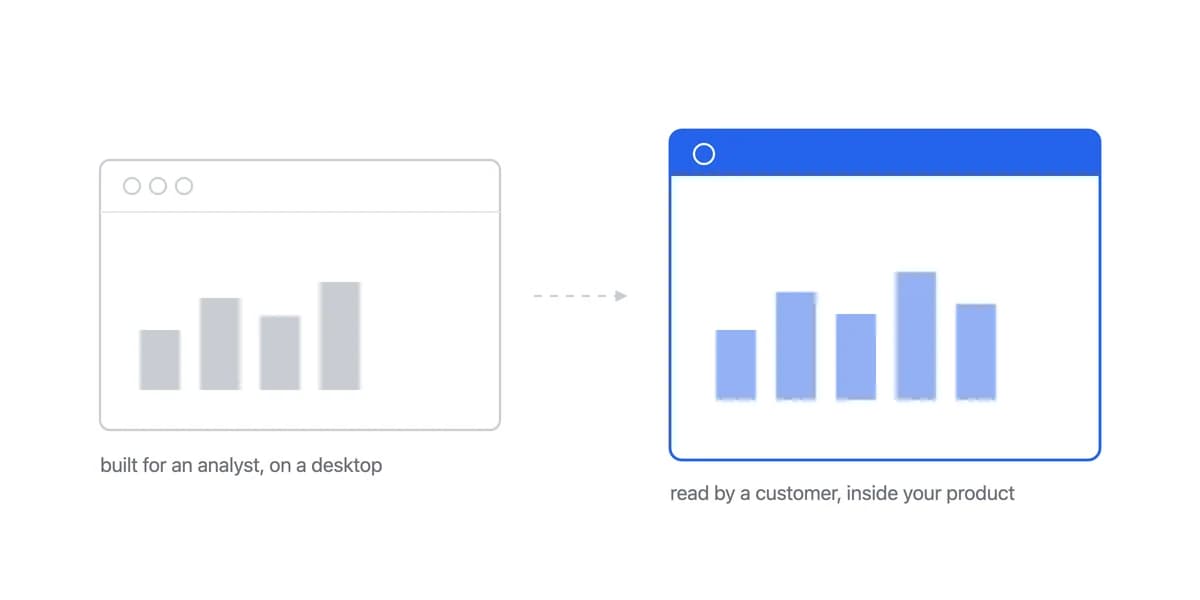
When you're comparing Power BI Embedded versus Looker Embedded, you're actually choosing between two tools that were designed for a completely different problem: internal business intelligence for large enterprises with dedicated BI teams.
Both platforms built embedded analytics capabilities years after launching. The embedding experience reflects this. You're adapting enterprise BI for customer-facing use cases rather than using infrastructure built specifically for embedding.
From teams who went through this evaluation:
Long comparisons between Power BI and Looker for embedding tend to arrive at the same place: both are internal BI tools being repurposed for customers, and neither was designed for that job.
The gap shows up in practical ways that enterprise BI vendors don't highlight in their embedded analytics marketing.
Power BI Embedded Brings Microsoft's Platform, and Its Ecosystem Comes With It
Power BI Embedded brings Microsoft's enterprise BI platform to your application through iframe embedding. If you're already deep in the Microsoft ecosystem, this integration path feels natural. For everyone else, the Microsoft coupling becomes overhead.
The iframe limitation is real. Power BI embeds through iframes, which means limited control over user experience and performance. You can customize colors and add your logo, but you're working within Microsoft's UI framework. When customers want analytics that match your product's design language, you're explaining why dashboards feel like a separate application.
You cannot size the embedded case from the published page. The $14 and $24 figures Microsoft publishes are Pro and Premium Per User seats (Power BI pricing, checked 7 August 2026); Embedded and Fabric capacity is listed as variable and routed to sales, so the embedded case cannot be sized from the page at all. When you're a SaaS company with thousands of end users viewing analytics, that pricing model creates unpredictable costs. The calculation shifts from "what does this cost us" to "how many of our customers' users will access analytics."
From our conversations with teams who evaluated Power BI:
Per-seat pricing is comfortable at a hundred users and uncomfortable at a thousand, which is the reason the embedded route exists at all. What the embedded meter counts is capacity rather than seats, and Microsoft does not publish that rate, so the trade cannot be evaluated before a sales conversation.
Integration complexity depends on your stack. If you're running on Azure with other Microsoft services, Power BI integration is straightforward. If you're on AWS or GCP with React or Vue frontends, you're bridging between ecosystems. The technical debt accumulates in authentication layers, data sync workflows, and maintaining Microsoft-specific infrastructure.
When Power BI Embedded still works: If you're already invested heavily in Microsoft's ecosystem (Azure infrastructure, Active Directory, Office 365) and have internal BI teams familiar with Power BI, the embedded version extends that investment. The learning curve is minimal because your team already knows the tool. Check out our complete Power BI vs Looker comparison for more context on when each platform makes sense.
Looker Embedded Brings LookML, Which Is Both the Governance and the Cost
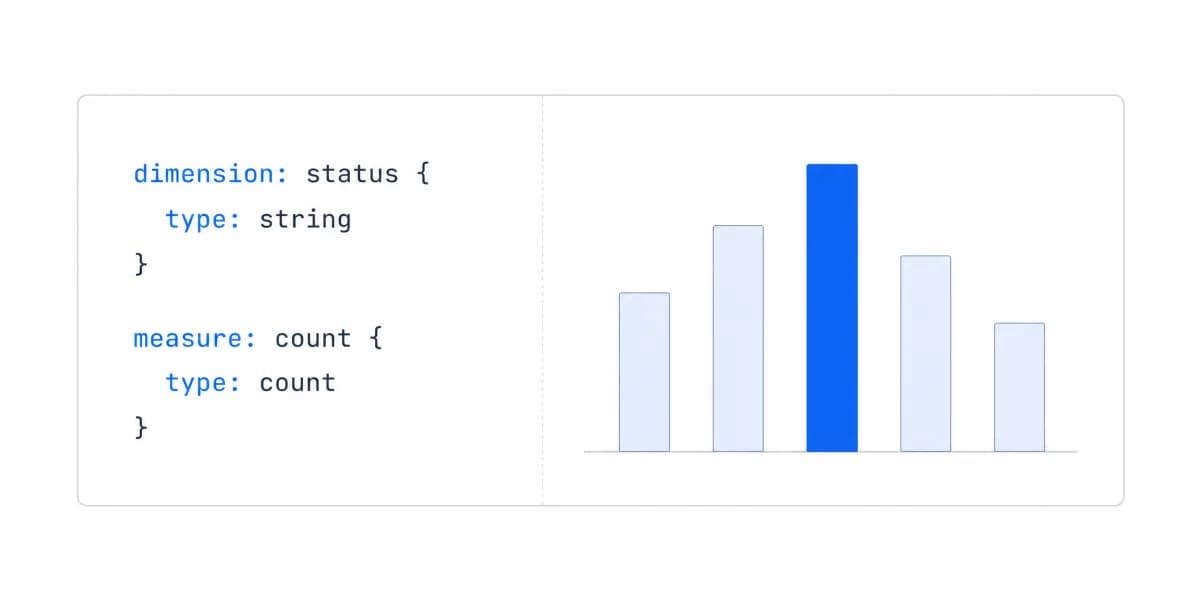
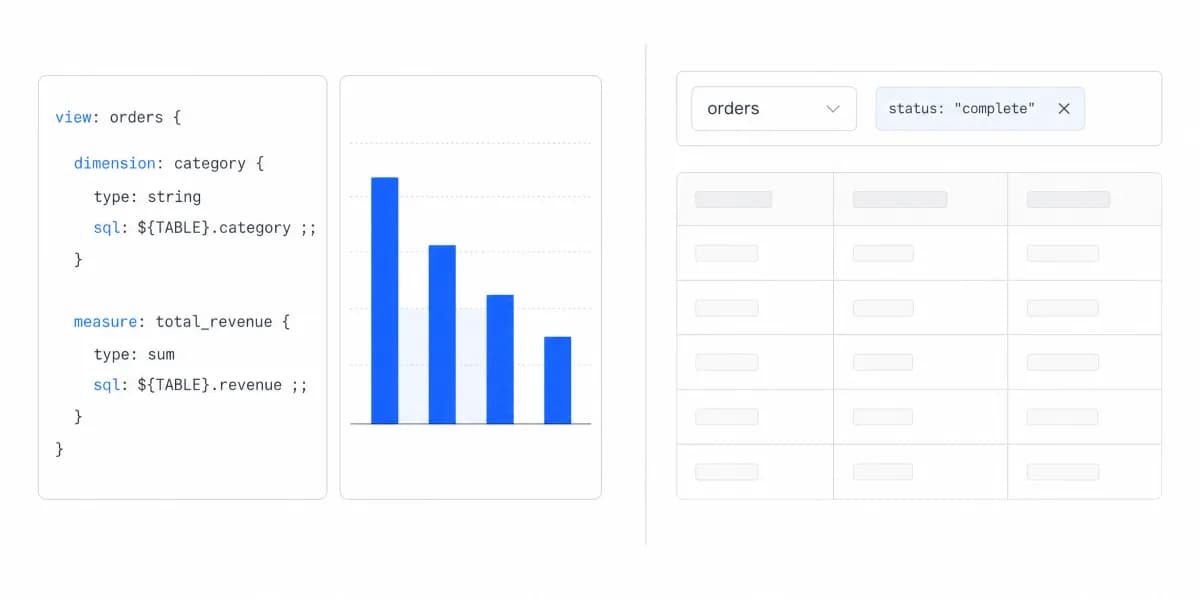
Looker Embedded brings Google's business intelligence platform to your product. The strength that makes Looker powerful for data teams, LookML's semantic modeling, becomes a complexity barrier for product teams trying to ship customer-facing analytics quickly.
LookML is a specialized skill. Looker's modeling language creates consistent data definitions across your organization. For embedding into your SaaS product, this means your team needs to learn and maintain LookML. That's not impossible, but it's also not standard SQL. The ramp-up time is measured in weeks, not days.
From teams who went through Looker onboarding:
Backend engineers who know SQL do not know LookML, and the basics take weeks rather than days. That is time not spent shipping analytics features.
Pricing opacity signals enterprise sales cycles. Google publishes no Looker price at all: Standard, Enterprise and the Embed platform all read "Call sales" (Looker pricing, checked 7 August 2026). Figures circulate, but they are other companies' negotiated contracts rather than a rate you can plan against. For lean SaaS teams, that pricing conversation means getting budget approval, going through procurement, and justifying enterprise BI costs when you just need clean dashboards for customers.
Google Cloud coupling is strong. Looker works best when your data lives in Google Cloud Platform. If you're running on AWS or Azure, you're either moving data to BigQuery or accepting sub-optimal performance. The architectural coupling influences more than just your analytics layer. It can shape infrastructure decisions across your stack. Learn more about Looker alternatives if this coupling doesn't fit your architecture.
When Looker Embedded makes sense: If you're a technical product organization already running on Google Cloud with data teams comfortable in LookML, Looker Embedded uses existing expertise. The consistency of LookML definitions across internal and customer-facing analytics can be valuable for maintaining data governance.
The Modelling Language Also Decides What Happens When Two People Edit It
Comparing DAX and LookML as languages makes it a question of who learns faster. For a product team the sharper question is what the definitions do inside a normal engineering workflow, and the two platforms answer it differently in their own documentation.
Looker treats the project as a repository. Google's documentation states that "Looker uses Git to record changes and manage file versions" and that "Each LookML project corresponds to a Git repository". Opening a project in Development Mode makes Looker "create a local clone of the project's Git repository" and "your personal Git branch", named with a dev- prefix, and teams that want review before production "can have your developers submit pull requests for your Git production branch, instead of allowing developers to merge their changes through the Looker IDE" (Looker version control docs).
Power BI versions the workspace, and the two items that matter here are still marked preview. Microsoft documents Git integration for Fabric with "the integration with source control is on a workspace level", supporting Azure DevOps, GitHub and GitHub Enterprise, cloud-based only. In the supported-items list, the Power BI Report and Semantic model entries both carry a (preview) marker, and the page notes that where a workspace holds unsupported items "they aren't saved or synced" (Fabric Git integration overview).
We did not verify how workspace-level Git integration behaves on an A-SKU embedded capacity specifically, so read the Power BI row as documented for Fabric workspaces rather than confirmed for an embedded deployment.
The reason this belongs in an embedding decision rather than a governance appendix is that customer-facing metric definitions change under pressure. A definition that lives in a repository with branches and review has an audit trail when a customer disputes a number. One that is versioned as part of a workspace, in a mode still labelled preview, has a different answer to the same dispute, because a preview marker is a version state rather than a commitment.
If the definitions are SQL held in your own application repository, this question does not arise separately. That is not a platform feature so much as a consequence of where the text lives.
Both Answers May Be Wrong, Which Is Worth Checking Before You Pick One
If you're evaluating embedded analytics alternatives, step back from the Power BI versus Looker framing. Focus on what matters for customer-facing use cases.
Purpose-built beats retrofitted. Platforms designed specifically for embedding handle multi-tenancy, white-labeling, and customer-facing UX as core features, not add-ons. You're not adapting enterprise BI capabilities. You're using infrastructure built for your exact use case.
Modern SDK architecture matters. Clean APIs and framework-specific SDKs (React, Vue, Angular) let your developers integrate analytics quickly. Look for platforms where embedding is the primary use case, not an enterprise feature checkbox.
Transparent pricing should be standard. If a vendor won't show you pricing without a sales call, that signals their model doesn't fit lean SaaS teams. Look for per-month subscription pricing with clear boundaries, not usage-based models that create surprise bills or per-user fees that scale unpredictably with your customers' growth.
Integration speed directly impacts roadmap. The difference between a 10-minute integration and a 3-month implementation project is the difference between shipping analytics this quarter versus next year. Ask vendors for realistic timelines and check technical documentation quality before committing.
Power BI Embedded vs Looker Embedded vs Sumboard: 12-Criteria Matrix
| # | Criterion | Power BI Embedded | Looker Embedded | Sumboard |
|---|---|---|---|---|
| 1 | Designed for | Internal BI | Internal BI | Customer-facing embedding |
| 2 | Rendering | iframe | iframe / SDK | Optimized iframe |
| 3 | Pricing model | capacity is variable, routed to sales (Pro/PPU seats are $14/$24) | Contact sales, no figure published | €199-€499/mo flat |
| 4 | Per-user fees | Capacity, not seats; rate not published | Not published | None |
| 5 | Modeling layer | DAX / Power Query | LookML | Standard SQL |
| 6 | Ramp-up time | Moderate | Weeks (LookML) | Minutes |
| 7 | Cloud coupling | Azure | Google Cloud | Cloud-agnostic |
| 8 | Framework SDKs | Limited | Limited | React / Vue / Angular / JS |
| 9 | White-labeling | Partial | Partial | Full |
| 10 | Multi-tenancy | Configurable | Configurable | Built-in |
| 11 | Time to integrate | Weeks to months | Weeks to months | Minutes |
| 12 | Best for | Microsoft-ecosystem enterprises | GCP + data teams | B2B SaaS product teams |
Sumboard Was Built for the Case Where Neither Enterprise Platform Fits
We built Sumboard specifically for the use case where Power BI and Looker don't fit: product teams at B2B SaaS companies who need customer-facing analytics without enterprise BI complexity.
The architecture is built for embedding. We designed for it from day one. Clean REST APIs, modern framework SDKs, optimized rendering performance, and complete white-label customization. Your analytics feel native to your product because the platform was built for that experience, not adapted from internal BI tools.
Integration speed is measurable. Where Power BI and Looker implementations typically take weeks to months, Sumboard's SDK gets you live in minutes. Install the package, connect your data source, configure authentication, and embed dashboards. No LookML to learn, no Microsoft ecosystem dependencies, no iframe limitations.
For Nicolas at Cashpad, the integration difference was immediate:
"Analytics is one of the first things we are showing to our customers during the demo sessions of our product. Now it looks so much better than before, and works faster."
Nicolas, CTO at Cashpad
Pricing is transparent and predictable. Our embedded analytics platform starts at €199/month with unlimited viewer seats. No per-user fees that scale unpredictably with your customers, no capacity-based surprise costs, no enterprise sales cycle. You can see pricing on our website and prove value with a free tier before committing budget.
Multi-tenancy is built-in. Row-level security, token-based authentication, and proper data isolation come standard. You're not configuring complex security rules. You're passing user context in your API calls and the platform handles tenant separation automatically.
On cost, the useful difference is not a number, it is who will give you one. Looker publishes no licence price. Power BI publishes seat prices, $14 per user per month for Pro and $24 for Premium Per User, but lists Embedded and Fabric capacity as Variable with a link to sales, so the embedded case cannot be sized from the page. Sumboard is €199-€499 per month with viewers unlimited and no per-seat fees. Compare them on their own meters rather than on one number: Power BI Embedded bills by provisioned capacity hour, so size it in the Azure calculator against your traffic shape; Sumboard bills a flat monthly plan regardless of viewer count; Looker has no published rate to compare at all.
This Comparison Only Matters If You Are Already Committed to Enterprise BI
The Power BI Embedded versus Looker Embedded comparison makes sense if you're already committed to using enterprise BI for customer-facing analytics. You're choosing which ecosystem lock-in to accept.
Power BI fits when: You're running Microsoft infrastructure end-to-end, have internal teams already trained on Power BI, and can accept a capacity rate you cannot see before a sales conversation. The Azure integration and Active Directory coupling provide value rather than constraints.
Looker fits when: You're a technical product organization on Google Cloud, have data teams comfortable with LookML, and can budget for enterprise pricing. The semantic modeling consistency across internal and external analytics justifies the complexity investment.
Purpose-built platforms fit when: You need to ship customer-facing analytics quickly without enterprise BI overhead. You want predictable costs, fast integration, and infrastructure designed specifically for embedding. Your team would rather spend engineering time on your core product than maintaining BI platform expertise.
Want to see how different platforms compare across the embedded analytics landscape? Our BI tools comparison guide breaks down key differences beyond just Power BI and Looker.
Where to go next
- BI tools comparison guide: which platforms survive being embedded, judged on the embedding rather than the connector list.
- Grafana vs Metabase: grafana and Metabase overlap at dashboards but differ in workload, access, delivery.
- BI Tools & Comparisons articles: every article in this cluster.
Ready to launch customer-facing analytics?
Stop losing customers to competitors with better analytics. Sumboard's customer-facing analytics platform lets you launch self-service dashboards in days, not months.