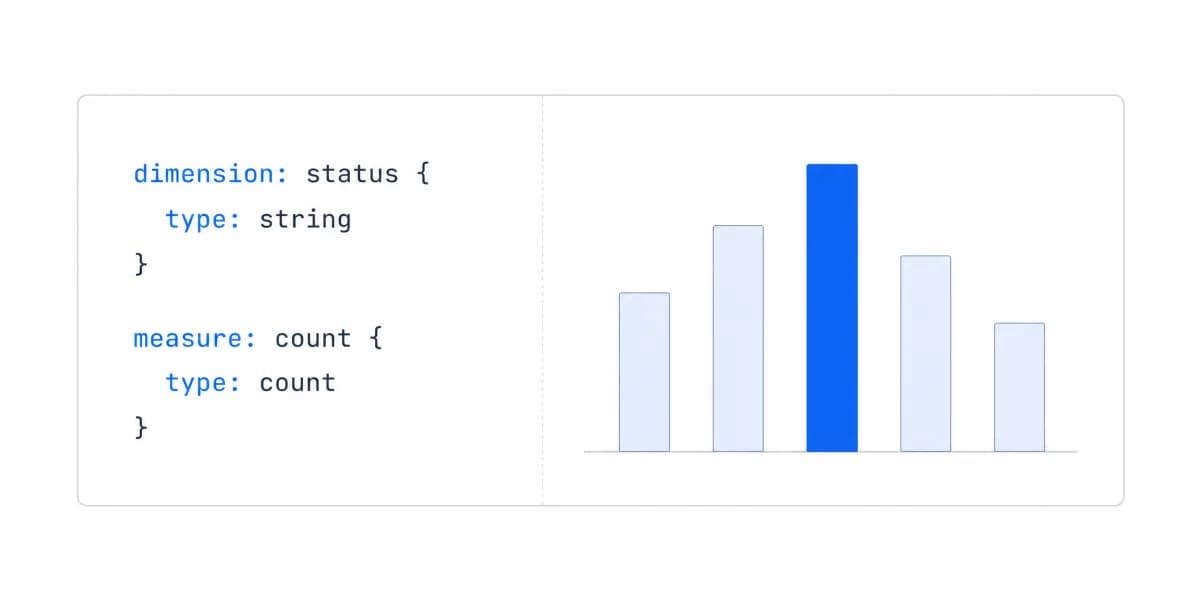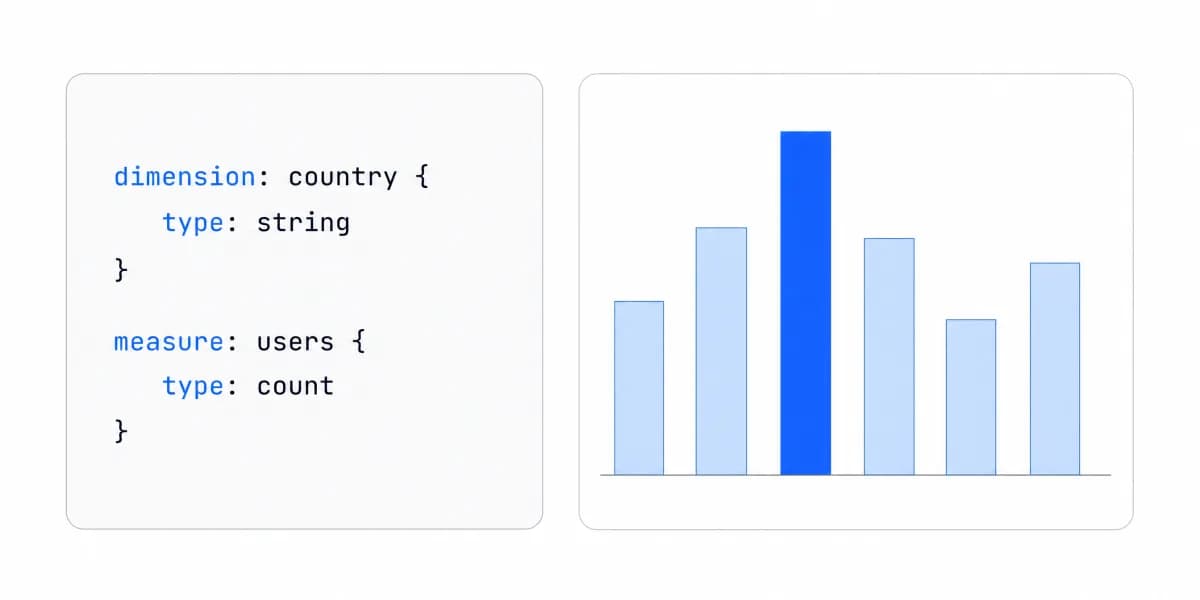
Looker is a business intelligence platform for governed data modeling, exploration, dashboards, delivery, APIs, and embedded analytics. Its defining product boundary is not a particular chart. It is the path from a LookML semantic model and user request to generated SQL, database execution, and a delivered result.
That path explains both Looker's value and the work required to operate it.
Looker Turns a Governed Model and a User's Context Into Generated SQL
Google's LookML introduction describes the core flow:
- A LookML project defines model and view files, joins, dimensions, measures, calculations, and business rules.
- A user or application selects fields and filters through an Explore, saved content, API, or embedded route.
- Looker's SQL generator compiles the request into SQL for the connected database dialect.
- The database executes the query.
- Looker formats and delivers the result through an Explore, Look, dashboard, schedule, API, or embed.
This is often called an in-database architecture because source tables remain in the connected database rather than being copied into a separate analytical extract as the default query model.
LookML Is the Semantic Contract
LookML is Looker's language for semantic data models. It is dependency-based rather than an imperative application language. A project commonly includes:
- model files that select connections, Explores, joins, and access behavior;
- view files that define dimensions, measures, calculations, and field metadata;
- reusable business definitions and validation rules;
- persistence configuration for derived or aggregate tables;
- Git-backed development and deployment workflow.
Users can then form queries from governed fields without writing SQL. That does not remove semantic work; it moves definitions, join safety, aggregation behavior, access, freshness, and ownership into the LookML project.
Evaluate a Looker implementation by reproducing hard metrics and queries, not by counting model files or accepting a successful compile as proof of correctness.
Source Data, Cache, and PDTs Are Different Boundaries
“Looker does not store data” is too broad. The source warehouse remains authoritative, but several data states matter:
Source tables remain in the connected database and are queried under the configured connection and database permissions.
Query-result cache can store encrypted customer data in Looker. Google's cache documentation documents cache retention and invalidation behavior. Define datagroups, freshness, scope, invalidation, retention, and incident handling explicitly.
Persistent derived tables (PDTs) are written to a scratch schema in the database. Google's derived-table documentation describes persistence strategies and rebuild behavior. PDTs need database write permissions, separate environment schemas, triggers, dependency handling, monitoring, and recovery.
Exports and scheduled artifacts create additional copies with their own destinations, permissions, retention, and support paths.
Data residency and security review should cover each boundary instead of relying on the source-warehouse architecture alone.
A Licence Decides Whether a Reader May Ask a New Question, Not Whether They May Reach the Row
Looker's user licence types decide which interfaces a person may open, not which data they may see. Google's pricing page grants the Viewer type folders, boards, dashboards, Looks, scheduling, data filtering, drill to row-level detail, downloads, and view-only access to LookML, and it does not grant Explore or SQL Runner. A Viewer's licence therefore reaches an individual row and exports it, within whatever their role already allows, and still cannot compose a query nobody saved for them. Standard adds Explore and SQL Runner; Developer adds LookML Development Mode, administration, the API interfaces, and support access.
Which data any of them sees is a separate control. Google's roles documentation defines a role as one permission set combined with one model set, and states that a model set defines what data and LookML fields a user or group can see. Two people holding the same licence type can therefore see different data, and the role rather than the licence is what decided that.
That line matters when a surface is described as self-service BI. The phrase covers both a reader who may only filter what was already saved and a reader who may open an Explore against the model, and the licence rather than the phrase decides which one arrived.
The content forms carry a second boundary. Explores select dimensions, measures, filters, and visualizations; Looks save query and visualization state; dashboards arrive user-defined or from LookML; schedules, alerts, APIs, and SDKs move results somewhere else. Boards sit apart from all of them. Google's board documentation describes boards as a way for teams to find curated dashboards and Looks, and states that because content is stored in folders rather than on boards, adding and removing content from a board does not affect the underlying content. A board changes what a reader finds, not what a reader may reach.
The useful distinction is not whether a feature exists but which content form, permission, artifact, and operating owner the workload uses. A dashboard, scheduled PDF, API result, and embedded Explore can expose different risks even when they share a LookML model.
Embedding Is a Documented Product Route
Looker is not accurately described as internal BI with unsupported embedding added later. Google's embedding guide documents private embedding, signed embedding, and signed embedding with the Embed SDK. Each route uses iframe-based Looker content and supports theming; the routes differ in how the iframe and user authentication are managed.
Signed embedding authenticates the user through the host application and creates or updates an embed user from a one-time URL. The request can carry models, permissions, groups, user attributes, session length, and content parameters. For Looker (Google Cloud core), Google's signed embedding documentation requires the Embed edition.
For a production customer-facing route, test:
- host identity to external user, group, model, permission, and user-attribute mapping;
- direct URLs, altered parameters, filters, drill-through, downloads, schedules, and cached results;
- session creation, expiration, logout, user switching, cookie or cookieless behavior, and allowed domains;
- theme, navigation, responsive layout, keyboard access, loading, empty, stale, error, and recovery states;
- API limits, warehouse workload, logs, support evidence, and rollback.
Use the broader embedded analytics security contract for tenant and artifact denial tests.
Looker Prices the Platform and the User Licence Separately, and Publishes Neither in Full
Google's current Looker pricing page separates platform pricing from user licensing. Looker (Google Cloud core) lists:
- Standard for smaller organizations or teams, with a production instance and defined included users and API allowances;
- Enterprise with enhanced security features and larger API allowances;
- Embed for external analytics and custom applications at scale, with larger API allowances.
The annual commitment price for all three is shown as “Call sales.” Read on 19 August 2026, the page lists one production instance and the same bundled 10 Standard Users and 2 Developer Users against all three editions, so the bundled seat count is not what separates them. The pricing page carries only part of the answer and says so: it defers the full feature and entitlement list to Google's edition types documentation, which caps Standard at 50 users and reserves VPC Service Controls, customer-managed encryption keys, private connections, custom themes, and private labelling to Enterprise and Embed.
Model the complete route: edition, production and non-production instances, developer/standard/viewer treatment, embed users, APIs, AI usage, database queries and storage, network, support, implementation, term, overages, renewal, and exit.
Conversational Analytics Carries No Token Quota Until 30 September 2026 and Bills Overage After It
Google's pricing page puts a date on the one Looker meter it has priced. Conversational Analytics runs without quota limits or overage fees through 30 September 2026 within fair usage limits, and quota enforcement and overage billing take effect on 1 October 2026. From that date each platform tier carries an included monthly data token allocation and bills past it.
The allocations scale with the tier: 60 million input and 1.2 million output data tokens on Standard, 300 million and 6 million on Enterprise, and 1.2 billion and 24 million on Embed. A non-production or add-on instance carries 6 million input and 0.12 million output tokens per month. Overage is listed at $3.00 per 1 million input tokens and $20.00 per 1 million output tokens.
That produces a forecasting asymmetry worth naming before the sales call. Every platform commitment row on the same page reads “Call sales,” so the AI meter is the one line of a Looker contract that can be modelled from published rates, and it is also the line that starts moving on a fixed date. Size it against usage-based pricing rather than against seat count, because a token meter follows the questions customers ask rather than the number of people holding a licence. Only a representative load test produces the token figure that sizing needs, and that is the same evidence any conversational BI route should carry before it ships.
Looker and Looker Studio Are Separate Products
Google's official comparison describes Looker as the governed BI, modeling, administration, API, and embedding platform. Looker Studio is a separate reporting and visualization product with a no-cost version and a Pro offering.
Do not reduce the difference to “enterprise versus simple marketing reports.” Select from the actual requirements: semantic governance, data access, report ownership, connectors, administration, collaboration, embedding route, support, deployment, and commercial terms.
Looker Fits Teams That Can Operate the Estate LookML Creates
Looker is a candidate when a team values governed LookML models, Explore-based analysis, shared content and delivery, database-generated queries, administration, APIs, or a documented embedded route: and can operate the resulting semantic, database, content, identity, and support estate.
It may be a poor fit when the required workload fails its production tests or when the operating and commercial boundary is unacceptable. Company size, startup stage, or a universal implementation timeline does not decide that outcome.
Use one production-shaped slice:
- Reconcile a hard metric and query against an accepted source.
- Test allowed and denied roles, models, fields, rows, URLs, and artifacts.
- Inspect generated SQL, warehouse plan, cache, PDT, and freshness behavior.
- Complete the intended dashboard, Explore, schedule, API, or embed task.
- Exercise concurrency, timeout, stale data, failure, recovery, and operator handoff.
- Price the exact edition and demand model in writing.
If the route fails a material requirement, compare Looker alternatives. For a bounded two-product test, use Looker vs Metabase. For embedded workloads, apply the same evidence to the embedded analytics alternatives shortlist.
Looker's Production Boundary Runs From LookML to the Support Contract
Looker is a governed query and delivery platform built around LookML. Its production boundary includes semantic definitions, generated SQL, database execution, cache and PDT behavior, content, identity, APIs, embedding, artifacts, operations, and commercial terms.
Choose it, or replace it, only after testing that complete route. A semantic model demo, dashboard screenshot, or category label is not enough evidence.
For a purpose-built customer-facing route, compare the same task against an embedded analytics platform without relaxing the metric, tenant, artifact, workload, or operating acceptance rules.
Where to go next
- BI tools comparison guide: which platforms survive being embedded, judged on the embedding rather than the connector list.
- Metabase alternative: compare Metabase with embedded-first analytics using architecture, branding, tenancy.
- BI Tools & Comparisons articles: every article in this cluster.
Ready to launch customer-facing analytics?
Stop losing customers to competitors with better analytics. Sumboard's customer-facing analytics platform lets you launch self-service dashboards in days, not months.