We've been tracking a pattern in conversations with SaaS product teams. They start with Power BI Embedded. It's Microsoft, it integrates with Azure, it seems like the safe choice. Six months later, they're dealing with capacity costs that doubled their budget and integration complexity that's pulled engineers off core product work.
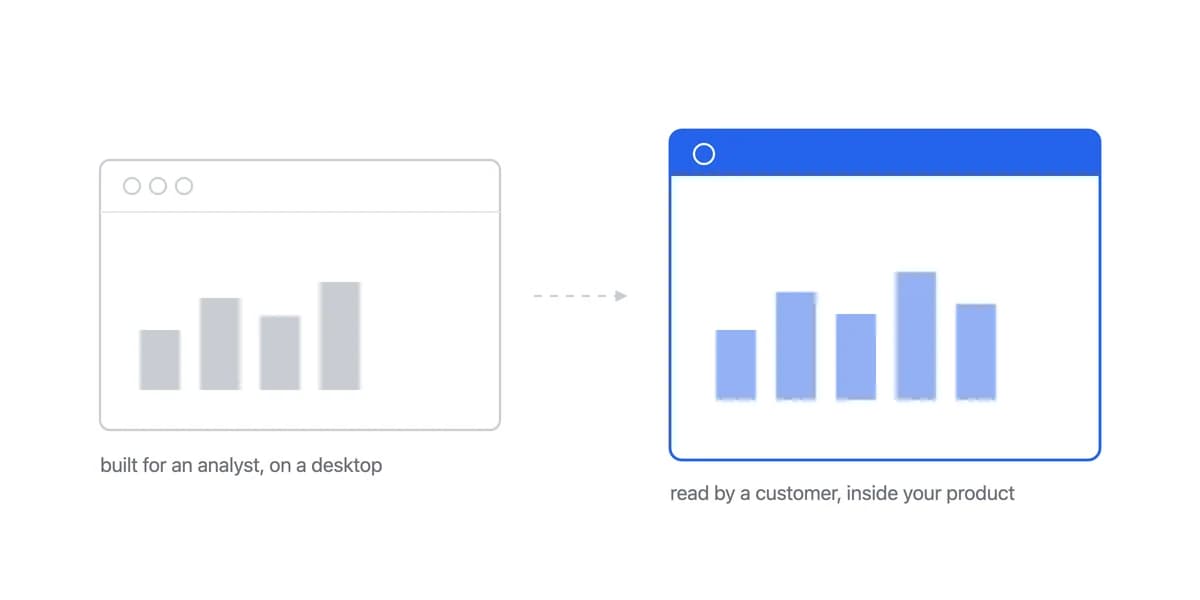
Power BI Embedded isn't a bad tool. It's just designed for a different use case than what most B2B SaaS companies actually need. When you're building analytics for your customers, on your own stack or on a customer-facing analytics product, for a multi-tenant product, the assumptions Microsoft made about internal BI start causing friction fast.
The Power BI Embedded Pitch Is Compelling, and It Leaves Out the Azure Estate Behind It
The initial pitch sounds compelling: "Embed Power BI dashboards into your application." What's not immediately clear is how that embedding actually works, what it costs at scale, or how much Azure expertise your team will need.
Power BI Embedded Is an Azure Product, So You Are Adopting Azure Too
The Power BI Embedded product, the A SKUs, is an Azure offering, and Microsoft Fabric F SKUs are Azure too. Power BI Premium on P or EM SKUs is the exception: it is bought through Microsoft 365, so Azure is not strictly unavoidable. If your licensing points you at the A-SKU route and your product runs on AWS, Google Cloud or a multi-cloud setup, that is where the friction starts. Adding Azure to your stack just for analytics means:
- New infrastructure to learn and maintain
- Additional security compliance workflows
- Cross-cloud data movement costs
- Vendor lock-in that limits architectural flexibility
One engineering lead we spoke with called it "adopting a whole ecosystem for a feature." His team spent three weeks just getting Azure authentication and workspace permissions configured correctly.
Capacity Pricing Charges for Processing Power, Not for the Value You Deliver
Power BI Embedded uses capacity-based pricing rather than per-user licensing: you pay for processing power, not seats. It is worth being precise about which capacity, because Microsoft documents three separate routes for embedding and they are not interchangeable:
- Power BI Embedded, on Azure A SKUs (A1 to A8), billed hourly with no commitment, and the capacity can be scaled, paused and resumed.
- Power BI Premium, on P and EM SKUs, billed monthly. EM requires a yearly commitment; P can be committed monthly or yearly.
- Microsoft Fabric, on F SKUs, the newer path.
One difference is easy to miss when budgeting: secure URL embedding from the Power BI service works on F and on P or EM capacities, but not on A. Whichever route you cost out, check that it still supports the embedding method you expect to need, because the capacity choice decides that as well as the bill.
That choice sounds flexible until your usage patterns change.
The problem: Predicting costs as data volumes grow or user activity spikes is hard. Teams tell us their costs ran 2 to 3x beyond initial projections; that is what we hear in customer conversations, not a published figure, so treat it as a prompt to model your own worst case. When performance degrades, Microsoft documents scaling, pausing and resuming an A-SKU capacity as well as moving to a higher tier, so there are levers before the bigger bill. Note which direction those levers run, though: pausing saves money but takes the capacity offline, and the ones that restore performance under load are the ones that add cost.
For comparison, enterprise BI tools like Tableau license per user, with the rate depending on edition and on whether the seat is a Creator, Explorer or Viewer. Power BI Embedded swaps that for capacity cost. Which comes out higher is not a general rule, it depends on your seat count against your compute load, so price both against your own numbers rather than assuming the capacity model is the cheaper one.
Power BI Was Built as Internal BI, and Embedding Does Not Change Where the Work Sits
Power BI was built as an internal business intelligence platform. Embedding it into customer-facing products was added later, and the architectural decisions reflect that priority order.
The Limit Is Where the Work Sits, Not What Is Technically Possible
The core limitation is where the work sits, not what is possible. An embedded report is in view mode until you build authoring around it. Microsoft documents create, edit and save for embedded reports, including in the embed-for-your-customers scenario, so the capability is there.
Reaching it means building three distinct paths, because Microsoft permissions them separately:
- Letting a customer create a report from an existing dataset needs an embed token with dataset access, the
Dataset.Read.All,Content.CreateandWorkspaces.ReadWrite.allscopes, and a client-side permission ofCreateorAll. You also need build or write permission on the dataset itself. - Letting a customer edit an existing report is a separate grant:
Dataset.ReadWrite.AllandReport.ReadWrite.All,allowEditset on that report's embed token, a client-side permission ofReadWriteorAll, and the report loaded in edit view mode. - Letting them save needs
Report.ReadWrite.AllandWorkspaces.ReadWrite.allon a token with access to both the report and the dataset, plus a client-side permission ofReadWrite,Create,CopyorAll. Saving to a different workspace means the token must reach that workspace too.
Until you build and permission that, a customer asking for a different layout is asking your team for a change rather than making it themselves.
For SaaS products where customers expect self-service analytics, this creates an operational bottleneck. Customer requests for "just one more filter" or "can we group by X instead?" turn into engineering tickets instead of configuration changes.
Microsoft branding is another friction point. You can customize colors and logos, but the Power BI interface patterns remain visible. The result reads as Power BI wearing your colours rather than as part of your product.
Reviews Consistently Report Degradation on High-Volume Datasets
Review sites and user forums consistently mention performance degradation with high-volume datasets or concurrent users. Load times increase, interactivity lags, and the only fix is upgrading Azure capacity, which loops back to unpredictable costs.
One fintech company we know moved away from Power BI Embedded specifically because report rendering for their largest customers was hitting 8-10 seconds. Their compliance dashboard needed to load in under 2 seconds to meet audit requirements.
Judge a Power BI Embedded Alternative on What Power BI Made You Own
If you're evaluating alternatives, the decision framework is straightforward: What did Power BI get right, and what architectural trade-offs cause problems for SaaS products specifically? The same two questions are how our embedded BI tools comparison works through the rest of the field.
A Real SDK Removes the Dashboard-in-a-Box Feeling, an Embed Code Does Not
Power BI Embedded relies on a heavy embedding architecture that often feels like a "dashboard in a box." It functions, but it can create visual disconnects and performance overhead.
Purpose-built embedded analytics platforms take an SDK-first approach. With libraries for React, Vue, and Angular, the analytics environment communicates directly with your application code. Even if the rendering is isolated for security, the control feels native.
SDK integration is valuable when analytics must participate in the product's styling, identity, and application state.
- Full control over styling and interaction
- Analytics components that behave like your other UI elements
- Smooth authentication handling
- Ability to mix analytics with your application logic
Capacity Pricing Suits Stable Internal Use and Misprices Customer Growth
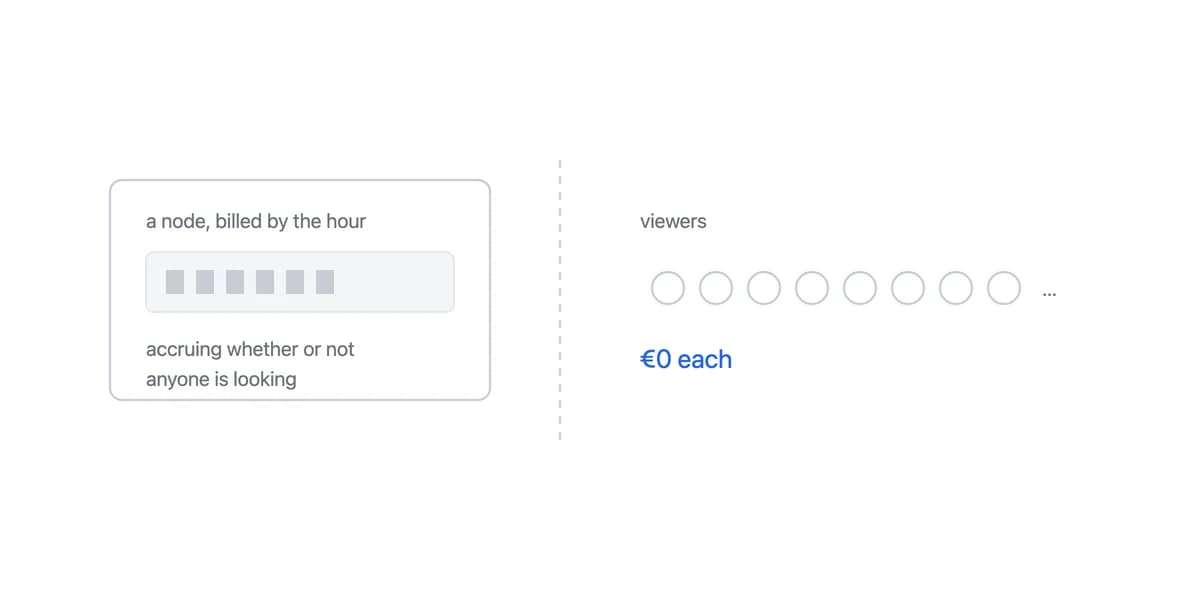
The capacity-based model works for internal BI where usage is relatively stable. For customer-facing analytics where usage scales with customer growth, you need pricing that maps to business metrics you can forecast.
Look for platforms with per-month pricing that doesn't change based on data volume or user activity. Fixed-cost models (like Sumboard's €199-€499/month with unlimited viewers) eliminate budget surprises and make financial planning straightforward.
Ask potential vendors: "What happens to my bill if data volume 10x overnight?" If the answer involves usage tiers or capacity upgrades, expect cost uncertainty. Platforms like Sisense face similar pricing challenges that make budget forecasting difficult.
Power BI Embedded Needs an Azure Workspace Before It Needs a Dashboard
Power BI Embedded integration requires Azure workspace setup, authentication configuration, capacity provisioning, and security considerations like row-level filtering policies. In the rollouts we have seen it takes two to six weeks from decision to first embedded dashboard in production.
For SaaS companies, time-to-market matters. Every week spent on analytics infrastructure is a week not shipping core product features. Weigh embedded analytics alternatives on implementation timeline, not just feature lists.
The fastest deployments we've seen use platforms with:
- Pre-built authentication (token-based, no complex OAuth flows)
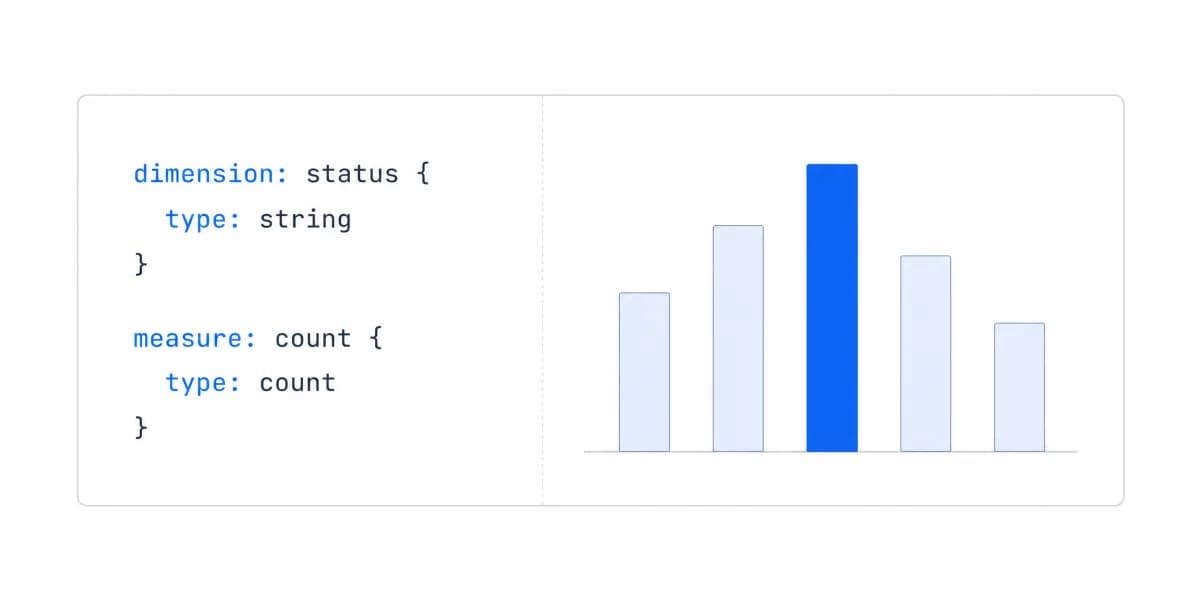
- Standard SQL (no proprietary query languages to learn)
- SDK npm packages that install in minutes
- Default multi-tenant security (row-level isolation built-in)
The Cashpad team integrated Sumboard's SDK in just 10 minutes, radically accelerating their timeline compared to typical BI embedding projects that span weeks.
Power BI Embedded Is the Right Choice When You Already Run the Microsoft Estate
It's worth being direct: Power BI Embedded is the right choice for specific scenarios.
If your entire infrastructure runs on Azure, your team already knows Power BI, and you're embedding for internal stakeholders rather than external customers, the integration friction drops significantly. The ecosystem fit can outweigh the architectural trade-offs.
Power BI also wins for companies that need deep Excel integration or heavily use other Microsoft 365 tools. The ability to repurpose internal Power BI reports for limited external sharing works well for use cases like partner portals or vendor dashboards where usage is controlled and predictable.
But for B2B SaaS companies building customer-facing analytics into multi-tenant products? The combination of Azure dependency, capacity pricing uncertainty, and the engineering you own to give customers authoring is the friction that sends teams to tools purpose-built for the use case. For how the traditional options compare against each other, see Power BI vs Looker.
The decision framework is simpler than it looks: Are you embedding for a few controlled users in a Microsoft-first environment? Power BI Embedded works. Are you building analytics that thousands of customers will use daily as part of your product? You probably need something designed for that from the ground up.
Where to go next
- BI tools comparison guide: which platforms survive being embedded, judged on the embedding rather than the connector list.
- Grafana alternative: grafana visualizes far more than infrastructure metrics.
- BI Tools & Comparisons articles: every article in this cluster.
Ready to launch customer-facing analytics?
Stop losing customers to competitors with better analytics. Sumboard's customer-facing analytics platform lets you launch self-service dashboards in days, not months.