Tableau is a visual analytics platform for connecting to data, building workbooks and dashboards, publishing governed content, and embedding views in products. It can support internal business intelligence and external analytics, but those deployments use different identity, security, licensing, and operating contracts.
The practical evaluation is not “Is Tableau an enterprise BI tool?” It is: which data path, delivery model, audience meter, and embedding boundary will this implementation use?
Tableau Is an Authored-Workbook Product, and That Model Explains Most of Its Behaviour
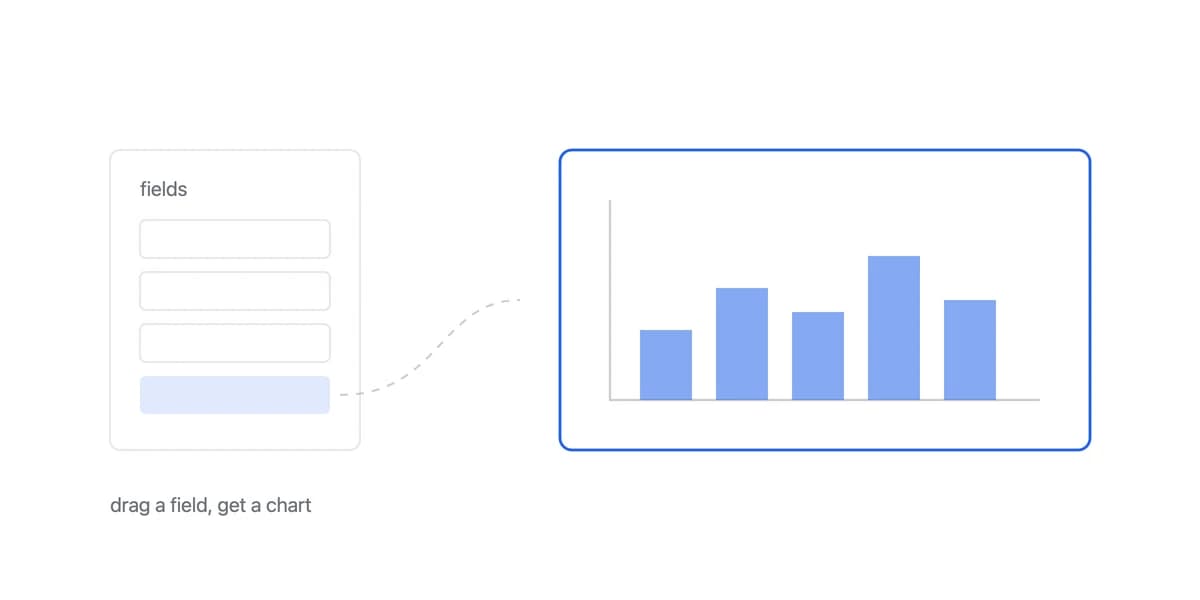
Tableau's authoring model lets people place fields on shelves, marks, filters, and calculations to build visual analysis. Workbooks can use live connections, where queries reach the source, or extracts, where data is copied into Tableau's extract format and refreshed. The right choice depends on freshness, source capacity, query latency, network path, and offline or performance needs.
Published content runs on Tableau Cloud, a managed service, or Tableau Server, which the customer operates on its chosen infrastructure. Tableau Next is a separate current portfolio product built on Salesforce's platform. Do not treat these names as interchangeable editions of one runtime.
For teams comparing business intelligence platforms, this architecture matters more than market-leader claims. A live workbook on Cloud, an extract on Server, and an externally embedded view have different failure modes and owners.
Tableau's Authoring Surface Covers Charts, Maps, Calculations, and Dashboard Actions
Tableau's core authoring surface supports charts, tables, maps, calculations, parameters, dashboard actions, and exploratory interaction. Basic assembly can be visual, while production work still requires reliable data modelling, calculations, permissions, performance testing, and content ownership.
The product suite includes several components:
- Tableau Cloud: managed publishing, governance, collaboration, and viewing
- Tableau Server: self-managed publishing and viewing on customer-controlled infrastructure
- Tableau Desktop and web authoring: workbook and data-source authoring surfaces
- Tableau Prep: data preparation and flow authoring
- Tableau Next: an agentic analytics product on the Salesforce platform
Connector, authentication, live-query, and extract support vary by source and deployment. Verify the exact source and network topology. Combining data may use relationships, joins, unions, blending, or governed virtual connections; those approaches do not have identical semantics or performance.
Governance spans projects, sites, roles, permissions, data sources, and optional Data Management capabilities. A governed deployment still needs lifecycle rules for ownership, certification, refresh failures, stale content, and deletion.
The Workbook Is a File, and Which File Decides What Travels With It
The first section calls Tableau an authored-workbook product, so it is worth being literal about what the workbook is. Tableau documents two extensions, and the difference between them is not a preference.
A workbook, .twb, "hold[s] one or more worksheets, plus zero or more dashboards and stories". A packaged workbook, .twbx, "is a single zip file that contains a workbook along with any supporting local file data and background images", and Tableau presents it as "the best way to package your work for sharing with others who don't have access to the original data" (Tableau files and folders).
Read that last phrase from the perspective of a customer-facing deployment and it reverses. The property that makes a packaged workbook convenient internally, that it carries its supporting local file data with it, is the property you cannot have when the recipient is one tenant among many.
The precision matters. It is local file data that gets packaged, not a live server connection, so a workbook built on a governed published data source does not carry rows inside the file, while one built on an extract or a spreadsheet does.
That is the concrete version of the internal-first argument this page makes elsewhere. The file format assumes a recipient who is allowed to see whatever the file contains, which is a reasonable assumption about a colleague and the wrong one about a customer.
Tableau Is Strong Where Governed Visual Exploration Is the Actual Requirement
Tableau is strong when its authored-workbook model matches the analytical experience: governed visual exploration, reusable published data sources, interactive dashboards, and a broad authoring ecosystem. Tableau Public, training, community material, and partner expertise can reduce learning friction, although they do not replace an implementation test.
For data access, Tableau documents several row-level security patterns: workbook user filters, dynamic filters, database-native policies, and centralized data policies on virtual connections. Its row-level security overview recommends virtual-connection data policies in most cases where Data Management is available, because the policy applies centrally to queries using that connection.
That distinction matters. Content permissions decide which assets a person can access; data policies decide which rows they can see. An embedded deployment should test both, including downloads, direct URLs, subscriptions, caches, and authoring capabilities.
Tableau Publishes Edition Prices and Still Leaves the Embedded Deployment to a Quote
Tableau's current pricing page publishes edition-level starting prices, requires annual billing and at least one Creator licence, and routes several options to sales. The billing meter is not always a named user:
- Role-based licences distinguish Creator, Explorer, and Viewer capabilities.
- Tableau Cloud can use capacity-based Viewer blocks while Creators and Explorers remain licensed separately.
- Tableau Server can use compute-based licensing in eight-core units.
- External embedded analytics can use usage-based Viewer licensing measured in analytical impressions.
The licence-model documentation defines impressions for actions such as loading a view or exporting it. A buyer should model expected actions, concurrency, authors, environments, and overage or renewal terms, not multiply a public Viewer price by every possible customer.
Implementation cost also varies by boundary. Authors own workbook design, calculation correctness, performance, and publishing. Cloud reduces service operations; Server transfers upgrades, capacity, backups, monitoring, and recovery to the customer. Embedding adds application identity, tenant mapping, responsive layout, accessibility, version compatibility, and failure handling.
Tableau's Embedding API Adds a View to a Page, Which Is Not the Same as Owning It
Tableau's Embedding API v3 can add a view through a web component or JavaScript/TypeScript, expose events and controls, and is also distributed as a React package. It is a real embedded analytics path, not merely an “optimized iframe” workaround.
For trusted authentication, Tableau documents connected apps with direct trust or an external authorization server. The embedding authentication guide explains how privileges are scoped and how applications can establish trust. The host application still has to issue identity correctly and align it with Tableau permissions and row-level rules.
A representative proof of concept should include the slowest workbook, the actual live or extract path, expected concurrency, authentication expiry, a negative cross-tenant test, exports, mobile layout, and the proposed billing meter. It should also assign ownership for refresh failures, workbook changes, API upgrades, and incidents.
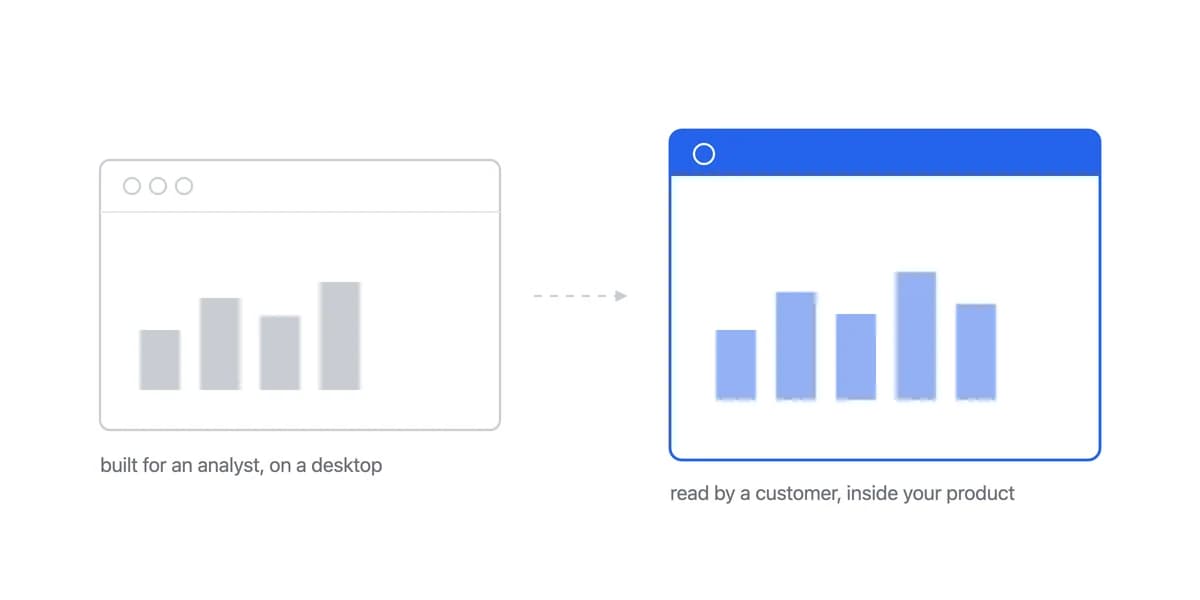
Tableau can fit internal analytics or customer-facing analytics, though the latter is what a purpose-built customer-facing analytics product is for. It becomes a poor fit when the tested workbook, security model, embedding surface, operating boundary, or quote misses the product contract, not simply because the audience is external or the company is a SaaS vendor.
Compare the same contract with an embedded analytics platform and the options in our embedded analytics alternatives guide. The useful outcome is not a universal winner; it is evidence about which team owns the data, interface, operations, and cost at production scale.
Tableau Against Power BI Is Usually Decided by the Stack Already in the Building
The comparison a Tableau evaluation runs into first is Power BI, and it rarely turns on visualisation capability. Both cover the analytical chart work most organisations need. What separates them is context: Power BI's advantage concentrates where the organisation is already inside Microsoft identity, licensing, and data services, while Tableau's connectivity reaches broadly beyond that estate, including sources such as Oracle, Snowflake, and BigQuery.
That makes the honest version of the question narrower than a feature grid suggests. Where does the data already live, which identity system will authenticate the viewer, and which of the two is your organisation already paying for. Our Tableau against Power BI comparison works through the published licence figures and the costs neither product page mentions.
For a product team the comparison also answers a question you may not be asking. Both were designed for internal analytics with a governed authoring model, and an embedded deployment inherits that model along with its licensing meter, which is the reason the evaluation above ends on a tested workflow rather than on a winner.
Where to go next
- BI tools comparison guide: which platforms survive being embedded, judged on the embedding rather than the connector list.
- Metabase alternative: compare Metabase with embedded-first analytics using architecture, branding, tenancy.
- BI Tools & Comparisons articles: every article in this cluster.
Ready to launch customer-facing analytics?
Stop losing customers to competitors with better analytics. Sumboard's customer-facing analytics platform lets you launch self-service dashboards in days, not months.