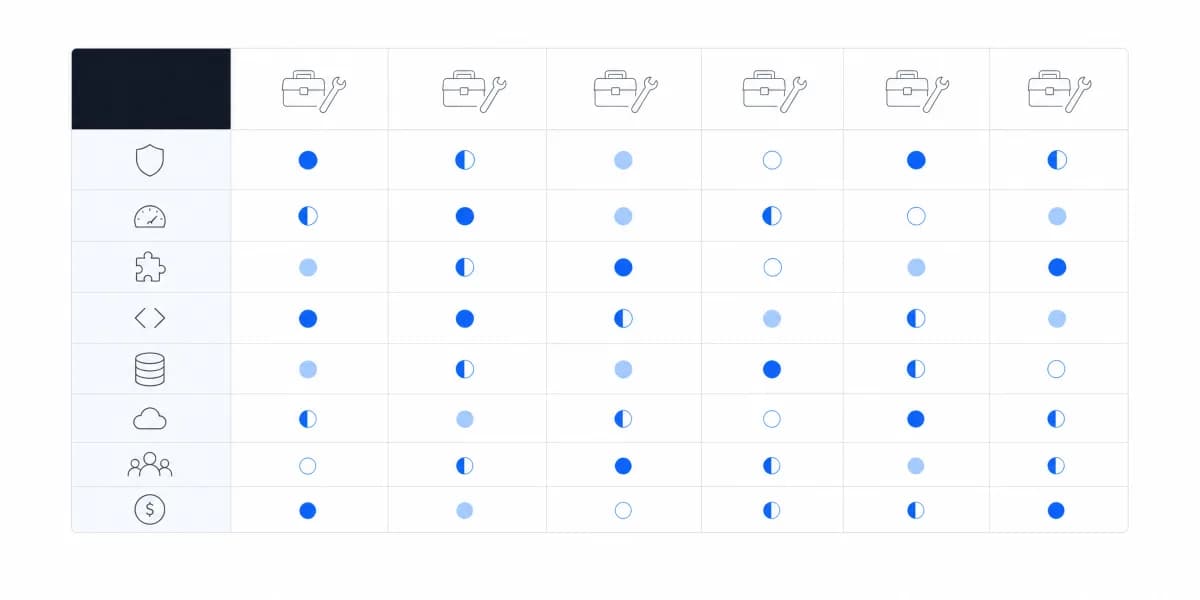
We've been looking at dozens of BI tool comparison guides lately, and they all follow the same pattern: rows of checkmarks next to features most companies will never use.
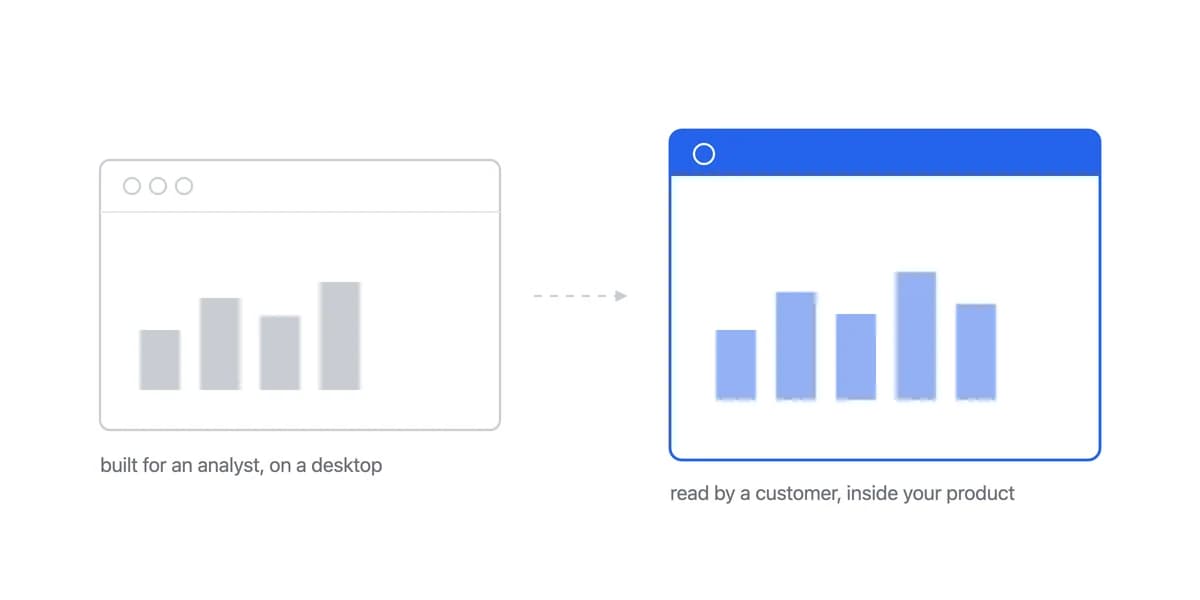
The problem? These comparisons assume you're buying the same type of tool for the same purpose. But a tool built for internal data analysts has completely different requirements than one built for customer-facing dashboards. Conflating the two leads to expensive mistakes.
Here's what matters when you're actually comparing business intelligence tools.
Why Most BI Tool Comparisons Miss the Point
Traditional BI tool comparisons focus on feature parity. Does it have AI? Check. Can it connect to Snowflake? Check. Does it support Python? Check.
But features don't tell you whether a tool will work for your specific use case. Power BI is phenomenal for internal reporting across Microsoft-heavy organizations. It's terrible for embedding analytics into a SaaS product. Both are legitimate BI tools. The comparison grid doesn't capture this.
From customer conversations, we're seeing three distinct buying patterns:
- Pattern 1: Companies comparing Tableau vs. Power BI for internal analytics teams
- Pattern 2: SaaS companies comparing embedded analytics platforms (Looker vs. Sisense vs. alternatives)
- Pattern 3: Teams deciding whether to build analytics in-house vs. buying
Each pattern requires completely different evaluation criteria.
The Hidden Question Is Not Which Tool, It Is Who Will Use the Analytics
Before diving into feature comparisons, ask: Who will use these analytics?
If the answer is "our internal team," you're evaluating traditional BI tools. Think Power BI, Tableau, Qlik, Looker (for internal use). These tools are designed for data analysts who understand SQL, build complex models, and create reports for business stakeholders.
If the answer is "our customers," you're evaluating embedded analytics platforms. These tools are designed to be white-labeled, integrated into your product, and used by people who've never heard of a database join.
The distinction changes the requirements before any vendor comparison begins:
Traditional BI tools prioritize:
- Deep analytical capabilities
- Data governance and security for internal users
- Collaboration features for analyst teams
- Complex modeling languages (like LookML)
Embedded analytics prioritizes:
- White-labeling capabilities
- Multi-tenant architecture
- Fast integration (days, not months)
- End-user simplicity
- Predictable pricing (no per-user fees)
Most comparison guides don't make this distinction. They compare apples to oranges, leading to decisions like "We'll use Looker for customer-facing analytics", the job Sumboard's customer-facing analytics product exists for, when Looker was designed for internal BI teams.
What to Actually Look For (Beyond Feature Lists)
Once you know your use case, here's what actually matters:
Traditional BI Takes Months to Embed Where Purpose-Built Platforms Take Weeks
For internal BI: How well does it connect to your data warehouse? Does it support your specific data sources? Different dashboard types require different integration approaches.
For embedded analytics: How fast can you integrate the SDK? Does it use iFrames or native components? What's the actual integration time?
From what we're seeing, traditional BI tools take months rather than weeks to deploy in an embedded context. Purpose-built embedded platforms can be live in days to weeks. That time difference matters when customers are asking for analytics now.
Internal BI Cost Arrives on Four Separate Lines, Not One
Internal BI total cost usually combines four separate lines:
- Base licence: varies by vendor. Metabase Enterprise starts at $20,000 a year and Grafana Cloud Enterprise at a $25,000 yearly spend commit (both checked 7 August 2026; self-managed Grafana Enterprise publishes no figure); Looker, Sisense and GoodData publish no figure at all
- Per-user fees: Significant costs per viewer/editor
- Implementation: Heavy consultancy or internal engineering fees
- Ongoing maintenance: Requires dedicated headcount
Embedded analytics has three materially different cost structures:
- Traditional enterprise BI (Looker, Sisense): no published licence price, plus per-viewer fees agreed in the same negotiation
- Purpose-built embedded platforms: €2K-€6K/year, no per-user fees
- Build in-house: Significant engineering salary costs + maintenance
Most comparison guides show monthly pricing without capturing total cost of ownership, which an embedded analytics ROI model makes explicit. A tool that costs €200/month but takes 6 months to implement has a different TCO than one that costs €500/month but deploys in a week.
Traditional BI Needs an Analyst on Staff After Launch
This rarely appears in comparison charts, but it's critical.
Traditional BI tools require ongoing analyst support. Someone needs to maintain data models, update dashboards, and troubleshoot issues. You often need to budget for 1-2 FTEs.
Embedded platforms with managed infrastructure require minimal maintenance. Updates happen automatically, and product teams can often modify dashboards without code.
In-house builds require permanent engineering resources. One customer put it this way, as their own account rather than a benchmark: "We thought we'd build it once. Three years later, two engineers are still working on it full-time."
The Landscape Breaks Into Three Groups, Not a Feature Table
Here's how the landscape actually breaks down:
Enterprise BI Fits Internal Teams With Dedicated Data Expertise: Looker, Power BI, Tableau
Enterprise BI best fits internal analytics teams at mid-to-large companies with dedicated data expertise.
Its strengths are depth, governance, and alignment with the surrounding enterprise stack:
- Powerful analytical capabilities
- Strong data governance
- Deep Microsoft/Google Cloud integration
Those advantages do not remove the constraints that appear in customer-facing deployments:
- Embedding usually sits on a higher tier, and Looker, Sisense and GoodData publish no price for any tier
- Complex (LookML takes weeks to learn)
- Slow to deploy (months, not weeks)
- Per-user fees make customer-facing use prohibitive
For detailed head-to-head comparisons of these tools, check out our BI tools comparison hub.
Embedded Platforms Fit B2B SaaS Teams Shipping Analytics to Customers
Embedded analytics platforms best fit B2B SaaS companies building customer-facing analytics into their products.
They trade some analytical depth for a product-ready delivery layer:
- Fast integration (SDK integration in as little as 10 minutes)
- White-labeling built-in
- Multi-tenant architecture
- Predictable pricing
- Low maintenance burden
The same specialization creates two clear limits:
- Less suitable for complex internal analytics
- Fewer advanced analytical features than enterprise BI
See our full guide on embedded analytics alternatives for platform-specific comparisons.
Build in-house
An in-house build is defensible when analytics is the product itself rather than one feature among many.
The planning case must include time, staffing, maintenance, and displaced product work:
- Timeline: 6-12+ months
- Cost: a dedicated engineering team for 6-12 months, at $200K-500K+ in engineering cost
- Ongoing: Permanent maintenance costs
- Opportunity cost: Engineering team not building core product
Build only when these conditions remain true after testing commercial platforms:
- Analytics is your core differentiator
- You need 100% custom UX
- You have unlimited engineering resources
For most SaaS companies, the build vs buy decision means choosing between shipping analytics or shipping product features. You can't do both.
The Comparison Nobody Runs Is What It Costs to Leave the Tool You Already Have
Every comparison here assumes a fresh choice. Most real decisions are made with a platform already in place, and the incumbent carries a cost the challenger's page never mentions.
Four lines make up most of it. The dashboards already built, which have to be rebuilt rather than exported in any meaningful sense, since the semantics rarely survive a format conversion. The models and calculations, which usually encode years of undocumented decisions about what a metric means. The users who learned the current tool, whose retraining is a schedule item rather than a licence one. And the contract, which may run past the date you want to move.
Price the switch, not just the subscription. A tool that is twenty percent better and costs a quarter to migrate onto has to stay better for longer than most vendor relationships last.
Stop Comparing Feature Lists and Start With Who Uses It
Stop comparing feature lists. Start by asking:
- Who uses this? Internal team or customers?
- What's your timeline? Months or days?
- What's your budget? Total cost over 3 years, not just monthly pricing
- What's your team size? Can you maintain it?
Once you answer these, the comparison becomes obvious.
If you're building customer-facing analytics and you're under 500 employees, traditional enterprise BI doesn't make sense. The cost, complexity, and timeline don't match your reality.
If you're building internal analytics with a dedicated BI team, embedded analytics platforms won't give you the analytical depth you need.
And if you're considering building in-house, make sure analytics is actually your competitive advantage. For everyone else, it's a distraction from your core product.
Where to go next
- BI tools comparison guide: which platforms survive being embedded, judged on the embedding rather than the connector list.
- Domo Alternative: looking beyond Domo for customer-facing analytics? Here's what SaaS product teams are choosing.
- BI Tools & Comparisons articles: every article in this cluster.
Ready to launch customer-facing analytics?
Stop losing customers to competitors with better analytics. Sumboard's customer-facing analytics platform lets you launch self-service dashboards in days, not months.