An interactive dashboard is not successful because every mark moves when clicked. It succeeds when a permitted user can move from a question to trustworthy evidence and an appropriate action without losing context.
That distinction changes the roadmap. Filters, drill-through, refresh, saved views, exports, alerts, and customization are candidates, not automatic requirements. Each one should solve a named step in a real decision and pass the surrounding identity, accessibility, performance, and recovery contract.
Begin With the Decision, Not the Control
Write the task before choosing a chart interaction: “compare this quarter with the approved plan, explain the largest variance, and assign a follow-up.” The task reveals the context changes, evidence, and actions the interface must support.
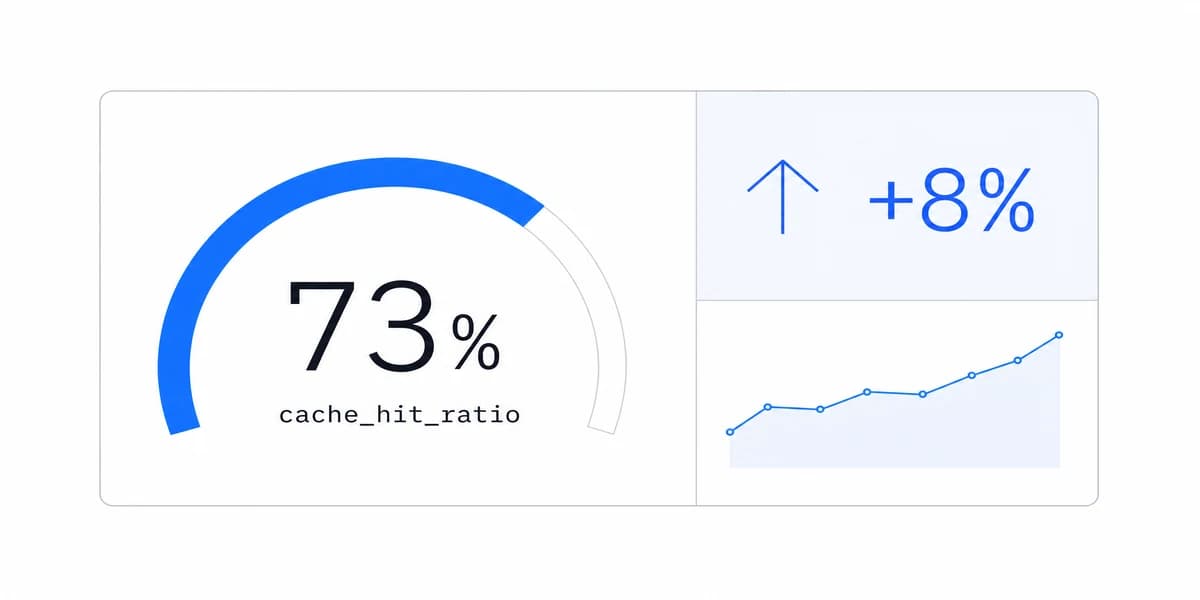
Different dashboard types can require different paths. An executive summary may open a governed detail view. An operational surface may move from an exception to the affected order and response. A KPI dashboard may need a definition, owner, target, comparison period, and source before it needs animation.
Remove any interaction that does not improve the task. Decorative hover effects, duplicated filters, hidden gestures, and configurable layouts without a clear user need add states to test and support while leaving the decision unchanged.
Filters Change the Meaning of Every Result
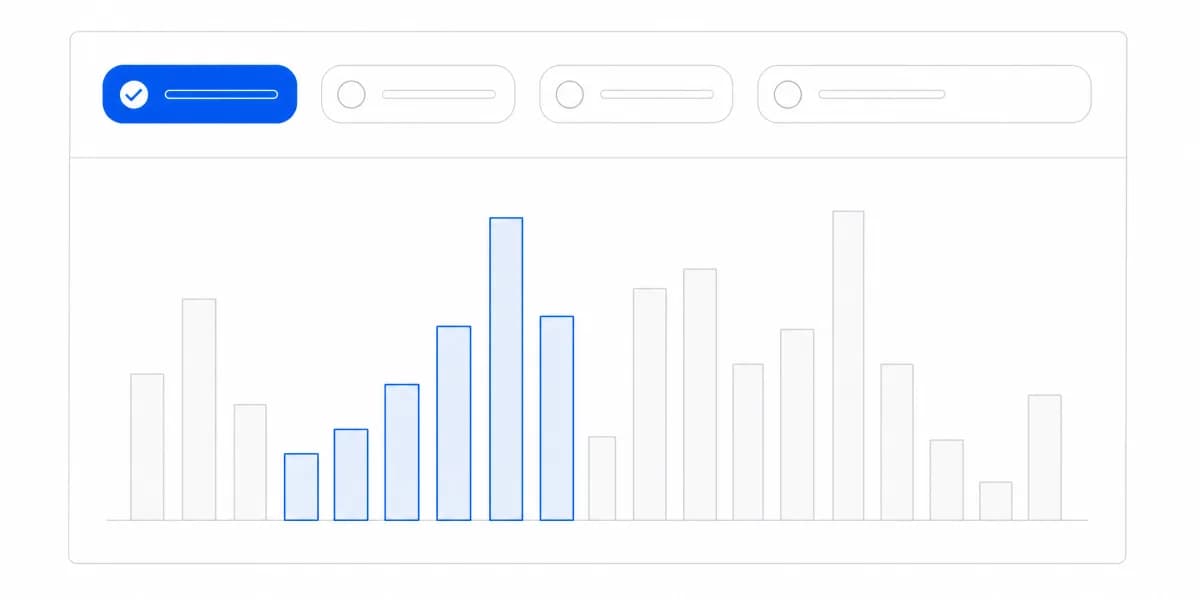
A filter is part of the analytical statement, not only a UI control. Its active value, default, scope, and interaction with other filters can change the answer. Keep that context visible near the result and preserve it in URLs, saved views, exports, or shared artifacts when the workflow requires continuity.
Test valid values, invalid combinations, dependencies, empty results, reset, back navigation, refresh, account switching, and direct links. Confirm that a browser request cannot widen the tenant or role scope supplied by the trusted authorization layer.
Persistence also needs a boundary. A personal date range may be safe to restore; a previous customer account may not be. Decide which state belongs to the user, session, URL, dashboard, or server and clear it deliberately when identity changes.
Drill-Through Must Add Evidence
Two operations travel under the same word. Drill-down "lets users view lower levels of hierarchical data in a single chart", while drill-through "enables users to click on a specific data point or element and then open a new window or report showing related data" (Yurbi, checked 4 September 2026). One stays inside the visual and the other leaves it, which is why only the second one crosses a boundary where identity and scope have to be re-established.
In an embedded product the capability can also be removed by the authentication mode rather than by the design. Metabase's embedding documentation lists drill-through menus as available under SSO and unavailable under guest authentication (Metabase embedding overview, checked 4 September 2026). Confirm which mode your embed uses before designing a path that depends on it.
Drill-through earns its place when it explains a summary or supports the next action. Define the allowed path from aggregate to category, record, source, or workflow. Show where the user is, which filters still apply, and how to return without rebuilding the question.
Test the path with high-cardinality data, missing detail, deleted records, permission changes, slow queries, and direct URLs. A visible total and its detail should reconcile under the same definitions and freshness rules. If the detail opens a different product surface, preserve identity and context across that boundary.
Do not assume every user needs unlimited exploration. A bounded path with clear evidence can be more useful than an open-ended query interface that exposes confusing fields or prohibited data.
Freshness Is a Trust Contract
“Real time” is not one requirement. A decision may need event-driven updates, a short polling interval, a reconciled daily close, or an explicit manual refresh. Our real-time dashboard guide separates those architectures.
Show source time or an understandable “as of” value, define what stale means, and design delayed, partial, disconnected, and recovery states. During collaborative review, determine whether participants need identical snapshots or the newest available data; those are different contracts.
Refresh should not silently reset filters, move focus, reorder a list under the pointer, or announce every minor change to assistive technology. Test update behavior while a user is reading, filtering, drilling, exporting, and switching accounts.
Saved Views and Customization Need Ownership
Useful customization can include selected metrics, column order, comparison period, alert threshold, or a saved view. Before adding it, decide who owns the configuration, who can see it, whether it follows the user across accounts, how schema changes affect it, and how it can be reset.
Offer bounded choices with stable definitions. A user may choose which approved metrics to display without being allowed to redefine revenue. Shared team views need naming, versioning, permissions, and conflict behavior. Personal views need safe defaults and a clear path back to the governed baseline.
This is part of self-service analytics: expanding the questions users can answer without transferring semantic governance or authorization into an uncontrolled browser state.
Performance Covers the Whole Exploration
Initial load is only one point in the session. Measure filters, drills, tabs, comparisons, exports, refreshes, and account changes with representative data volume, concurrency, device, network, region, and cache state. Report distributions and slow cases rather than a single best run.
Set budgets from the task and consequence. Give immediate acknowledgement when work begins, preserve layout, communicate bounded progress, allow safe cancellation where appropriate, and provide a recovery path. Optimize queries, models, payloads, caching, rendering, and request scheduling based on measured bottlenecks.
The dashboard design principles apply to perceived performance too: stable layout, progressive disclosure, readable priority, and explicit runtime states help users understand what is happening without pretending slow work is complete.
Mobile Is a Task Contract
Do not invent a percentage of users who need mobile access. Measure device and task evidence. An on-call operator, field worker, executive, and analyst may need different capabilities on the same account.
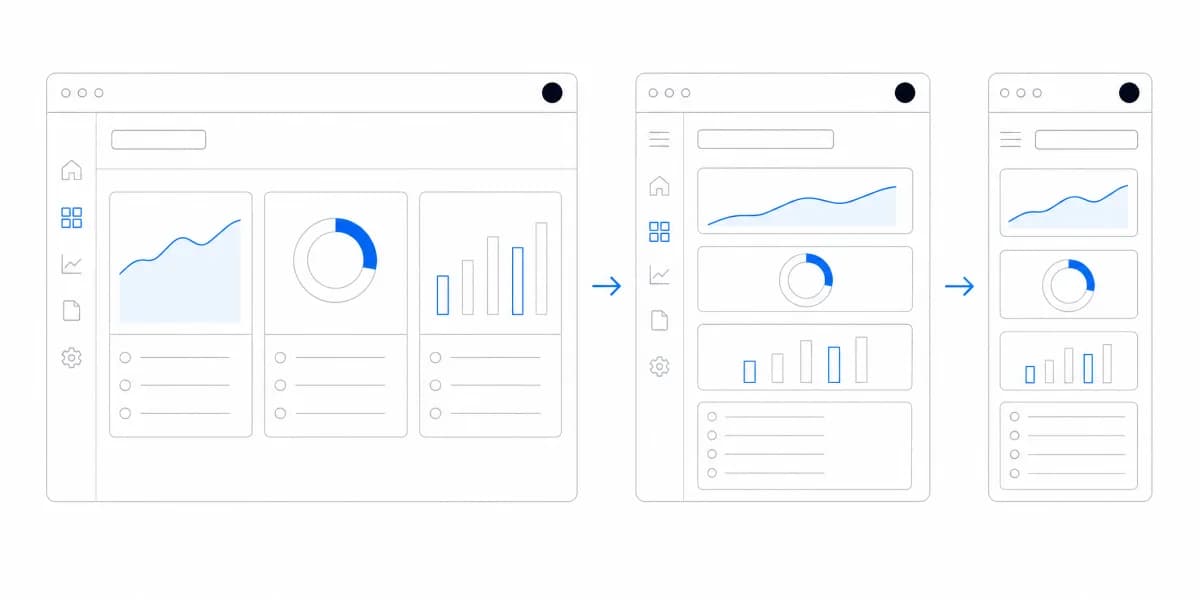
On narrow screens, preserve the question, active scope, freshness, authorization, and essential action. Reflow content rather than shrinking it beyond legibility; avoid hover-only controls; support zoom and orientation; size touch targets for reliable operation; and keep keyboard paths where keyboards are used. A complex authoring surface may reasonably remain desktop-first while review and acknowledgement work well on mobile.
Test loading, empty, stale, denied, error, recovery, export, and long-label states on real devices and variable networks. “Responsive” is not proved by one successful screenshot.
Measure the Decision Loop
Adoption is an outcome to investigate, not a property of four named features. Instrument the steps that matter: task started, context changed, evidence inspected, action completed, state saved or shared, error, abandonment, and return. Combine event data with usability observation and support evidence; raw clicks cannot show whether the answer was correct or the access boundary held.
Release an interaction when representative users can complete the intended task accurately, prohibited users are denied across every route, the experience remains usable across required devices and runtime states, and the downstream action is worth the operating cost. Remove or redesign it when it creates motion without a better decision.
Sumboard should be evaluated under that same contract. The relevant question is not whether it offers filters or drill-through, but whether its chosen integration helps your users reach a trustworthy, permitted outcome with measured performance and recoverable state.
Where to go next
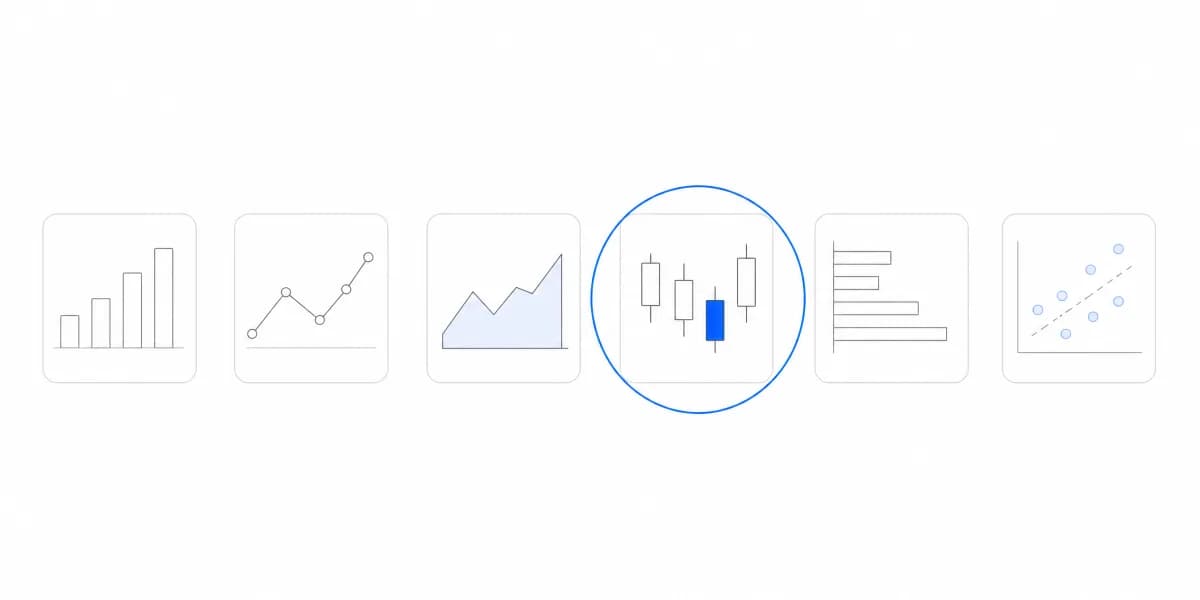
- Chart types guide: more than forty charts grouped by the question each one answers.
- Chart Types: the question is not which charts to support but which questions customers need answered.
- Data Visualization articles: every article in this cluster.
Ready to launch customer-facing analytics?
Stop losing customers to competitors with better analytics. Sumboard's customer-facing analytics platform lets you launch self-service dashboards in days, not months.