An analytical dashboard is a workspace for a bounded question. It should help an authorized user change context, inspect evidence, reach a defensible conclusion, take a permitted next step, and continue later without losing the proven state.
It is not defined by hourly refreshes, line charts, or a prediction feature. The decision determines the clock, grain, comparison, interaction, and evidence.
Interactivity Is a Question Loop
Design the loop explicitly:
- Question: name the decision and allowed use.
- Context: make tenant, role, metric, filters, segment, period, comparison, and currency visible.
- Evidence: provide permitted drill-through, source, definition, freshness, and data-quality state.
- Action: connect the result to an authorized next step, owner, or handoff.
- Continue: preserve enough URL or saved state to reproduce, share, review, or resume the analysis.
Every control must provide response, progress, error, undo or reset where relevant, and equivalent keyboard and touch operation. Reject decorative motion, hidden state, and exploration that ends without evidence or a recoverable route.
Distinguish Detection, Explanation, and Prediction
An operational dashboard may detect a condition and route a response. An analytical view may compare populations, inspect contributing slices, and test an explanation. A forecast estimates a future outcome under stated assumptions.
These modes can coexist, but their evidence differs:
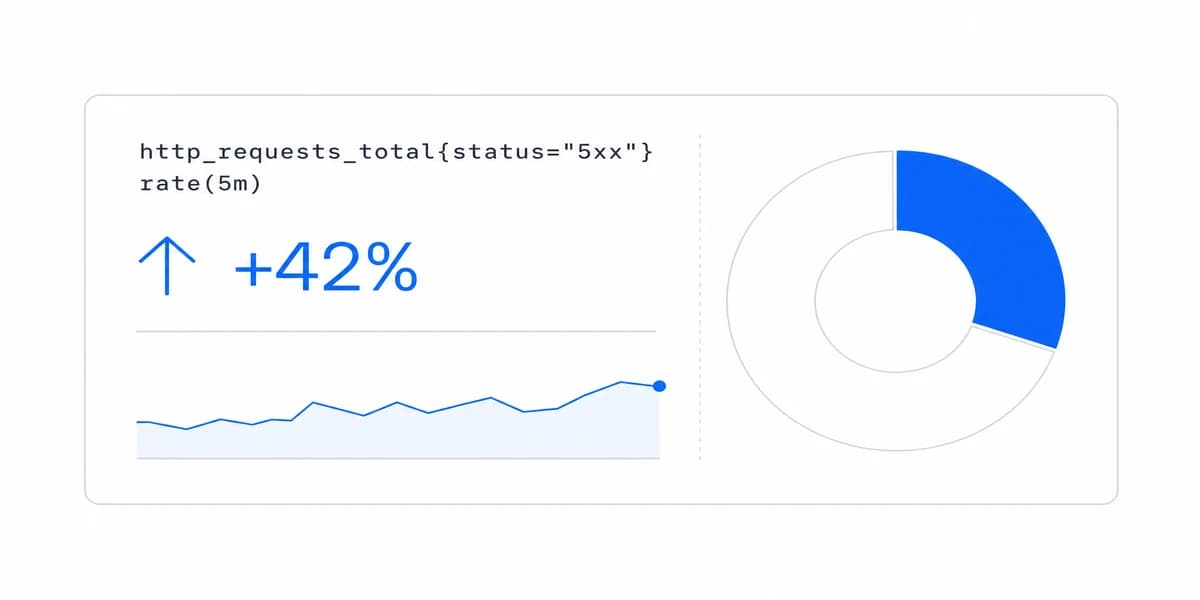
- Detection needs metric, state rule, event time, severity, owner, and confirmation.
- Explanation needs a valid comparison, population, grain, contributing evidence, and alternative explanations.
- Prediction needs target, horizon, model and data versions, assumptions, uncertainty, backtest evidence, and fallback.
A correlation between feature adoption and retention does not establish that the feature caused retention. A projected trend is not a forecast until its method, uncertainty, and validation are explicit.
Make Comparisons Valid and Visible
Many analytical questions use comparisons, but not every question is reducible to one. When a comparison is present, define:
- metric and population;
- baseline, target, benchmark, or comparison cohort;
- period alignment, timezone, seasonality, and calendar;
- absolute and relative change with denominator;
- currency, unit, and normalization;
- eligibility, exclusions, missing values, and revisions;
- confidence or sample limitations;
- effective dates and owner.
Period-over-period values can mislead when populations, product definitions, instrumentation, or business days changed. Preserve versions and annotate material breaks.
Use different dashboard types to choose an interaction pattern after the decision and comparison contract are known.
Aggregate Without Destroying Meaning
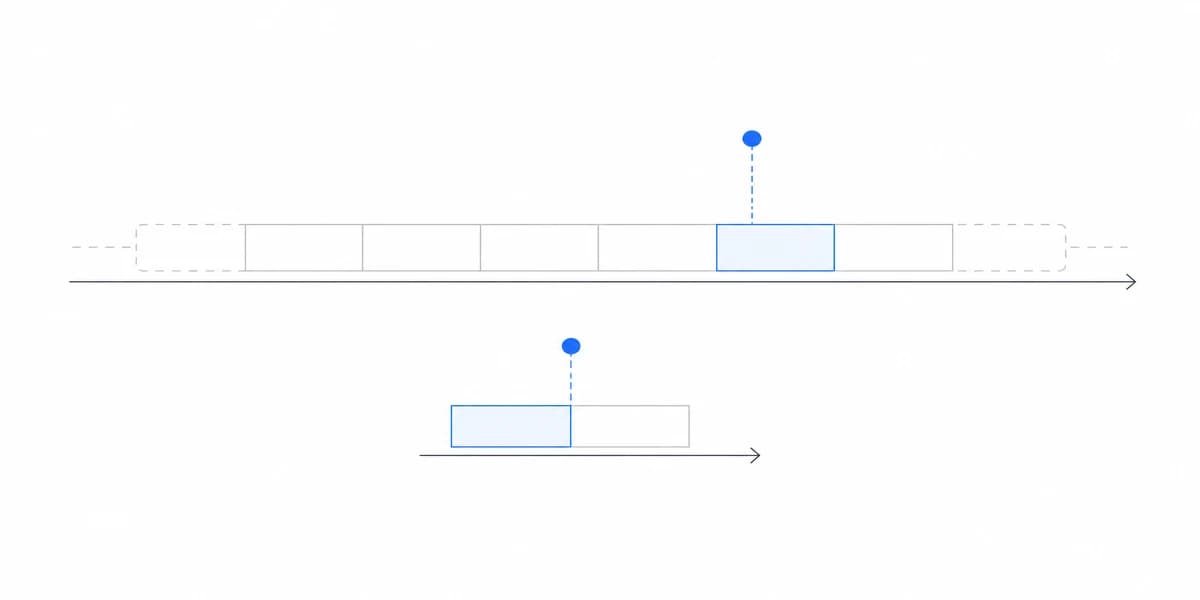
Daily, weekly, and monthly are presentation grains, not universal strategies. Choose grain from the decision cycle, event semantics, seasonality, privacy, source latency, and workload.
For each rollup, retain:
- source event and entity identifiers where permitted;
- metric, model, and transformation versions;
- timezone and business-calendar rules;
- late, duplicate, deleted, and corrected event behavior;
- completeness, watermark, and refresh state;
- tenant, field, and action scope;
- path to permitted detail or reconciliation.
Precompute common results when it satisfies the freshness and policy contract. Include tenant, role, fields, metric version, filters, comparison, locale, currency, and freshness in cache keys wherever they change authorization or meaning.
Test expensive allowed combinations, concurrency, cancellation, and recovery with production-shaped data. A fixed 30-second prohibition is not an acceptance objective; define the actual task and tail behavior.
The dashboard should be read as a system boundary, not merely a page layout.
Choose Charts From the Analytical Question
Chart selection should follow data type and question:
- line or area for ordered change through time;
- bars or dots for categorical comparison;
- distribution plots for spread, skew, and outliers;
- scatter plots for relationships, with no causal claim;
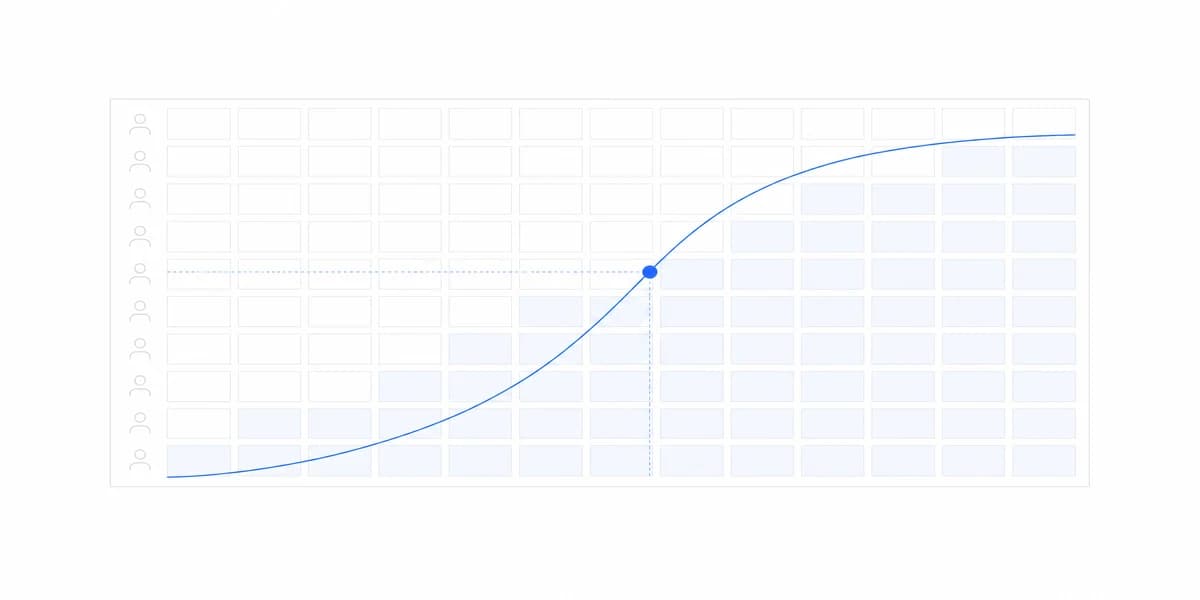
- cohort grids for populations aligned to a starting event;
- tables when exact lookup and multi-field evidence matter.
Validate scale, domain, zero baseline where required, binning, units, missing values, denominator, uncertainty, labels, legend, annotation source, and comparison population.
The chart selection guide provides encoding patterns. The visualization best practices guide supplies presentation checks. Neither replaces the metric contract or task test.
Design Drill-Through as Evidence
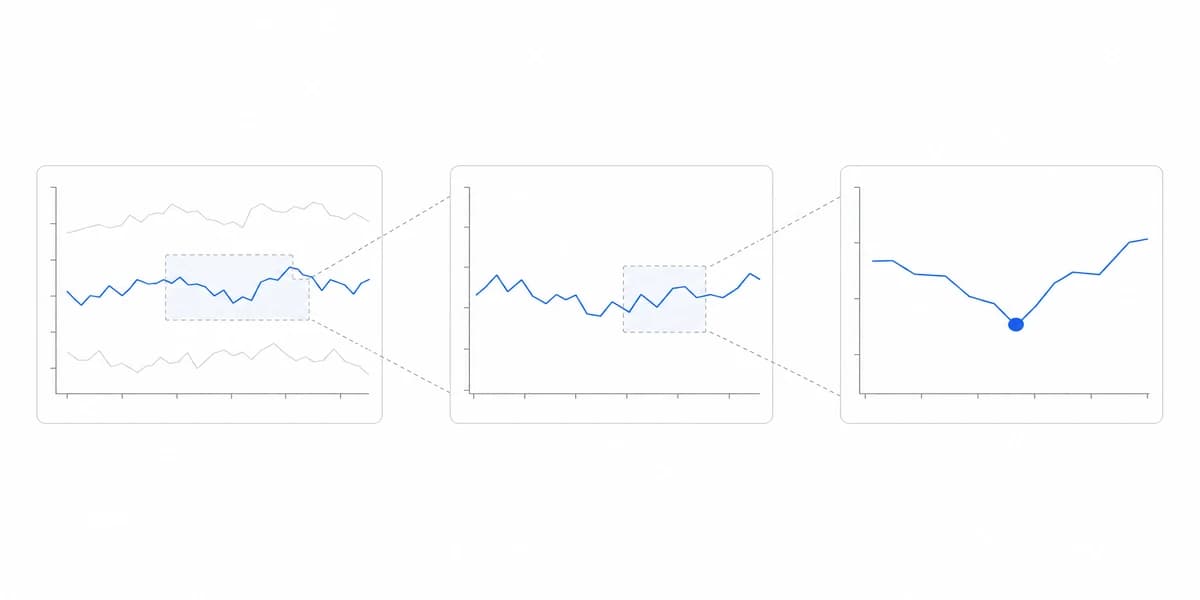
Drill-through should answer why the aggregate changed without widening access or changing the metric silently. Show inherited filters and comparison, metric definition, source and freshness, record grain, and permitted next action.
Test altered URLs, changed content IDs, hidden fields, suppressed groups, caches, exports, shared links, and back navigation. The user should be able to return to the analytical state without reconstructing every filter.
When no detail is available, explain whether the cause is aggregation, privacy, permission, retention, source absence, or failure. “No data” is not one state.
Treat Customer-Facing Analysis as a Product Boundary
Strong embedded analytics carries host identity into trusted tenant, role, object, field, row, metric, and action enforcement.
Preserve that scope across dashboard, query, drill-through, cache, CSV and PDF export, schedule, alert, saved view, shared link, API, error, log, and support tool. Do not rely on a browser filter or prompt context for authorization.
Design loading, empty, partial, stale, error, rate-limited, cancelled, and unauthorized states. Expose freshness and affected scope so a user knows whether a conclusion or action remains safe.
The KPI dashboard examples should be treated as hypotheses to validate with the local audience and decision.
Every Control You Add Multiplies the Paths Someone Has to Test
Four filters, two date modes, and a drill path are not seven features. They are the product of each other, and every combination is a query that can be slow, an empty state that can confuse, and a permission case that can be wrong.
That arithmetic is the argument for restraint rather than for minimalism. Add a control when a question a real user asks requires it, and remove one when the telemetry shows nobody moves it. Then test the combinations users actually reach, which the same telemetry will tell you, instead of pretending to test all of them and covering the easy ones.
Sometimes the Right Analytical Technique Is an Answer, Not a Dashboard
Interactivity earns its cost on questions that branch. When a question is asked the same way every time and has one defensible answer, a sentence carrying the number, its comparison, and its period serves the reader better than a canvas asking them to reconstruct it.
This is worth checking before the build rather than after, because a dashboard built for a question that does not branch spends the user's attention on navigation and then gets described as an adoption problem.
Test an Analytical Task End to End
Use a known-answer dataset and one representative question:
- Establish expected metric, population, comparison, and source totals.
- Authenticate an allowed role and deny another tenant, field, record, and action.
- Change context, inspect evidence, and return without losing state.
- Complete the intended conclusion, action, share, or handoff.
- Exercise missing, late, revised, partial, stale, and failed data.
- Test realistic volume, concurrency, extreme labels, mobile layout, keyboard use, and non-visual equivalents.
- Record interpretation errors, unresolved questions, support handoff, query evidence, and outcome.
The Bottom Line: An Analytical Dashboard Is a Governed Question Loop That Earns Each Chart
An analytical dashboard is a governed question loop. It earns each filter, comparison, chart, forecast, and drill-through by preserving meaning, scope, evidence, feedback, and a recoverable next step.
Start with one decision question and known expected evidence. Expand only after interpretation, denial, workloads, interactions, artifacts, recovery, and ownership pass together.
Where to go next
- Dashboard types guide: the four dashboard types sorted by how fast the reader has to act.
- Strategic Dashboard Design: design strategic dashboards around explicit objectives, review cadence, valid references.
- Dashboard Types articles: every article in this cluster.
Ready to launch customer-facing analytics?
Stop losing customers to competitors with better analytics. Sumboard's customer-facing analytics platform lets you launch self-service dashboards in days, not months.