An accurate dashboard can still fail if readers cannot explain what changed, why the comparison is relevant, or what decision follows.
The problem isn't that the data is wrong. It's that data without story context just sits there.
Data storytelling adds structure and context to evidence, building on the conventions of data visualization. In a customer-facing analytics product, ours included, it must also avoid overstating causes or recommendations that the data cannot support.
Disconnected Charts Leave the Reader to Reconstruct the Argument Themselves
A polished set of disconnected charts can leave the reader to reconstruct the argument.
For example, a 12% revenue decline is an observation. Seasonality, competitive pressure, and product issues are competing explanations that require additional evidence. A satisfaction score also needs its population, method, period, and suitable baseline before it supports a judgment.
The interface should supply the comparison it expects the reader to use. If seasonality is relevant, show the equivalent prior-year period or a seasonal model; do not label a pattern seasonal from one month-over-month comparison.
This is especially critical in embedded dashboard design, where you often don't control the broader product context around your analytics. When you're working with embedded analytics, narrative context becomes your primary tool for guiding user understanding.
Data Storytelling Is Data, Narrative and Visuals, and Embedded Changes What Each One Means
Traditional data storytelling frameworks talk about three elements: data, narrative, and visuals. That's still true, but embedded analytics adds unique constraints and opportunities.
A narrative cannot compensate for data that is wrong or wrongly scoped
The narrative cannot compensate for incorrect or poorly scoped data. In customer-facing analytics, users also need enough provenance to judge whether the number applies to their account and decision.
When a product manager sees weird numbers in an internal dashboard, they might question the query. When your customer sees weird numbers, they question your entire product.
Build trust by:
- Showing data freshness and the last successful refresh
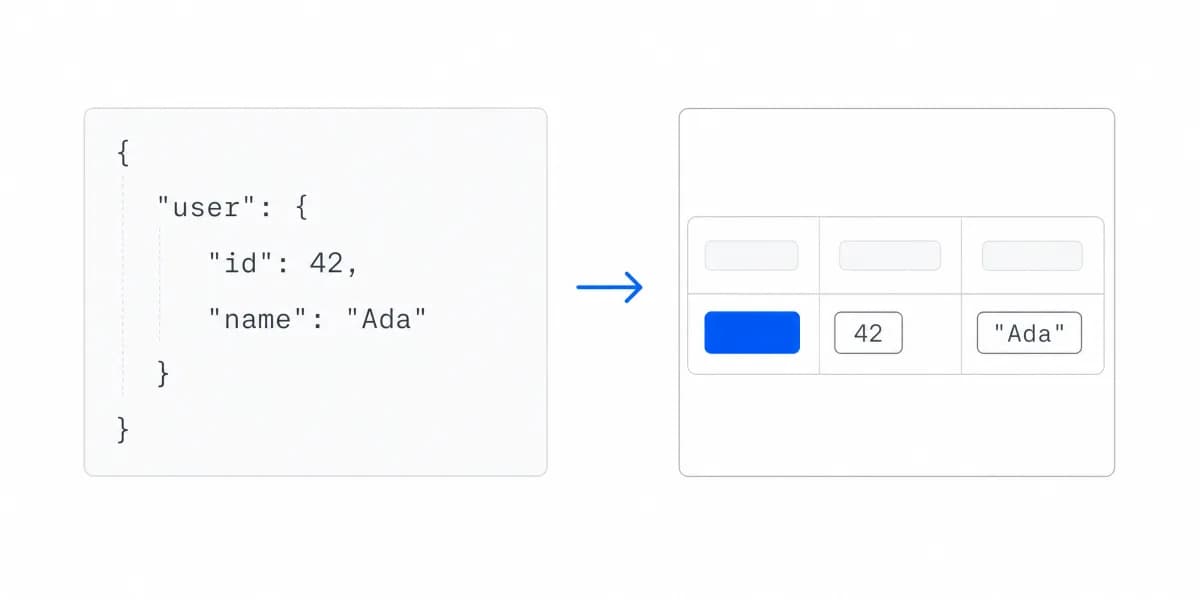
- Making calculation methods, scope, and exclusions available
- Keeping authorization and tenant filtering enforceable on the server
- Providing a path to report or investigate unexpected values
Narrative structure is a reading order, and a dashboard has one whether you chose it or not
One useful dashboard sequence is:
- Context: What population, period, and baseline are in view?
- Observation: What changed, and by how much?
- Action: What should be checked or decided, and who owns it?
In embedded analytics, the dashboard itself can carry that sequence through:
- Dashboard titles that state the insight, not just the topic
- Interactive tooltips and clear labels to highlight key data points
- Contextual callouts for "why this matters"
Visual principles still apply, and embedded changes the density and interaction budget
Visualization principles still apply, but the information density and interaction model must match the customer's task and expertise.
For embedded analytics, follow the visual best practices with these adaptations:
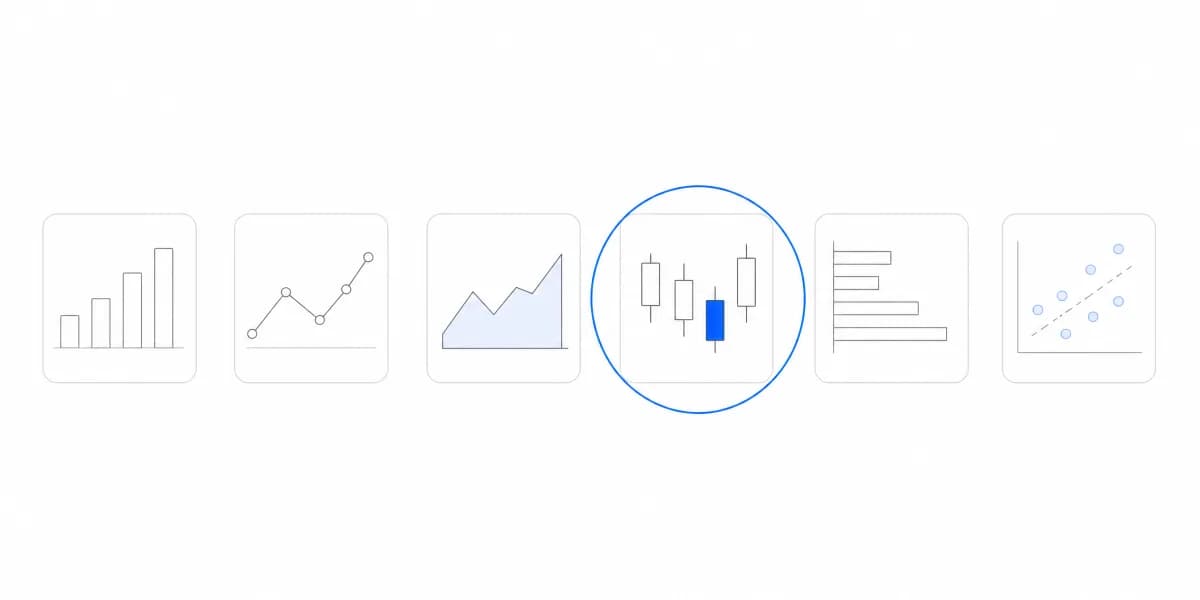
- Match the chart to the question: Prefer familiar encodings when they answer the task without extra interpretation
- Control cognitive load: Give each chart a clear analytical purpose
- Design for scanning: Clear labels, minimal colors, obvious trends
Embedded Analytics Is Not the Presentation Model, So the Reader Can Answer Back
Here's where embedded analytics gets interesting. You're not limited to the "presentation" model of storytelling (slide 1, slide 2, slide 3). You can build interactive narratives that adapt to user exploration.
Think about the shift from "here's what happened" to "explore what's happening."
Progressive disclosure can start with a high-level observation and reveal detail through drill-down:
- Executive summary view: "Revenue changed this quarter"
- Click to explore: Revenue by product line
- Click again: Individual product performance
- Final layer: Customer-level detail
Each layer should preserve the active scope and expose where the reader is in the hierarchy.
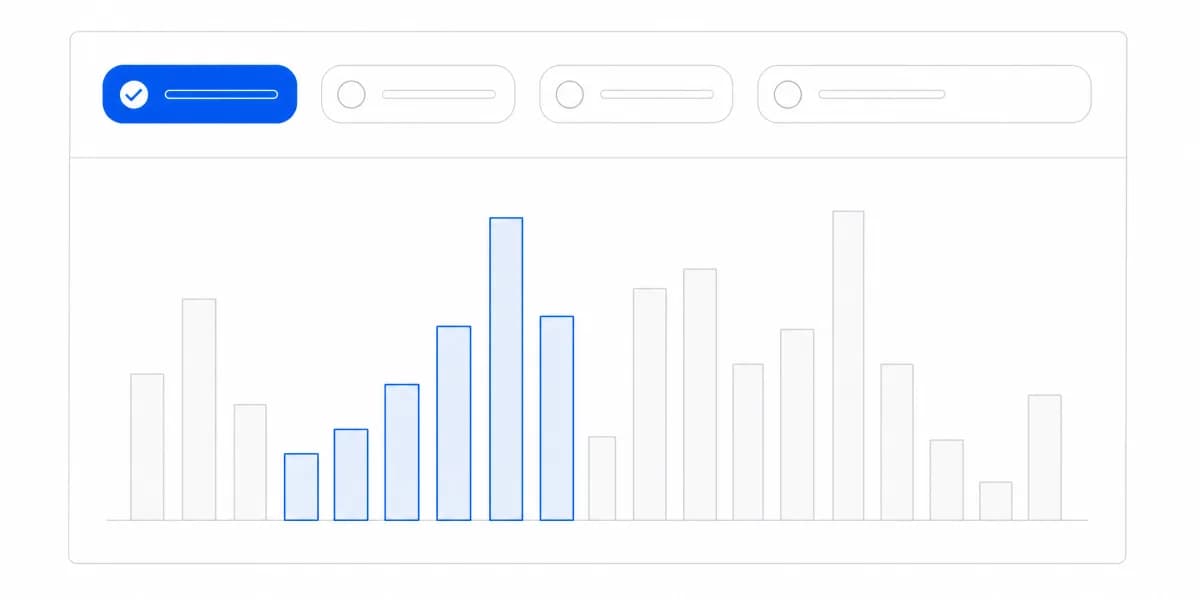
Contextual filters become narrative tools. When a user filters to "Enterprise customers," the entire dashboard should respond with enterprise-specific insights. Not just filtered charts, filtered story context.
For example:
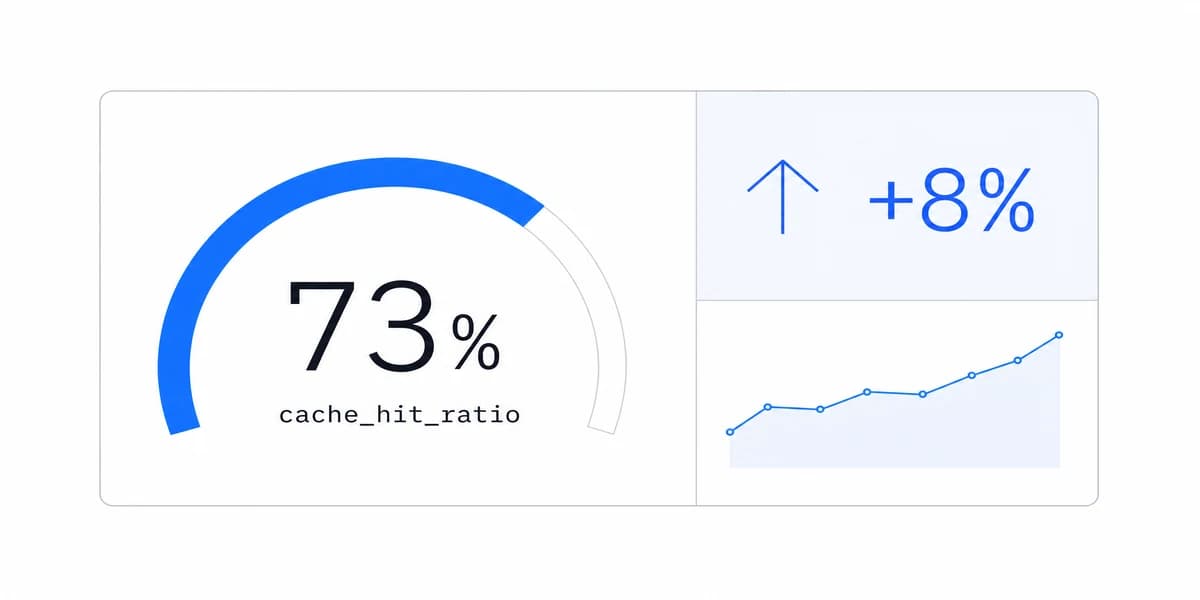
- Generic: "Customer satisfaction: 78%"
- Contextualized: "Enterprise satisfaction: 82% (4 points above average)"
Five Data Storytelling Techniques That Survive Production
Let's get specific. Here are techniques that work in production embedded analytics:
Use an evidence-backed title. Replace a topic-only title such as "Monthly Active Users" with a descriptive statement only when the selected period, comparison, and filters support it. Keep the time window visible and update the title when filters change.
Use a comparison when the decision needs one. Candidate references include:
- vs last period
- vs same period last year
- vs target/goal
- vs a methodologically compatible benchmark
Design for self-service exploration. Not every user wants the same story. Build dashboard design patterns that let users explore their own questions while keeping the main narrative clear.
Give users:
- Clear filtering options
- Obvious drill-down paths
- Breadcrumbs to track where they are
- Reset buttons to return to the main story
Progressive complexity. Don't dump everything on screen at once. Reveal detail as users need it:
- Level 1: High-level KPIs with clear trends
- Level 2: Supporting metrics that explain the KPIs
- Level 3: Detailed breakdowns for investigation
An Annotation Is the Cheapest Storytelling Device and the First One to Go Stale
A line on a chart marking the day a change shipped does more narrative work than a paragraph beside it, because it puts the explanation where the reader's eye already is. That is why annotation is usually the first technique worth adding.
It is also the one that rots quietly. An annotation is a claim about the world written at a moment in time, and the world moves: the campaign it names ends, the release it marks gets rolled back, the person who added it leaves. Unlike a wrong number, a stale annotation triggers no alert and looks exactly as authoritative as a correct one.
Treat annotations as content with an owner and an expiry. Record who added each one and when, review them on the same cadence as the dashboard itself, and prefer annotations generated from a system of record, such as a deploy log or a campaign schedule, over hand-typed notes that nobody is responsible for revisiting.
Information Overload Is the First Data Storytelling Mistake, and the Most Common
Mistake 1: Information overload. A screen with many unrelated charts has no clear reading order. Fix: Group charts by decision, establish hierarchy, and use progressive disclosure for secondary detail.
Mistake 2: Missing the "so what." A change is shown without its decision relevance. Fix: State the threshold or consequence and identify the next investigation or action without claiming an unsupported cause.
Mistake 3: Dashboard design that fights the story. Visual hierarchy should support the intended reading order. Fix: Validate placement with representative users and supported reading directions, and use position, size, labels, and restrained colour consistently. Avoid common visualization mistakes that distract from the evidence.
Mistake 4: Forgetting your audience. What resonates with a data analyst won't resonate with a restaurant manager or healthcare administrator. Fix: Test your dashboards with actual users. Watch where they get confused.
Mistake 5: Static thinking in an interactive medium. You're not creating a PowerPoint deck. Take advantage of interactivity. Fix: Use hover states, click-to-expand, contextual filters, make the story responsive to user exploration.
The gap between having data and making data-driven decisions isn't about more metrics or better charts. It's about clarity of narrative. When you build customer-facing analytics, you're not just delivering data. You're delivering the story that data tells.
The result should let a representative user identify the scope, describe the observed change, distinguish evidence from explanation, and find the next step. Test those outcomes directly rather than assuming that a polished narrative guarantees understanding.
Where to go next
- Chart types guide: more than forty charts grouped by the question each one answers.
- Cash flow visualization: most cash flow dashboards show you what happened last month.
- Data Visualization articles: every article in this cluster.
Ready to launch customer-facing analytics?
Stop losing customers to competitors with better analytics. Sumboard's customer-facing analytics platform lets you launch self-service dashboards in days, not months.