The move from a static table to interactive analytics should begin with a customer task, not with the assumption that tables are obsolete or that interaction commands a premium.
A static artifact can be the right answer for exact lookup, reconciliation, approval, transfer, or archival. An interactive surface earns its complexity when an authorized user needs to change context, inspect evidence, and take a permitted next step.
Demand Often Appears as a Workaround
Look beyond the feature-request queue:
- repeated CSV or spreadsheet exports followed by recurring local reports;
- support tickets that request the same filtered data pull;
- onboarding notes describing a separate reporting workflow;
- customer data loaded into an external BI or warehouse tool;
- shared spreadsheet templates maintained outside the product;
- reporting or visibility mentioned in expansion, renewal, or exit conversations;
- requests phrased as “insights,” “visibility,” “comparison,” or “dashboard.”
These signals are countable, but they remain hypotheses. An export can be a required audit artifact. External BI may combine several systems. A data-pull ticket may reflect missing source data rather than missing interaction.
Segment evidence by customer, role, task, frequency, data volume, and outcome before choosing a solution.
Choose the Artifact From the Question
Use a table when the task prioritizes exact values, scanning many fields, comparison across rows, copy or download, reconciliation, and audit evidence.
Use an interactive view when the task requires:
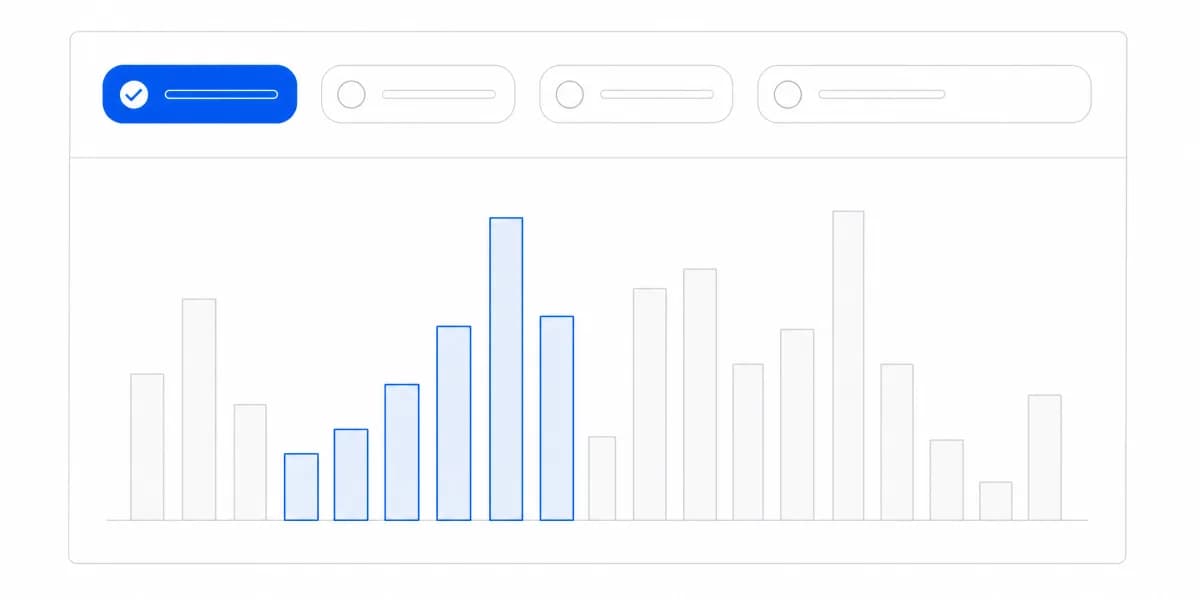
- changing a permitted filter, period, segment, or comparison;
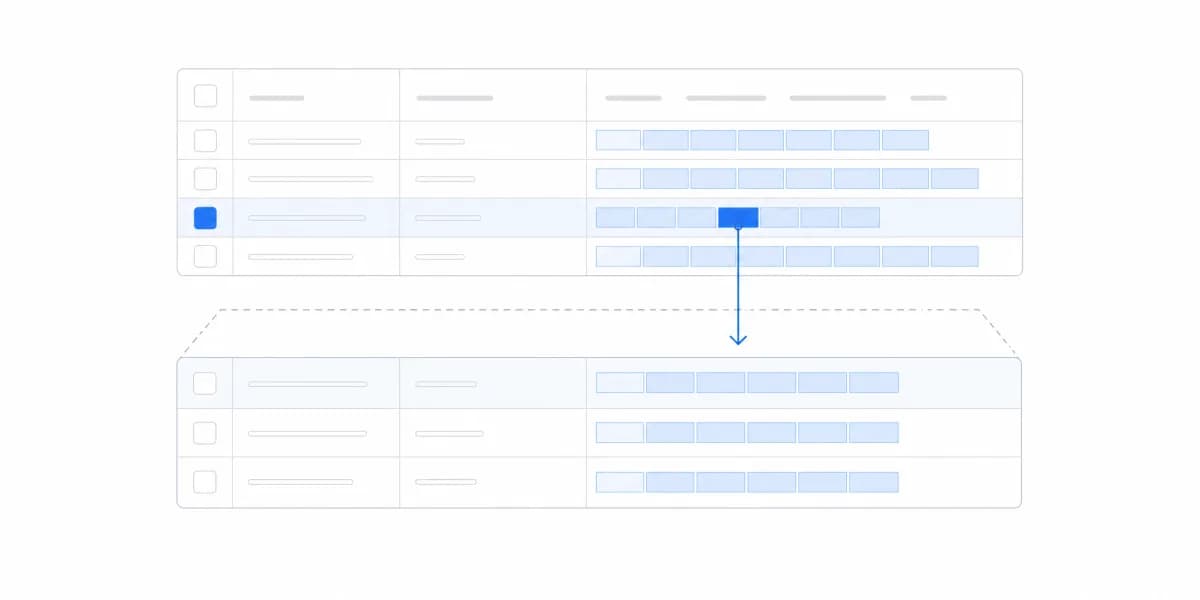
- moving from an aggregate to authorized detail;
- seeing how context changes the result;
- preserving a reproducible question state;
- taking an in-product action or handoff;
- receiving bounded progress, error, and recovery feedback.
Use a PDF, spreadsheet, or scheduled artifact when approval, distribution, annotation, archival, or operation outside the product matters. A good product may support all three routes.
The same metric definition, filters, tenant and field scope, currency, timezone, freshness, and source evidence should travel across live and generated surfaces.
Define the Interactive Question Loop
Before building controls, write:
- user, customer, role, and entitlement;
- decision and allowed use;
- metric, entity, grain, period, and comparison;
- permitted filters and drill-through;
- evidence, definition, and freshness;
- authorized next action;
- saved, shared, exported, or scheduled continuation;
- expected result and failure condition.
Every filter should expose its current state and effect. Back navigation, refresh, shared URLs, saved views, and exports should preserve or clearly reset context. Empty, partial, stale, error, cancelled, rate-limited, and unauthorized states need distinct behavior.
Interactivity is useful only when it improves completion or interpretation of the customer task. More controls can increase ambiguity, query cost, and support burden.
Keep Table Strengths in the Interactive Product
Do not replace every table with a chart. Analytical workflows often need a summary visual and a precise evidence table together.
For responsive tables, choose deliberately among:
- progressive disclosure for a few decisive columns plus expandable detail;
- row-to-card transformation when each entity is read as a compact record;
- horizontal scrolling when retaining every column is more important than immediate overview;
- a downloadable governed artifact when the task leaves the viewport.
Preserve column meaning, units, sort state, filters, totals, pagination, selection, focus, headers, and screen-reader relationships. Make horizontal overflow visible rather than clipping it silently.
Protect Scope Through Every Interaction
Host authentication must map to permitted customer, account, objects, fields, rows, metrics, comparisons, and actions in trusted services. A browser filter is not authorization.
Test isolation across:
- altered filters and direct identifiers;
- sorting, pagination, search, and drill-through;
- cached and precomputed results;
- CSV, spreadsheet, image, and PDF exports;
- scheduled recipients and attachments;
- saved views, shared links, bookmarks, and APIs;
- filter options, counts, errors, logs, and support tooling.
The user must not infer forbidden customers, records, fields, or aggregates through suggestions, suppressed groups, timing, or failure messages.
Test Workloads Instead of Promising Immediacy
Interactive analytics creates variable query demand. Define permitted dimensions, joins, time ranges, row counts, concurrency, queueing, timeout, cancellation, cache policy, export size, and schedule frequency.
Test production-shaped questions and the most expensive allowed combinations. Measure interaction response, query tail, cancellation, recovery, cache correctness, artifact completion, and noisy-neighbor behavior.
“Instant” is not a universal requirement. A small filter response and a large governed export have different objectives and feedback contracts.
Validate Demand Before Pricing
Do not treat external analytics spend as revenue that automatically belongs to the primary SaaS product. External contracts may cover integration, data cleaning, governance, consulting, cross-system models, or bespoke support.
For a potential paid tier, define:
- buyer, user, and budget owner;
- customer task and replacement boundary;
- included capabilities, limits, and service level;
- implementation, support, infrastructure, and incident cost;
- eligible accounts and entitlement enforcement;
- willingness-to-pay method and alternatives;
- activation, correct task completion, retained use, expansion, and margin.
Use interviews, prototype task tests, design-partner agreements, and a controlled pricing or packaging experiment. Dashboard views, export counts, or a stated preference alone do not prove willingness to pay.
Run a Production-Shaped Pilot
Choose one recurring workaround and one representative customer role:
- Establish the current task, artifact, time, errors, and support cost.
- Build the smallest interactive loop that can replace or complement it.
- Reconcile expected results and preserve raw evidence.
- Test permitted and denied customer, field, record, and artifact access.
- Exercise missing, late, partial, stale, and failed data.
- Test desktop, mobile, keyboard, screen reader, extreme labels, volume, concurrency, and recovery.
- Compare task completion, interpretation, handoff, support demand, retained use, and operating cost with the baseline.
The Bottom Line: Tables and Interactive Analytics Are Complementary, and the Task Chooses
Static tables and interactive analytics are complementary artifacts. Choose between them from the customer task, preserve the same meaning and scope, and treat observable workarounds as evidence to investigate rather than guaranteed product demand or revenue.
Start with one recurring question and one measurable workaround. Expand only after task value, denial, workloads, artifacts, accessibility, recovery, and commercial evidence pass together.
Where to go next
- Chart types guide: more than forty charts grouped by the question each one answers.
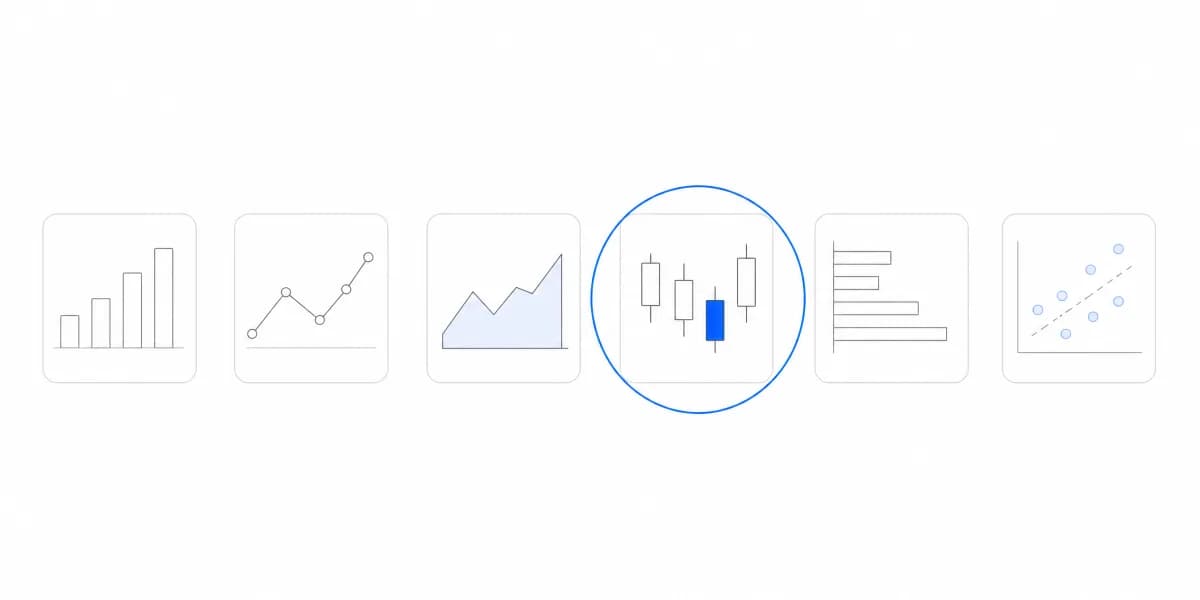
- Chart Types: the question is not which charts to support but which questions customers need answered.
- Data Visualization articles: every article in this cluster.
Ready to launch customer-facing analytics?
Stop losing customers to competitors with better analytics. Sumboard's customer-facing analytics platform lets you launch self-service dashboards in days, not months.