AI can shorten the path from a question to a proposed chart, but it also creates new ways to produce a confident answer with the wrong metric, scope, time window, query, or explanation.
The product goal is not “AI-powered visualization.” It is a bounded, authorized, inspectable answer that a user can interpret and act on safely.
Separate Proposals From Decisions
AI may propose:
- an interpretation of a natural-language question;
- a metric, entity, filter, comparison, and time window;
- a query or semantic-plan candidate;
- a chart encoding and annotation;
- an anomaly candidate or contributing slice;
- a forecast, scenario, or narrative explanation.
Governed services must decide whether the proposal is valid, authorized, executable, and releasable. Keep this boundary explicit in architecture, interface copy, logs, and acceptance tests.
The AI analytics guide should be evaluated through these contracts rather than through a feature checklist.
An NLQ Answer Needs an Evidence Contract
A natural-language request should pass through four visible responsibilities:
- Parse and clarify: identify metric, entity, window, grain, comparison, and unresolved ambiguity. Ask a bounded clarification when multiple valid interpretations remain.
- Compile and authorize: bind certified semantics, tenant and role, object/field/row/action policy, query limits, and an inspectable plan.
- Execute and verify: apply time and cost budgets, check freshness and partial states, record a query identifier, and compare the result with expected invariants.
- Release an answer packet: show the interpreted question, metric version, filters, scope, freshness, source, result, and evidence needed for drill-through or support.
Follow-up questions must explicitly keep, change, or clear inherited metric, filters, time window, grain, and comparison. Hidden conversational state is especially dangerous when a short phrase such as “what about Europe?” silently reuses an outdated measure or tenant context.
Govern Chart Generation
Data shape alone cannot determine the right visualization. The chart depends on the task, semantic types, uncertainty, comparison, audience, and permitted detail.
Validate generated charts for:
- metric grain, aggregation, unit, currency, timezone, and freshness;
- categorical order, missing values, suppressed groups, and zero baselines;
- temporal interval, gaps, late data, and forecast boundary;
- scale, domain, binning, normalization, and dual-axis risk;
- label accuracy, legend meaning, annotation source, and uncertainty;
- keyboard access, accessible name, text alternative, color contrast, and mobile behavior.
Use appropriate chart types as encoding patterns, then test the generated result against the exact question. A plausible chart is not necessarily a valid answer.
The visualization best practices guide remains applicable whether a person or a model selected the encoding.
Make Anomaly Detection Operational
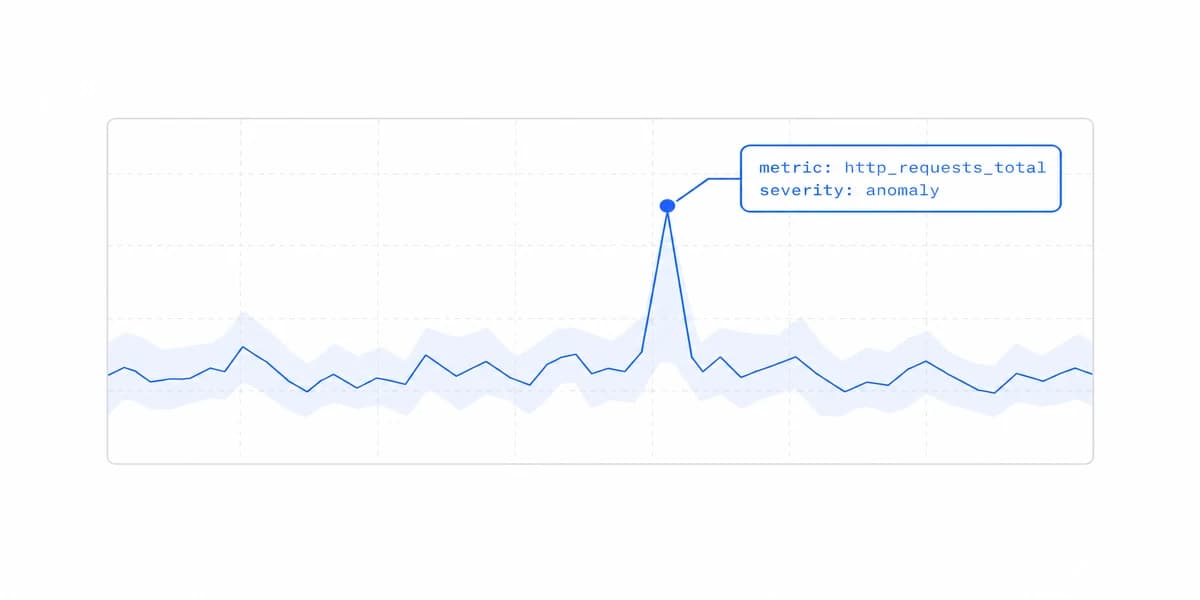
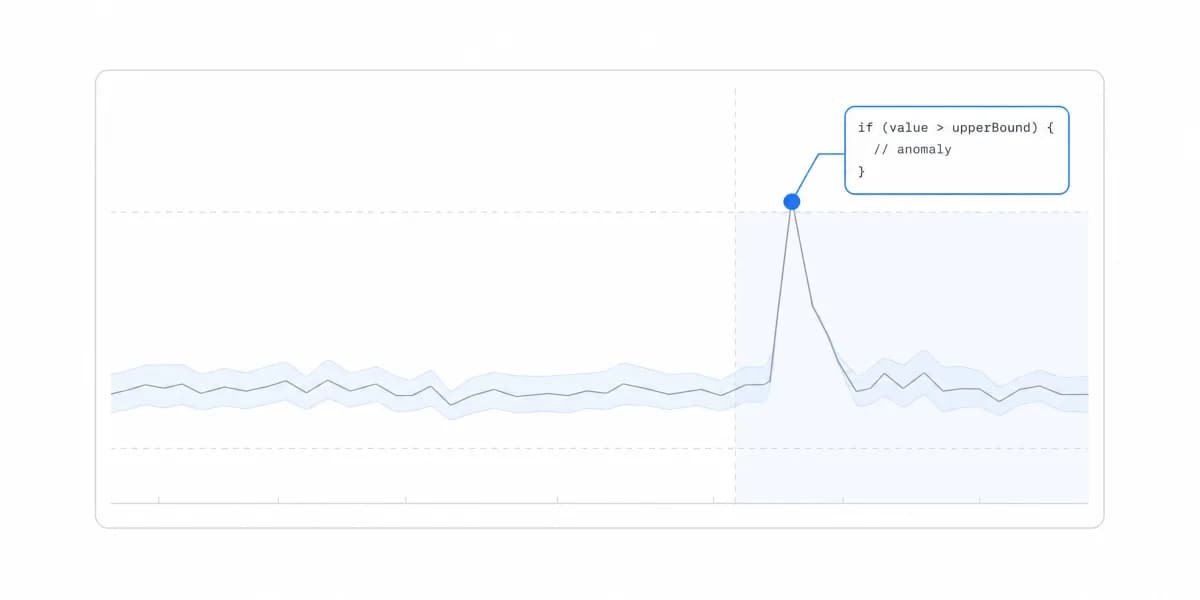
An anomaly is a candidate for investigation, not automatically an incident or explanation. Record metric and segment, comparison population, method and version, threshold, seasonality, affected time range, source freshness, magnitude, and confidence behavior.
Connect the signal to an owned workflow: severity, owner, permitted response, runbook, review time, expected confirmation, and closure rule. Deduplicate repeated signals and preserve acknowledgement, assignment, action, retry, and handoff.
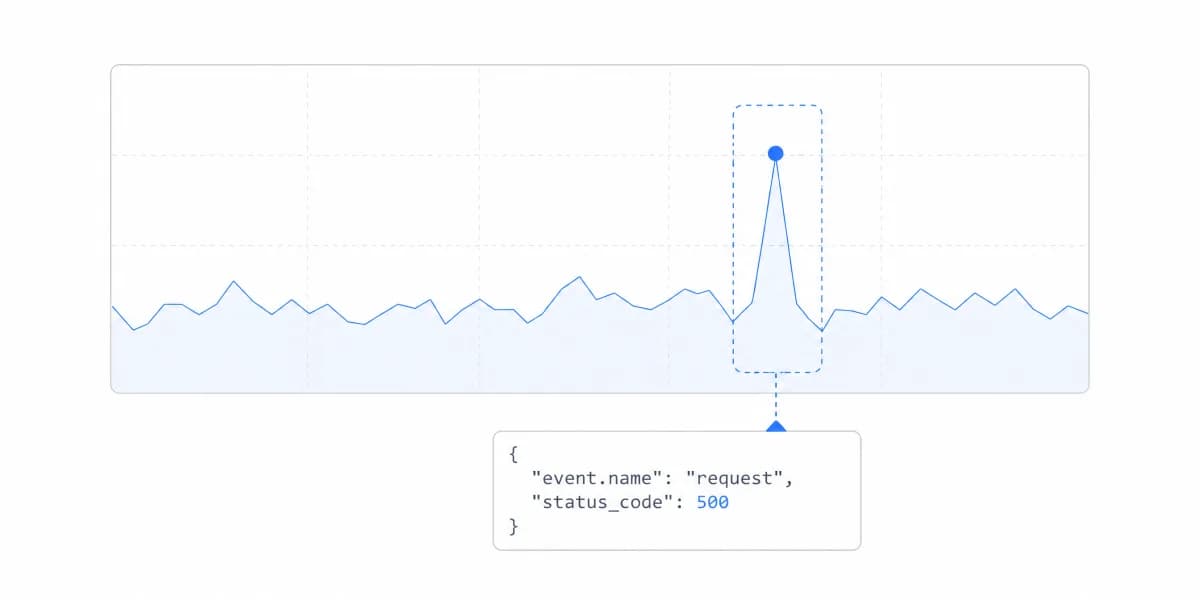
Distinguish data-quality anomalies from business changes. A missing ingestion partition, metric-definition change, timezone shift, or late correction can resemble an operational event. The interface should expose these states rather than generate a causal narrative from correlation.
Present Forecasts as Conditional Evidence
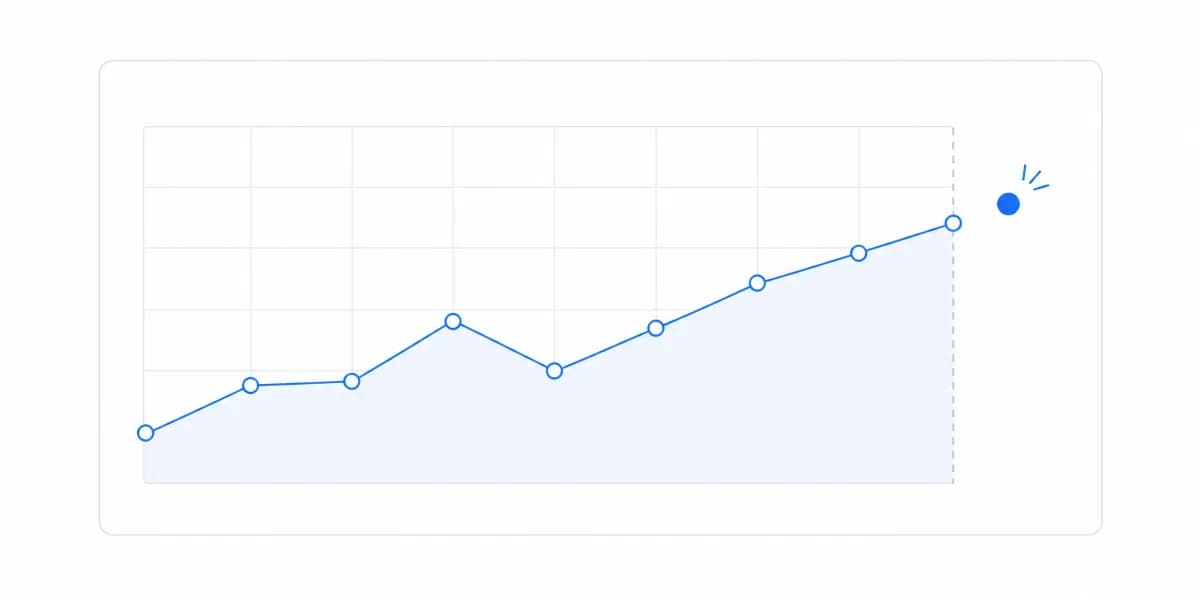
A predictive overlay needs target, horizon, training and evaluation windows, model and feature versions, assumptions, uncertainty interval, backtest evidence, update cadence, and fallback.
Separate observed, estimated, forecast, and scenario values visually and semantically. Do not extend a historical line into the future without an explicit boundary. Explain which inputs can change the projection and which business action remains under the user's control.
The predictive analytics dashboard guide should treat uncertainty and failure behavior as part of the product contract, not decoration.
Enforce Tenant and Field Scope Before Model Context
Customer-facing AI must not receive or infer data outside the authorized customer, account, role, fields, metrics, and actions. Build the context from trusted scope after host authentication; do not ask a model to decide which records a user may see.
Test direct and indirect disclosure through:
- prompts and follow-up context;
- suggested questions, autocomplete, and filter options;
- generated query text and error messages;
- row counts, suppressed groups, and explanations;
- retrieval context, examples, caches, and traces;
- drill-through, exports, shared links, and schedules;
- feedback, evaluation datasets, and support tooling.
The multi-tenant analytics architecture must extend through model inputs, tool calls, results, artifacts, observability, retention, and deletion.
An embedded analytics platform may provide query and rendering primitives, but the product team still owns identity, semantic scope, model behavior, customer communication, and incident response.
Tell the User What Produced the Answer
Disclosure belongs in the contract rather than in the footer. A generated narrative and a computed total should not look identical on the screen, because a reader who cannot tell them apart will extend the trust earned by the arithmetic to the sentence beside it.
Practically this means marking generated text as generated, keeping the numbers it refers to visible and checkable next to it, and never letting an explanation appear without the query or metric version that produced it. Labelling costs a line of interface and buys the ability to be wrong survivably, which is the difference between a correction and an incident.
The Correction Path Is the Feature, Not the Fallback
When the interpretation is wrong, the user needs a route back that costs less than starting over. Let them edit the interpreted question rather than rephrase the original one. Show the filters that were applied and allow one to be changed without rebuilding the rest. Give a way to report an answer as wrong that reaches a person, and carry the query identifier with the report so that person can reproduce it.
A product whose only recovery is "try rephrasing" has pushed the diagnostic work onto the reader least equipped to do it, and it will hear about the failure through support rather than through the interface.
Test With Known Answers and Safe Non-Answers
Create an evaluation set from representative customer tasks, difficult phrasing, ambiguous questions, unsupported metrics, forbidden fields, empty data, late data, and expensive allowed queries. Include multilingual or locale variants only where the product claims to support them.
For every case, define whether the correct behavior is answer, clarify, refuse, report partial data, or report failure. Measure:
- correct interpretation and result;
- correct tenant, field, and action denial;
- unsupported claims and misleading charts;
- evidence completeness and reproducibility;
- follow-up context retention or reset;
- query latency, cancellation, cost, and recovery;
- accessible and mobile task completion;
- user correction and support handoff.
Concurrency should be tested with production-shaped questions, data volume, caches, and service limits. A fixed user count or “instant” response is not a universal acceptance standard; define the workload and tail objective for the actual product task.
The Bottom Line: AI Visualisation Earns Its Place Only If It Hides Nothing
AI data visualization is valuable when it reduces the effort required to reach a governed answer without hiding interpretation, authorization, evidence, uncertainty, or failure.
Start with one question class and a known-answer evaluation set. Expand only after correct answers, safe clarifications and refusals, tenant denial, charts, artifacts, workloads, and recovery pass together.
Where to go next
- AI analytics guide: the seven categories of AI analytics and the different question each one answers.
- Agentic Analytics: AI agents that don't just surface insights, they decide and act.
- AI Analytics articles: every article in this cluster.
Ready to launch customer-facing analytics?
Stop losing customers to competitors with better analytics. Sumboard's customer-facing analytics platform lets you launch self-service dashboards in days, not months.